Some of the links in this post are affiliate links, which means I may earn a small commission if you choose to make a purchase at no extra cost to you. As an Amazon Associate, I earn from qualifying purchases. Read my full Ethics & Affiliate Relationship Disclaimer.
Apple finally launched the M6 and M5 Pro Mac minis. The M6 starts at $899 and the M5 Pro starts at $1,699, so there is an $800 gap between them. I have had both on my desk long enough to run my full set of real-world tests: Final Cut Pro, Lightroom Classic, Logic Pro, Blender, Xcode, local AI, and the usual benchmarks.
Honestly, the M6 really surprised me. It beat the M5 Pro in some tests I fully expected the more expensive Mac to win. But the M5 Pro still earns its price for a few specific kinds of work. Here is exactly where each one wins, so you can figure out which one you should actually buy.

Most people should buy the M6. It has faster single-core speeds and beat the M5 Pro in Final Cut Pro exports and Lightroom AI Denoise. The M5 Pro earns its price for local AI, big Logic sessions, multicam editing, and GPU work.
- M6 beat the M5 Pro in 4K exports, Magnetic Mask, and AI Denoise
- M6 is about 14% faster in single-core
- M5 Pro has double the memory bandwidth and writes about 70% faster in local AI
- M5 Pro plays 12 streams of 6K video at once vs 5 on the M6
- The M6 still starts with a slower 256GB SSD
- M6 is limited to Thunderbolt 4 and 32GB of memory
- M5 Pro costs $800 more and was slower in Final Cut exports
- Memory upgrades are expensive on both
Specs and price
The M6 I tested is the base chip with a 12-core CPU, a 12-core GPU and 16GB of memory. I did upgrade it to 512GB of storage and 10Gb Ethernet, which puts it at about $1,200 as configured. The M5 Pro is the base model with a 15-core CPU, a 16-core GPU, 24GB of memory and a 512GB SSD. A huge thanks to B&H for loaning me the M5 Pro so I could compare it to my M6.
| M6 Mac mini | M5 Pro Mac mini | |
|---|---|---|
| Starting price | $899 | $1,699 |
| CPU | 12-core | 15-core (18-core for $200 more) |
| GPU | 12-core | 16-core (20-core for $200 more) |
| Memory | 16GB, up to 32GB | 24GB, up to 64GB |
| Memory bandwidth | 153GB/s (170GB/s with 24 or 32GB) | 307GB/s |
| Storage | 256GB and up | 512GB and up |
| Thunderbolt | Thunderbolt 4 | Thunderbolt 5 |
| Networking | Wi-Fi 7, 2.5Gb Ethernet | Wi-Fi 7, 2.5Gb Ethernet |
| As I tested it | 16GB, 512GB, 10Gb Ethernet (about $1,200) | Base model ($1,699) |
Almost everything else is the same. They are the exact same size, although the M5 Pro weighs a little more. Both have the same USB ports on the front, Wi-Fi 7, and 2.5Gb Ethernet as standard.

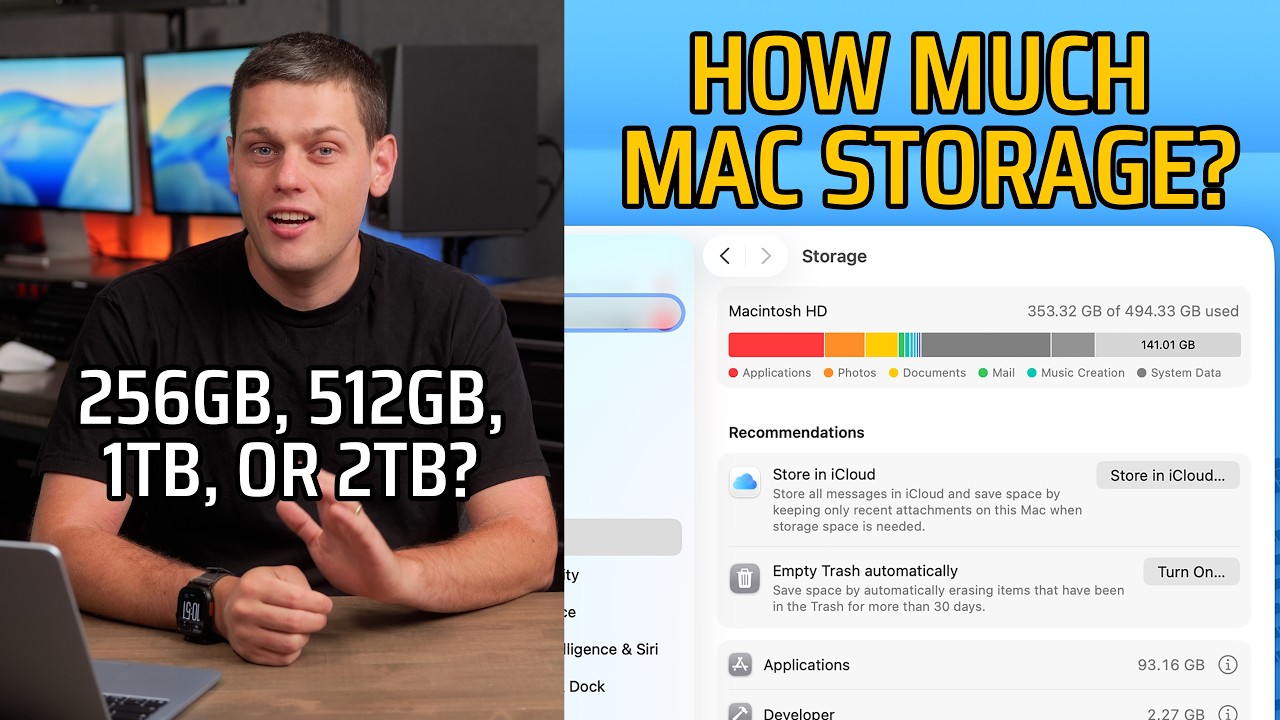
The part I don’t love is that the base M6 still starts with 256GB of storage, and it is not just small, it is slower too. The 256GB SSD comes in at about 3,000MB/s, while the 512GB version reads and writes at about 6,000MB/s. You also can’t open this one up and swap the SSD like you could on the M4 Mac minis, so you are stuck with whatever you buy and you expand with the Thunderbolt ports on the back. If you are buying the M6, my recommendation is to skip the 256GB and start at 512GB. That is a $200 upgrade.
If this is already confusing and you are not sure which Mac to pick, I offer free personalized Mac buying recommendations. Tell me what you do and I will help you pick the right one.
Everyday use
For the last few months I have been using the M5 MacBook Air and my M4 Max Mac Studio, and I love both of them. After using the M6 for a while, it honestly feels almost as fast as the Mac Studio. Setting it up, downloading apps, moving files around, and editing in Final Cut Pro are all smooth and snappy. Everything on the M6 just works.

When you start throwing heavy work at it, it is kind of ridiculous what it can do, especially next to the M5 Pro. It doesn’t really make sense that this much computing power fits in a box this small and this cheap. Most of the reasons to buy the M5 Pro don’t even show up until you get into the heavier tests.
Real-world tests
Every chart below pulls straight from my Mac test results, so the numbers here match what I show in the video.
Final Cut Pro
This is the test that surprised me the most. A 3-minute 4K export took 1:08 on the M6 and 1:19 on the M5 Pro. A 30-minute 4K export took 11:28 on the M6 and 13:01 on the M5 Pro. So both export tests were slower on the more expensive computer, even though it has the better GPU.
Magnetic Mask on an 18-second clip took 17 seconds on the M6 and about 24 seconds on the M5 Pro. I expected the M5 Pro to win in Final Cut, but on 4K exports and Magnetic Mask the cheaper Mac won every time.
Where the M5 Pro pulls ahead is playback. I stacked 6K clips on top of each other with different opacities and tried to play them all back at once. The M6 handled 5 of them and the M5 Pro handled 12. If you cut a lot of multicam, or you need to see a lot of clips at the same time, the M5 Pro is the better option.
Lightroom Classic
For exports, I exported batches of RAW photos as full-quality JPEGs. 50 photos took 13.4 seconds on the M6 and 11.5 seconds on the M5 Pro. 200 photos took 48 vs 42 seconds, and 500 photos took 1:50 vs 1:31. So the M5 Pro wins exports, and the gap grows as the batch gets bigger. On a small shoot you will barely notice, and I think the times on both are more than acceptable.
Initial previews, which Lightroom builds when you import so you can start scrolling and culling, went the other way. The M6 built previews for 500 photos in 15.5 seconds, and the M5 Pro took 18 seconds.
AI Denoise is one of the heaviest things Lightroom does, and the M6 won that too. A single RAW photo took 5.5 seconds on the M6 and 6.7 seconds on the M5 Pro. A batch of 50 RAW photos took 4:07 on the M6 and 5:10 on the M5 Pro. So the M5 Pro exports faster, but the M6 won on previews and AI Denoise.
Logic Pro
A bounce is when Logic takes every track in your project and exports it down to one audio file. A 64-track project, which is a normal session for a lot of people, bounced in 20 seconds on the M6 and 12 seconds on the M5 Pro. The M5 Pro is faster, but 20 seconds is still quick, and for podcasts, voiceovers, or a typical song the M6 is going to be just fine. A 500-track project took 2:30 on the M6 and 1:40 on the M5 Pro.
Then I added tracks with plugins until each Mac started dropping audio. The M6 maxed out at 196 tracks, and the M5 Pro handled 328. For day-to-day audio work the M6 is plenty, but if you run huge sessions with a lot of MIDI tracks and plugins, the M5 Pro gives you a lot more room before it starts to struggle.
Memory bandwidth
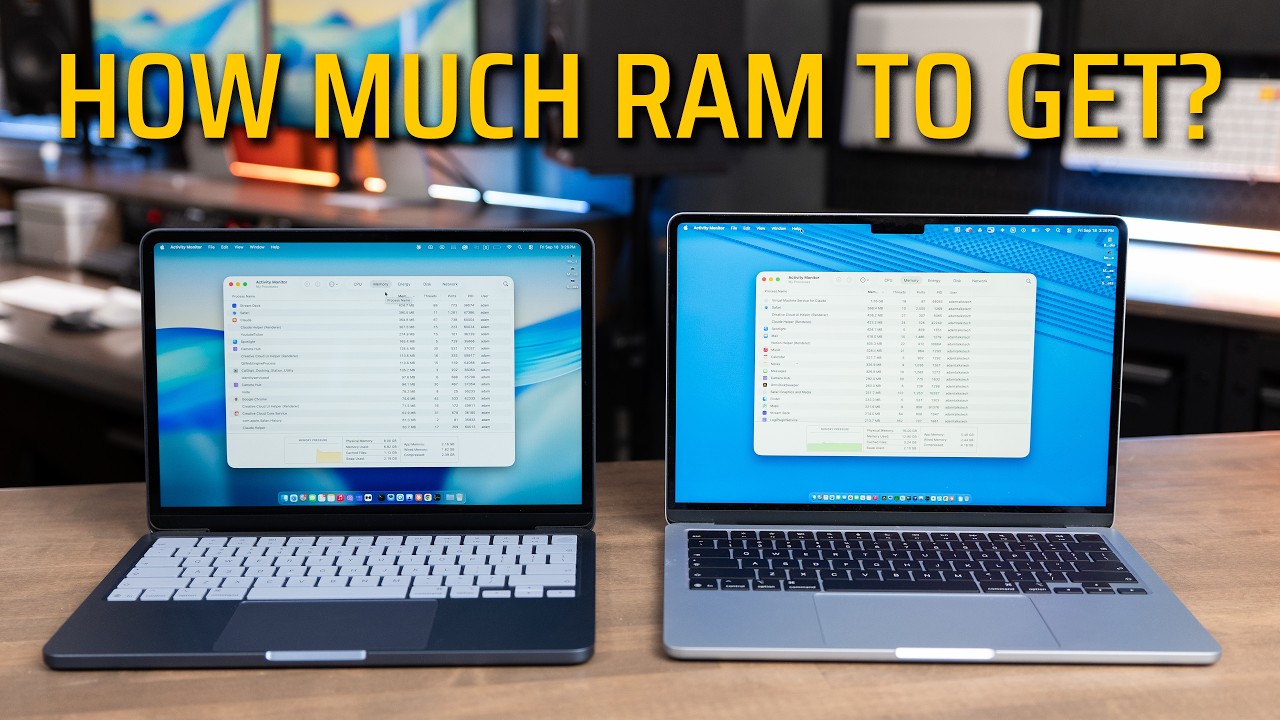
Memory is where your Mac holds whatever it is working on right now, and bandwidth is how fast the chip can pull that data in and out. The M6 with 16GB runs at 153GB/s. If you upgrade the M6 to 24 or 32GB, you get 170GB/s. The M5 Pro moves about 307GB/s, which is double the M6. You feel that most in GPU work, big projects, and local AI, and it shows up clearly in the next test.
Local AI
I used LM Studio, which runs AI models right on your Mac with nothing going to the cloud. I ran Google’s Gemma 3 4B on both with two prompts: writing 50 paragraphs about the Roman Empire, which is a long answer that shows how fast each Mac keeps writing, and summarizing Apple’s environmental journey, which is much shorter. Time to first token is how long you wait before it starts answering, and tokens per second is how fast it writes once it gets going.
On the Roman Empire prompt, the M6 started answering in 0.39 seconds and the M5 Pro took 0.42 seconds, so basically a tie. Once they started writing, though, the M6 ran 54 tokens per second and the M5 Pro ran 92. The summary prompt was the same story. Both started in about half a second, then the M6 wrote at 53 tokens per second and the M5 Pro at 93. That is about 70% faster on the M5 Pro, and it lines up with the extra memory bandwidth. If local AI is your thing, bandwidth is the spec to shop by.
DiffusionBee, an AI image generator, was a lot closer. With the same prompt on both, a cat working on a laptop with nachos on the side, the M6 made the image in 9.93 seconds and the M5 Pro in 8.7 seconds.
Xcode
The Xcode benchmark took 126 seconds on the M6 and 105 seconds on the M5 Pro, averaged over three runs. The M6 did very well, but the M5 Pro still beat it by a little.
Blender
Blender is an app for building 3D scenes, and I rendered two of its test scenes on the GPU. Classroom is the lighter one and Barbershop is much heavier. I ran each scene three times, because the first run is always slower while Blender loads the scene, and I’m using the third run here. Classroom took 25.8 seconds on the M6 and 18.5 seconds on the M5 Pro. Barbershop took 2:15 on the M6 and 1:50 on the M5 Pro.
I also rendered Classroom on the CPU only, which took 4:19 on the M6 and 3:19 on the M5 Pro. So the M5 Pro was about 40% faster on Classroom, 20% faster on Barbershop, and a full minute faster on the CPU render. If you do a lot of 3D work, that adds up.
Benchmarks
Geekbench AI
Geekbench AI runs AI tasks on each part of the chip: the CPU, the GPU, and the Neural Engine, which is the part built just for AI. Quantized scores use smaller compressed models, which is what most apps actually run. On the Neural Engine, the M6 won every test, with a quantized score of 85,244 vs 69,238, about 23% better. The M6 also won on the CPU, 8,875 vs 7,809. The GPU is where the M5 Pro took the lead back, 20,233 vs 17,548 in single precision, and quantized was nearly a tie.
That explains a lot of what we saw. AI features built into apps, like AI Denoise and Magnetic Mask, lean on the Neural Engine, and the M6 is faster at both. Running larger models in LM Studio leans on the GPU and memory bandwidth, and that is where the M5 Pro pulled ahead.
CPU and GPU
Single-core tests check how fast one CPU core finishes a task, which is most of what you do all day: opening apps, clicking around, loading web pages. On Geekbench 7, the M6 scored 4,001 and the M5 Pro 3,513, so the cheaper Mac wins by about 14%. Cinebench 2026 single-thread tells the same story, 811 vs 693. That is part of why the M6 feels so fast, because it is fast.
Multi-core flips the story a little. Geekbench 7 multi-core was 21,297 on the M6 and 26,454 on the M5 Pro, about 24% more. Cinebench 2026 multi-threaded was almost a tie, 5,209 vs 5,330, so the three extra CPU cores on the M5 Pro don’t buy as much as you would think. The GPU is where it really makes a difference: 84,110 vs 128,469 in Geekbench 7 Metal, and 26,894 vs 40,456 in Cinebench 2026 GPU, about 50% more.
Thunderbolt and external displays
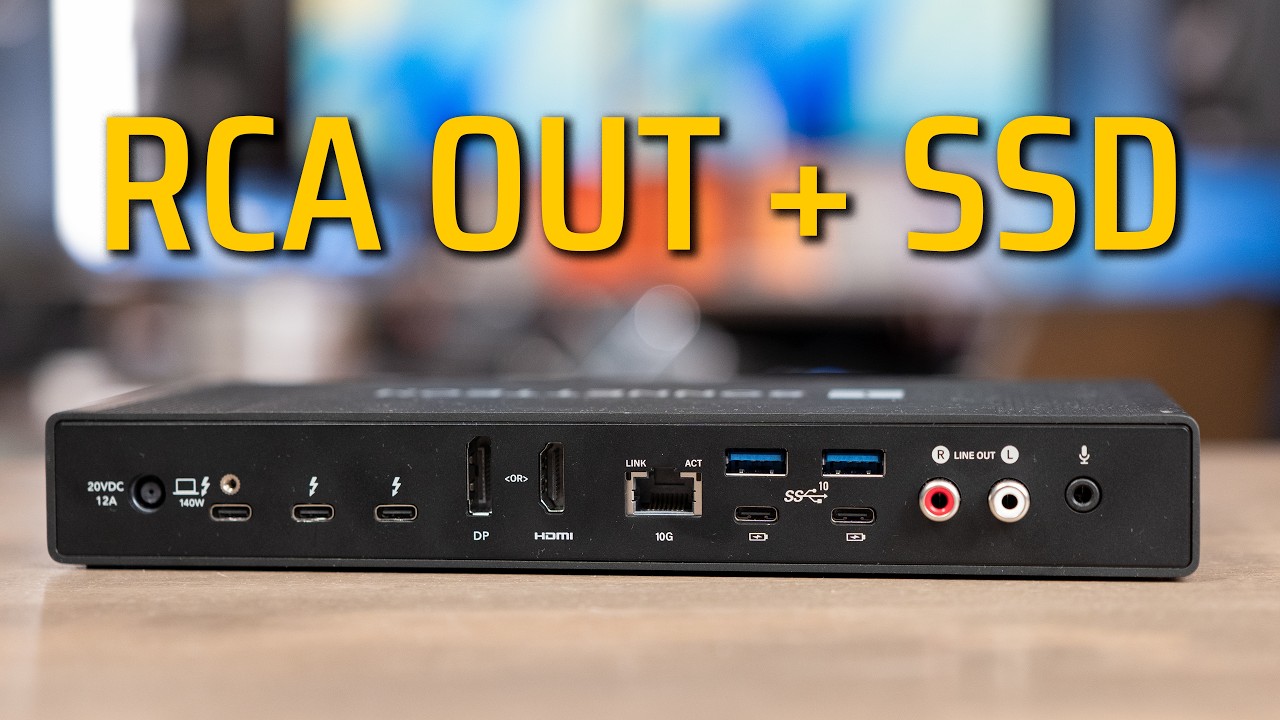
The M6 has Thunderbolt 4 and the M5 Pro has Thunderbolt 5. Thunderbolt 4 moves data at 40Gb/s, Thunderbolt 5 doubles that to 80Gb/s, and for displays it boosts up to 120Gb/s. That matters for fast external SSDs and high-resolution monitors. Apple also says Thunderbolt 5 lets you link multiple Mac minis together to run big AI models.

| M6 Mac mini | M5 Pro Mac mini | |
|---|---|---|
| Thunderbolt | Thunderbolt 4, 40Gb/s | Thunderbolt 5, 80Gb/s (up to 120Gb/s for displays) |
| Three displays | Two at 6K 60Hz or 4K 165Hz, third up to 5K or 4K at 60Hz | All three at 6K 60Hz or 4K 165Hz |
| Two displays | Second display tops out at 60Hz | Second display up to 5K at 120Hz |
If you are running one or two regular monitors, either one is fine. If you want three high-resolution displays or two high refresh rate monitors, the M5 Pro is the better pick.
The M5 Pro upgrade, and M4 Pro owners
You can step the M5 Pro up to an 18-core CPU and a 20-core GPU for $200. I don’t have that version yet, so every number here is the base model. I’m going to test the upgraded chip against this one to see what the $200 gets you.
I also compared both against my M4 Pro Mac mini. The same 3-minute Final Cut export took 1:34 on the M4 Pro, vs 1:08 on the M6. In Logic, the 500-track bounce took 2:23 on the M4 Pro and 1:40 on the M5 Pro, and the M5 Pro handled more tracks too. So there are real gains going up to the M5 Pro, but at the new higher prices, if your M4 Pro is already doing the job, I would just keep it.
Memory options and pricing
More memory is going to cost you a pretty penny on either one.
| M6 Mac mini | M5 Pro Mac mini | |
|---|---|---|
| Base memory | 16GB | 24GB |
| Upgrades | 24GB +$200, 32GB +$400 | 48GB +$600, 64GB +$1,000 |
| Bandwidth | 153GB/s (170GB/s with 24 or 32GB) | 307GB/s |
On the M6, the jump to 24GB is worth it, because it takes your memory bandwidth from 153GB/s to 170GB/s. Going to 32GB gives you no more bandwidth, just more room. And that is before the $200 for the 512GB SSD. For most people buying the M6, I would get the 24GB option. You get more room and faster memory for $200.
If you are running local AI or really big projects and you know you need more space, that is where the M5 Pro starts to make sense, and you might want to go up to 48GB on it instead.
Which one should you buy?
| Buy the M6 Mac mini if | Buy the M5 Pro Mac mini if |
|---|---|
| You edit 4K video in Final Cut | You run local AI models |
| You want a family desktop or a home server | You edit a lot of multicam |
| You are coming from an older Intel Mac | You do 3D work |
| You run one or two regular monitors | You run large Logic sessions with a lot of plugins |
| You don’t need more than 32GB of memory | You need more than 32GB of memory, Thunderbolt 5 for fast external storage, or three high-res displays at full speed |
Here is the line I draw. If you spec the M6 up to 32GB and 512GB, you are at about $1,500, and at that point the M5 Pro is only $200 more with 24GB. So if you are thinking about the 32GB M6 and you do any of the things in the right column, I would push you toward the M5 Pro instead.
The bottom line
If you are not going to put the 32GB upgrade in, the M6 costs a lot less, has faster single-core speeds, and beat the M5 Pro in Final Cut Pro exports and Lightroom AI Denoise. The downsides are the small, slower 256GB base SSD, Thunderbolt 4, and less GPU power.

The M5 Pro gives you more cores, more memory to start, Thunderbolt 5, double the bandwidth, and a lot more GPU. But it is $800 more than the base M6 and it was still slower in Final Cut exports. Where it pulls ahead is 6K multicam playback, local AI, large Logic sessions, and GPU work.
Honestly, most people should just get the M6. The M5 Pro earns its price if that heavier work is your day-to-day. If it is not, save the money. Every result I have ever tested is on my Mac test results page, and if you still need help picking, send me what you do and I will help you choose.