My External SSD Picks for Mac (With Test Numbers)
The three drives I’d buy for a Mac, all tested on my desk. Pick the one that fits you. Full test results are at the bottom if you want every number.


1 · Budget pick
OWC 1M2 40G + NVMe
For anyone who wants fast speeds for less money and doesn’t mind dropping a drive into an enclosure. You pick the NVMe, so you pick the price. My numbers are with a Samsung 990 Pro inside.
- 3,500 / 3,400 MB/s Write / read
- 48s to copy 100 GB
- 5:37 to copy 500 GB

2 · Most people
Oyen U34 Bolt
My default pick for most Mac users, especially if you edit video or move big projects. Best sustained USB4 drive I’ve tested. It stays cool, doesn’t fall off after the cache fills, and comes in sizes up to 8TB. This is the one on my desk.
Doesn’t work with iPad or iPhone. Oyen sent me this drive for free.
- 2,700 / 2,900 MB/s Write / read
- 33s to copy 100 GB
- 2:49 to copy 500 GB

3 · Max speed
Oyen U35 Bolt Plus
For Thunderbolt 5 Macs that move huge files all the time. Hit 6,544 MB/s write in my testing and still flew on a 500GB copy. Only worth it if your Mac has Thunderbolt 5.
Oyen sent me this drive for free.
- 6,544 / 6,366 MB/s Write / read
- 16.5s to copy 100 GB
- 1:41 to copy 500 GB
The MB/s numbers come from Blackmagic Disk Speed Test, and the copy times are real file transfers. They measure different things, so they won’t always line up. The copy times are closer to what you’ll feel day to day.
Not sure which one? If your Mac has Thunderbolt 5 (M4 Pro, M4 Max, M5 Pro, M5 Max, M3 Ultra or M5 Ultra) and you move big files every day, get the U35. Everyone else, get the U34, or the OWC build if you want to save some money.
Other good options
Not my top three, but the right call if you need a drive for your iPad, a tougher drive, a slimmer one, or max speed in a build-your-own.

iPad + simple backups
OWC Envoy Pro mini
My favorite simple drive for iPad and quick Mac backups. Tiny and easy to keep with you. It’s a little pricey for the size.

Rugged + iPhone
Samsung T7 Shield
Tougher body for bags and travel, and it works with iPhone and iPad too. Much slower than my picks, so it’s not a daily editing drive.
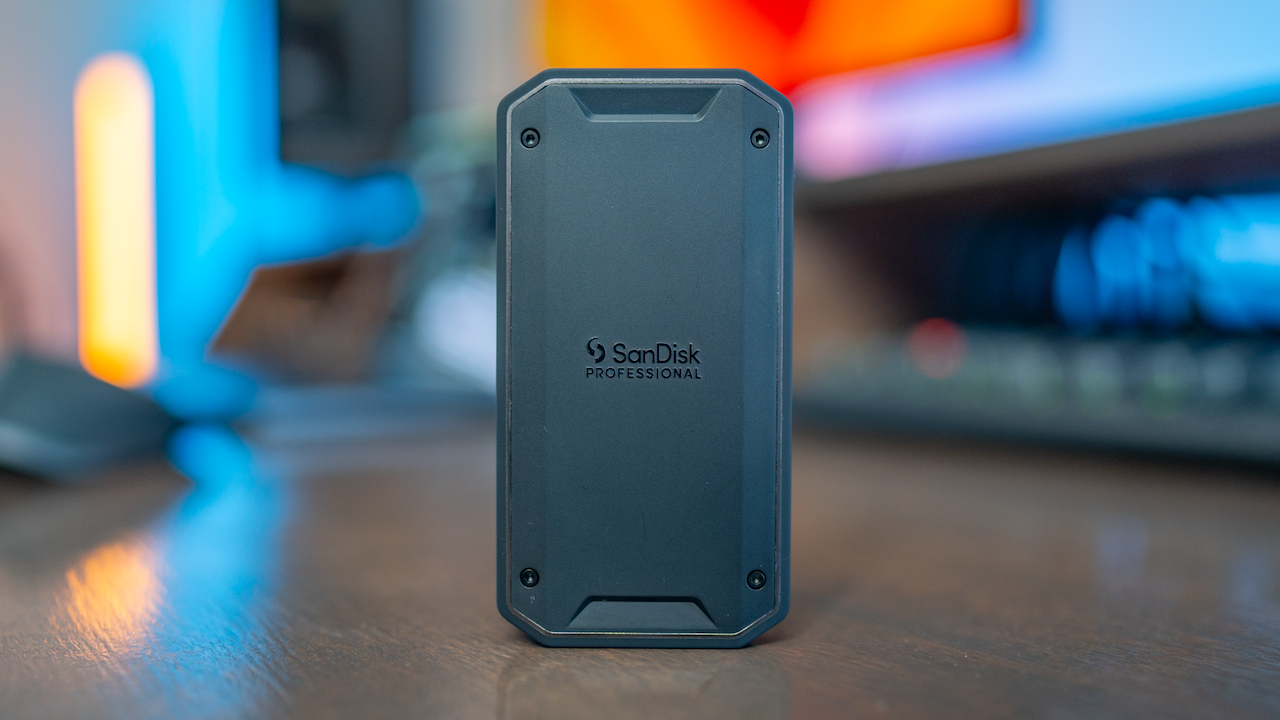
Slimmer USB4
SanDisk Pro-G40
Proven since mid-2023. A little slower than the U34 on big transfers, nicer if you want a smaller drive.

Rugged USB4
LaCie Rugged SSD4
Small, tough and fast for a USB4 drive. I got 2,700 to 3,300 MB/s on my Mac Studio, and it works with iPhone and iPad too.

Thunderbolt 5 build
OWC 1M2 80G + 9100 Pro
The build I’d do for max speed. With a Samsung 9100 Pro inside it hit 6,400 MB/s write and copied 100GB in 30s.
For the nerds
Full test results
Every external SSD I’ve tested on Mac, from 10G USB drives up to Thunderbolt 5. Each one gets the same tests: a 100GB copy, a 500GB copy, and sustained write and read speeds. Older drives stay in the table for comparison, even after they drop off my picks.
Loading the latest drive results…
As an Amazon Associate and a B&H affiliate, I earn from qualifying purchases, at no extra cost to you. Speeds are from my own Mac testing and update as I add drives. Ethics and affiliate disclaimer.