Gear

My Top Mac Accessories

The display, mouse, keyboard, SSD, dock, and cables I would actually buy.

Adam's Mac desk with Studio Displays, keyboard, and studio gear

Screen

Displays

The Studio Display 2 is the one I would buy. Step up to the XDR only if HDR and extra brightness are actually part of your work.
Apple Studio Display 2

Best overall

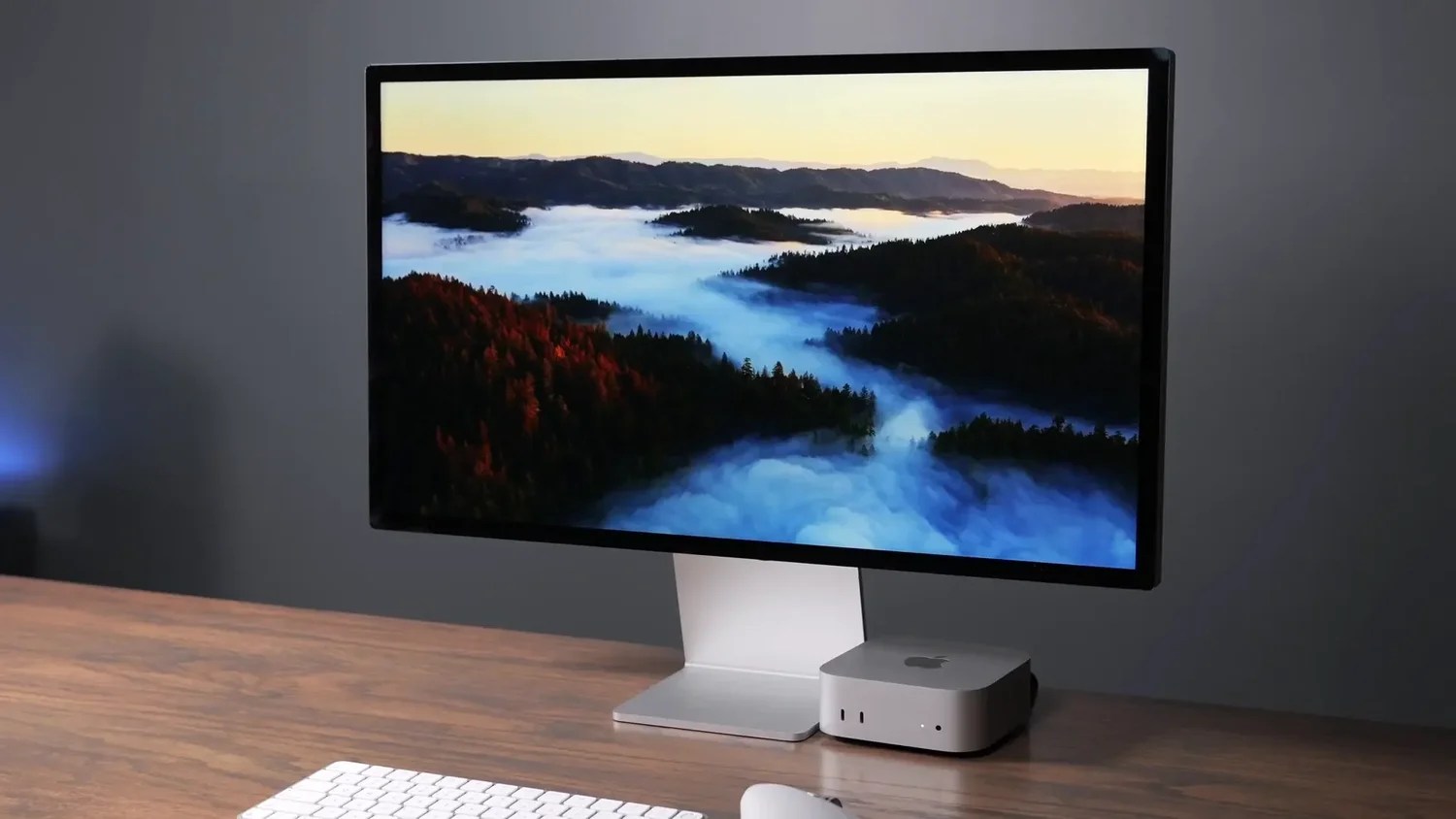
Apple Studio Display 2

Why
Same excellent 27-inch 5K panel as the original, plus Thunderbolt 5 daisy chaining and noticeably better speakers and camera. This is the display I would buy new.
Who for
Anyone who wants a plug-and-play 5K Mac display and does not need 120Hz or HDR.
  • 27-inch 5K 60Hz
  • Thunderbolt 5 Daisy-chain port
  • $1,600 Typical price
Apple Studio Display XDR

If you need HDR

Apple Studio Display XDR

Why
This is the jump for mini-LED, real HDR, 120Hz, and much higher brightness. It is also a much bigger spend. If 60Hz has never bothered you, stay on the Studio Display 2.
Who for
Color and video work where HDR and extra brightness actually matter, not everyday Mac use.
  • 27-inch 5K 120Hz mini-LED
  • 1,000 nits 1,600 in HDR
  • From ~$2,900 Stand extra

Pointing

Mice and trackpad

I use the MX Master 4 every day. The others earn a spot depending on how you actually work: budget, native macOS feel, or gestures.
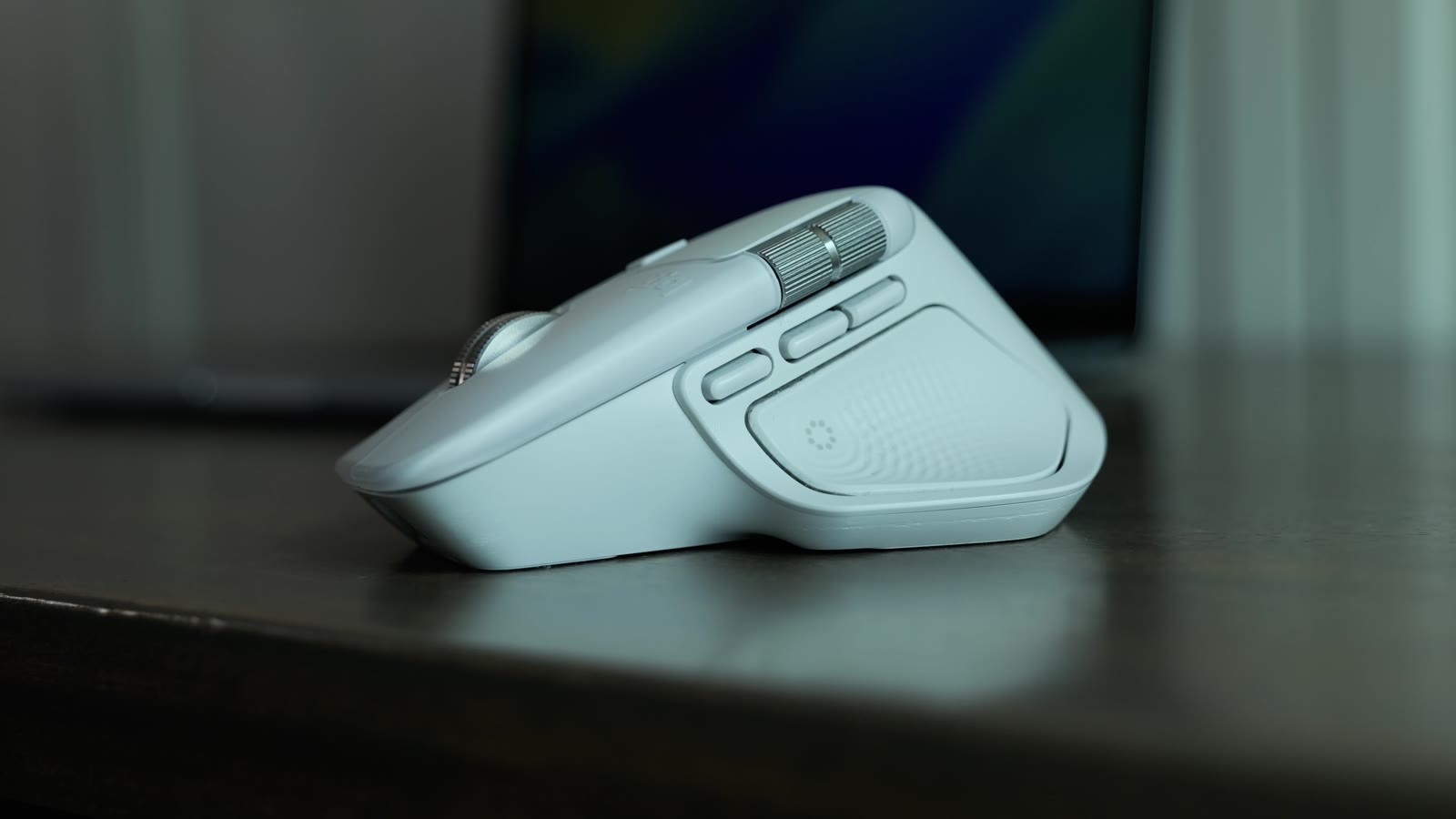
Logitech MX Master 4

The mouse I use

Logitech MX Master 4

Why
The comfortable all-day mouse. Extra custom button, side scrolling, and haptics that are actually useful. This is the one on my desk.
Who for
Anyone who spends hours at a Mac and wants an ergonomic mouse with real buttons.
  • All-day shape Side scroll + extra button
  • Bluetooth or Bolt USB-C charging

Budget

Satechi EX Mouse

Why
A slim $30 mouse that looks like it belongs next to a Mac. Dual Bluetooth plus a USB-C dongle. It is not the MX Master, and it does not try to be.
Who for
Anyone who wants a cheap, Mac-looking mouse for travel or a second machine.
  • $30 Typical price
  • Bluetooth + USB-C dongle Charges from the front
Apple Magic Mouse

Native macOS feel

Apple Magic Mouse

Why
The one that feels like Apple made it, because they did. Surface gestures and a tiny footprint. You still cannot use it while it charges.
Who for
People who want the native Mac mouse and do not mind the low profile.
  • Surface gestures Very small on the desk
  • USB-C Charges on the bottom
Apple Magic Trackpad

Gestures and compact

Apple Magic Trackpad

Why
Still undefeated for macOS gestures. Large glass surface, charges from the back so you can keep using it, and it takes up less depth than a mouse.
Who for
Anyone who lives in gestures, or wants a compact pointing device next to a keyboard.
  • Full macOS gestures Charges from the back
  • Compact footprint Sits with the Magic Keyboard

Typing

Keyboards

Touch ID is the all-around best. Everything else is for a specific feel, a number pad, or a lower price.

Magic Keyboard with Touch ID

All-around best

Magic Keyboard with Touch ID

Why
The keyboard I recommend first. Low profile like a MacBook, and Touch ID for unlock and password autofill. That button is the whole reason to buy Apple’s board.
Who for
Most Mac users. If you only buy one keyboard, buy this one.
  • Touch ID Unlock and passwords
  • USB-C Matches the MacBook feel
Magic Keyboard with Numpad

If you need a number pad

Magic Keyboard with Numpad

Why
Same Touch ID keyboard, with the number pad. Get this if your work actually uses those keys. Skip it if you just like the idea of them.
Who for
Accounting, spreadsheets, or anyone who types numbers all day.
  • Touch ID Full size with numpad
  • Same low-profile keys Takes more desk width
NuPhy Air75 V3

Best mechanical for Mac

NuPhy Air75 V3

Why
The mechanical keyboard I would buy for a Mac. Aluminum, Mac and Windows layouts, Bluetooth or the 2.4 GHz dongle, and real switches. Use code ADAM at checkout.
Who for
Anyone who wants a mechanical board that is actually set up for macOS.
  • 75% layout Aluminum frame
  • Bluetooth / 2.4 GHz / wired Gateron Nano switches
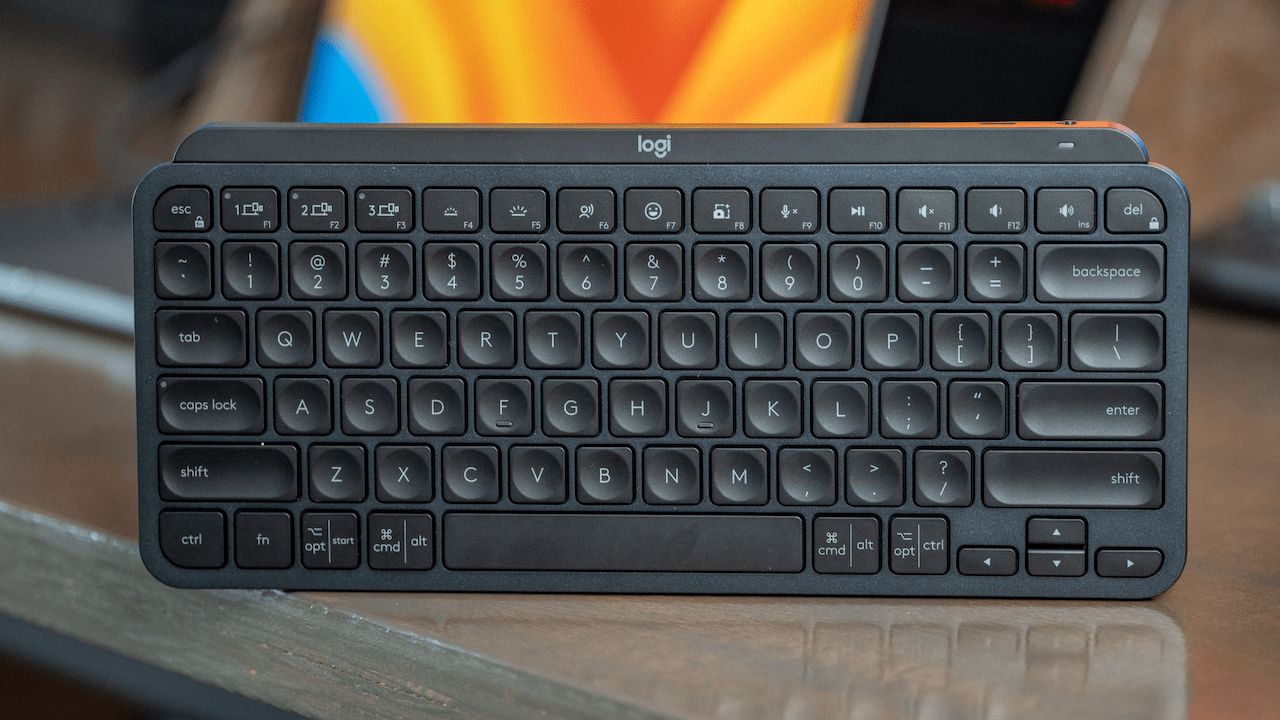
Logitech MX Keys Mini

Most comfortable

Logitech MX Keys Mini

Why
The most comfortable keyboard I have typed on. A little more key travel than Apple’s, with finger divots that help accuracy. No Touch ID, and it pairs with multiple devices.
Who for
People who type a lot and care more about comfort than Apple’s fingerprint button.
  • More key travel Multi-device pairing
  • Compact mini layout No Touch ID
Satechi EX1

Lowest price

Satechi EX1

Why
The cheapest keyboard I would actually put on a Mac desk. Slim, Bluetooth, and it looks the part. You are paying $50, not Magic Keyboard money.
Who for
Budget setups, travel, or a second machine where Touch ID is not required.
  • $50 Typical price
  • Bluetooth Mac-style layout

Storage

SSD picks

Same three drives I would actually buy. Everyday, most people, and max speed. The full DIY builds and speed table live on the SSD page.

Samsung T9

1 · Everyday and offload

Samsung T9

Why
Best sustained performer I tested in the everyday class. Solid speed for what you pay, and it does not fall off as early as the cheaper T7s.
Who for
Anyone parking photos, finished projects, or light editing who does not need pro editing speeds.
  • 950 / 870 MB/s Write / read
  • 1:43 to copy 100 GB
  • 8:52 to copy 500 GB
Oyen U34 Bolt

2 · Most people

Oyen U34 Bolt

Why
Best sustained USB4 drive I have tested. Stays cool, does not cliff after the cache fills, and it comes in sizes up to 8TB. This is the one on my desk.
Who for
Mac users who edit video or move big projects. This is the default recommendation.
  • 2,700 / 2,900 MB/s Write / read
  • 33s to copy 100 GB
  • 2:49 to copy 500 GB
Oyen U35 Bolt Plus

3 · Need max speed

Oyen U35 Bolt Plus

Why
Hit 6,544 MB/s write in my testing and still flew on a 500GB copy. Only worth it if your Mac can use Thunderbolt 5.
Who for
M4 Pro or Max owners with Thunderbolt 5 who regularly move huge files.
  • 6,544 / 6,366 MB/s Write / read
  • 16.5s to copy 100 GB
  • 1:41 to copy 500 GB
Want the DIY enclosures, NVMe picks, and every speed I measured? The full SSD shortlist and speed table are on their own page. Open my top SSD picks →

Ports

Docking stations

Pick the dock for the job, not the spec sheet. I have used all of these on Mac desks.

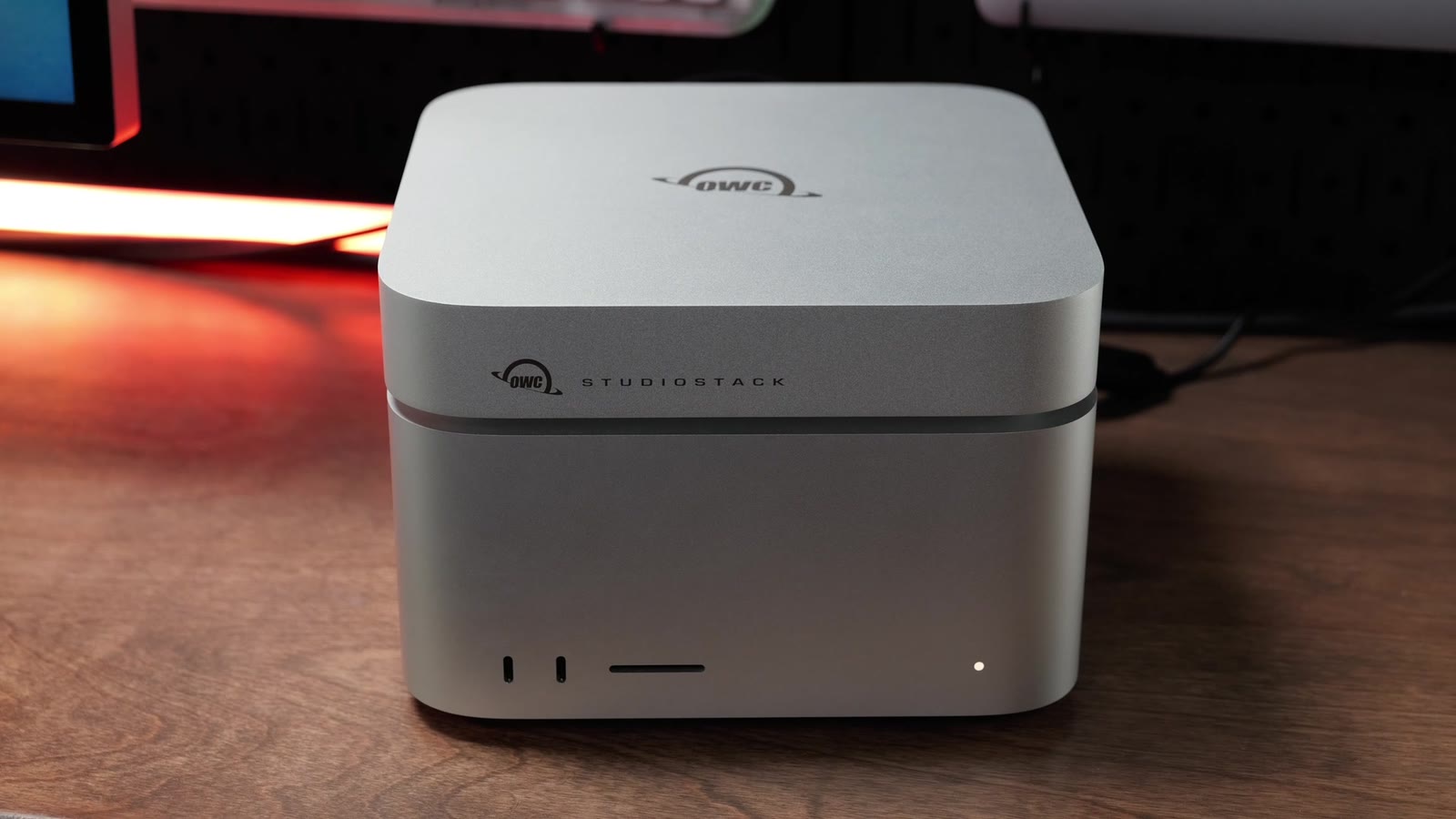
Satechi CubeDock

Best overall

Satechi CubeDock

Why
Looks like it belongs next to a Mac mini. Thunderbolt 5, a useful port mix, and a built-in NVMe slot so you are not buying a separate enclosure. This is the dock I point most people to.
Who for
Mac mini, Mac Studio, or laptop desks that want one clean Thunderbolt 5 box.
  • Thunderbolt 5 140W host charging
  • Built-in NVMe slot 2.5GbE + SD
OWC Thunderbolt 5 Dock

Best affordable

OWC Thunderbolt 5 Dock

Why
The cheaper Thunderbolt 5 dock that still does the job. Fewer extras than the CubeDock, which is the point. You are paying for ports and speed, not a matching aluminum cube.
Who for
Anyone who wants Thunderbolt 5 expansion without spending CubeDock money.
  • Thunderbolt 5 Minimal port set
  • Lower price No built-in SSD slot
CalDigit Element 5

Best hub

CalDigit Element 5

Why
A compact Thunderbolt 5 hub, not a full docking station. Three downstream Thunderbolt ports and a small footprint. Perfect next to a Mac mini or Mac Studio that already has Ethernet.
Who for
Desktop Macs that just need more fast ports, or anyone who wants the smallest option.
  • 3 downstream TB5 90W host charging
  • Smallest in the lineup No Ethernet
CalDigit TS5

Most reliable

CalDigit TS5

Why
The CalDigit I trust as a real docking station. 140W charging, 2.5GbE, SD, and audio, with three downstream Thunderbolt ports. This is the one I would buy for a laptop desk.
Who for
MacBook users who want one cable to run the whole desk, and care about it just working.
  • 140W charging 2.5GbE + SD + audio
  • 3 downstream TB5 The all-around CalDigit

Most ports, 10G, SSD slot

Sonnet Echo 21 SuperDock

Why
The one to get when you need a lot of ports, 10 Gigabit Ethernet, and an NVMe slot in the same box. It is the specialist pick, not the default.
Who for
Desks loaded with USB gear, a NAS, and a drive you want inside the dock.
  • 10GbE NVMe slot
  • Port-heavy SuperDock Thunderbolt 5

Cables

Thunderbolt and USB4 cables

Two cables I actually keep around. The long OWC run for desks, and the Satechi USB4 V2 when I want one cable that does Thunderbolt 5 speeds and 240W charging.

My favorite long cable

OWC Thunderbolt 5 cables

Why
The long Thunderbolt 5 cables I use on the desk. Length is the whole reason they beat the short cables that come in the box.
Who for
Any Thunderbolt 5 dock, display, or SSD that sits farther than a foot from the Mac.
  • Thunderbolt 5 Long enough for a real desk
  • My daily cables Hardwired displays and docks
Satechi USB4 V2 Pro Cable

USB4 V2

Satechi USB4 V2 Pro Cable

Why
The one cable that covers USB4 V2 and Thunderbolt 5 speeds, with 240W charging. This is the cable I reach for when I want one in the bag that will not be the bottleneck.
Who for
Laptops, docks, and SSDs where you want 80Gbps and charging on the same cable.
  • 80Gbps USB4 V2 / Thunderbolt 5
  • 240W charging The travel cable

Affiliate links support the channel at no extra cost to you. These are the accessories I use and recommend on Macs. Ethics and affiliate disclaimer.