Gear
My Top SSD Picks
Three drives I would actually buy. Start with who you are. The why and real test numbers are right on each pick.


1 · Everyday and offload
Samsung T9
Who it is forAnyone parking photos, finished projects, or light editing who does not need pro editing speeds.
WhyBest sustained performer I tested in the everyday class. Solid speed for what you pay, and it does not fall off as early as the cheaper T7s.
- 950 / 870 MB/s Write / read
- 1:43 to copy 100 GB
- 8:52 to copy 500 GB

2 · Most people
Oyen U34 Bolt
Who it is forMac users who edit video or move big projects. This is the default recommendation.
WhyBest sustained USB4 drive I have tested. Stays cool, does not cliff after the cache fills, and it comes in sizes up to 8TB. This is the one on my desk.
- 2,700 / 2,900 MB/s Write / read
- 33s to copy 100 GB
- 2:49 to copy 500 GB

3 · Need max speed
Oyen U35 Bolt Plus
Who it is forM4 Pro or Max owners with Thunderbolt 5 who regularly move huge files.
WhyHit 6,544 MB/s write in my testing and still flew on a 500GB copy. Only worth it if your Mac can use Thunderbolt 5.
- 6,544 / 6,366 MB/s Write / read
- 16.5s to copy 100 GB
- 1:41 to copy 500 GB
Alternates
Also good
Not the default three, but strong if you need rugged travel, a slimmer body, or a polished Thunderbolt 5 prebuilt.

Rugged travel
Samsung T7 Shield
Tougher body for bags and travel. Same everyday class as the T9, not a daily editing drive.
Where to buy →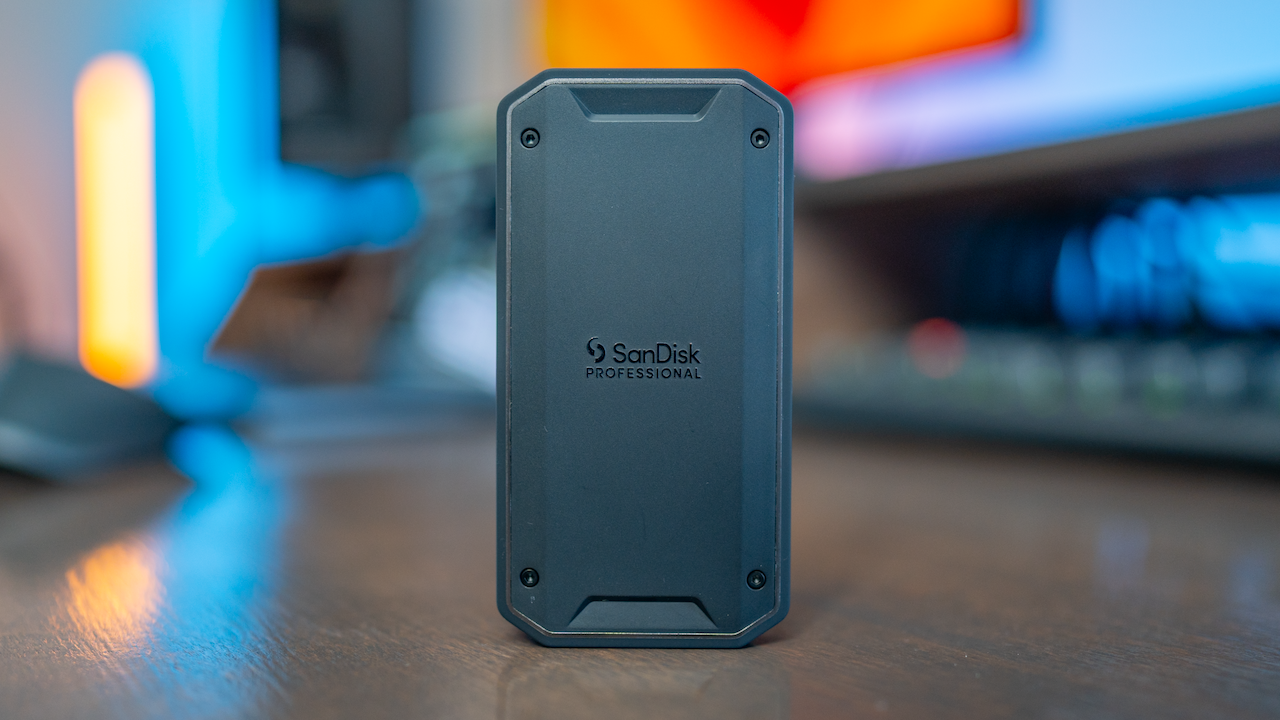
Slimmer USB4
SanDisk Pro-G40
Proven since mid-2023. A little slower than the U34 on big transfers, nicer if you want a smaller drive.
Where to buy →
TB5 prebuilt alt
LaCie SSD 5
Best Thunderbolt 5 prebuilt I tested outside the U35. Ready to go if you do not want to build.
Where to buy →DIY · Enclosure + NVMe
Build your own
More capacity for the money than most prebuilts. Pick an enclosure for your Mac’s port, then drop in an NVMe.
Enclosures
The shell. Match it to your Mac.


NVMe drives
What goes inside either enclosure above.
Best for max-speed builds
Samsung 9100 Pro
- 6,400 / 5,800 MB/s Write / read
- 30s to copy 100 GB
- 3:46 to copy 500 GB
Best for most DIY builds
Samsung 990 Pro
- 3,500 / 3,400 MB/s Write / read
- 48s to copy 100 GB
- 5:37 to copy 500 GB
Affiliate links support the channel at no extra cost to you. Speeds are from my own Mac testing and update as I add drives. Ethics and affiliate disclaimer.