Some of the links in this post are affiliate links, which means I may earn a small commission if you choose to make a purchase at no extra cost to you. As an Amazon Associate, I earn from qualifying purchases. Read my full Ethics & Affiliate Relationship Disclaimer.
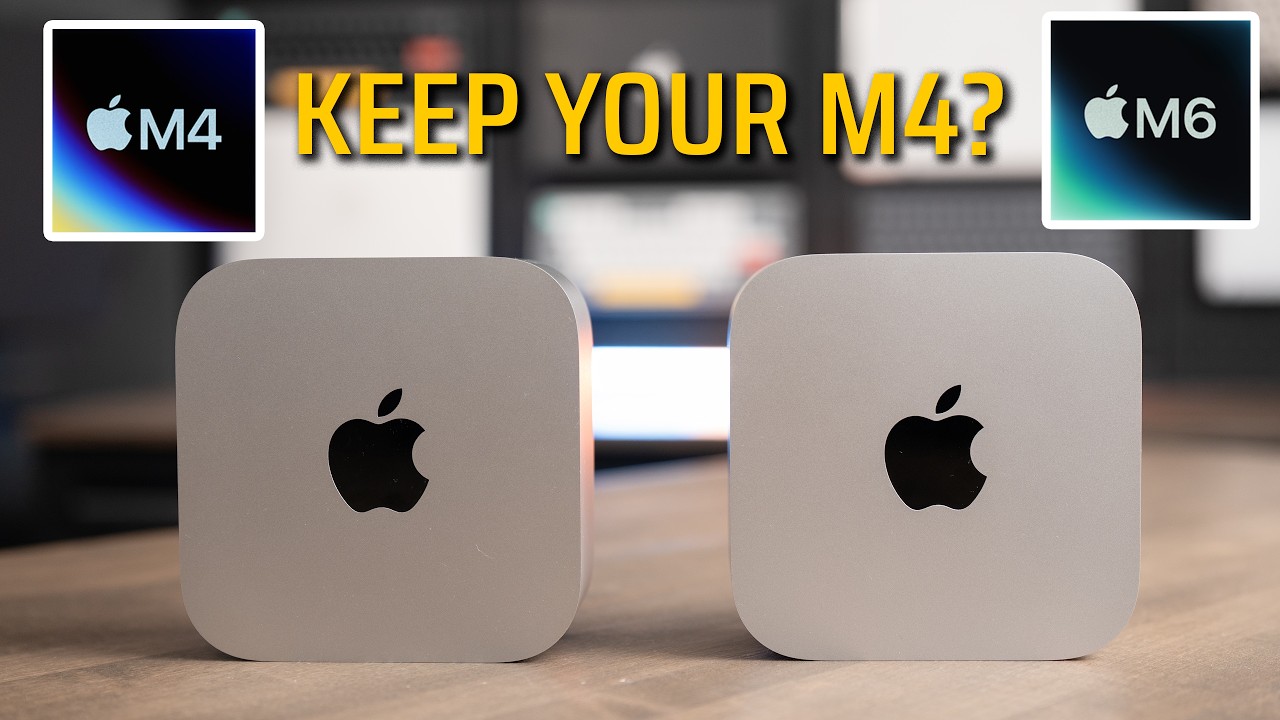
This is the base M5 Max Mac Studio and the base M5 Pro Mac mini. I tested both of them in the real world, from the chips to the ports to the cooling, across Final Cut Pro, Lightroom Classic, Logic Pro, Blender, Xcode, local AI, and the usual benchmarks.
A lot of the gaps I kind of expected. Some were bigger than I thought they would be, but there were a couple of results where the M5 Pro honestly stacked up really well against the Mac Studio. By the end, you should know exactly which one makes sense for the way you work.

For everyday work these feel the same, because single-core speed and the Neural Engine are basically tied. The Mac Studio earns its extra $800 if you export video all day, edit big multicam projects, do 3D work, or need more than 64GB of memory.
- Mac Studio exports video about twice as fast with two encode engines
- Mac Studio plays 29 streams of 6K video at once vs 12 on the mini
- Mac Studio renders Blender scenes in close to half the time
- Mac mini is $800 less and keeps up in Logic, Magnetic Mask and everyday work
- The base M5 Max is locked at 36GB of memory
- More memory on the Studio means the $600 40-core GPU upgrade
- The Mac mini runs warmer and you can hear its fan under heavy load
- Neither has Thunderbolt 5 on the front
Specs and price
Both of these are the base configurations, and both have 512GB of storage. A huge thanks to B&H for loaning me the M5 Pro Mac mini to test.
| M5 Max Mac Studio | M5 Pro Mac mini | |
|---|---|---|
| Starting price | $2,499 | $1,699 |
| CPU | 18-core (6 super cores, 12 performance cores) | 15-core (18-core for $200 more) |
| GPU | 32-core (40-core with the $600 upgrade) | 16-core (20-core for $200 more) |
| Memory | 36GB, up to 128GB | 24GB, up to 64GB |
| Memory bandwidth | 460GB/s (614GB/s with the 40-core GPU) | 307GB/s |
| Storage as tested | 512GB | 512GB |
| Video encode engines | Two | One |
| Neural Engine | 16-core | 16-core |
You can upgrade both chips. The M5 Pro goes to an 18-core CPU and 20-core GPU for $200 more. The 40-core GPU on the M5 Max is a $300 upgrade, but it also forces you up to 48GB of memory, so it really adds up to about $600. I don’t have either upgraded chip in hand yet, so every number here is the base model.
If this is already a lot and you’re not sure which one fits you, I offer free personalized Mac buying recommendations. Tell me what you do and I’ll tell you exactly what I would buy if I were you.
Real-world tests
Every chart below pulls straight from my Mac test results, the same sheet I use for every Mac I test.
Final Cut Pro
Magnetic Mask uses AI to cut a person out of a clip, and it leans heavily on the Neural Engine. This one was almost a tie: 24.7 seconds on the Mac Studio and 23.9 seconds on the Mac mini.
Playback is where the Mac Studio pulled away. It played 29 streams of 6K video stacked on a timeline at the same time, and the mini played 12. If you edit multicam, that number starts to matter.
Exports are where the Studio earns its money for video editors. The M5 Max has two video encode engines and the M5 Pro has one, so in theory the Studio should be almost double the export speed. A 3-minute 4K project exported in 42 seconds on the Studio and 1:19 on the mini. A 30-minute 4K video took 10 minutes on the Studio and 13 minutes on the mini. So the M5 Pro actually held up really well, especially on the longer export, which surprised me given how much better the cooling on the Studio is supposed to be.
Lightroom Classic
I tested Lightroom with RAW photos from my Sony a7 IV. Importing 500 RAW images and building the initial previews was almost a tie, 17.2 seconds on the Studio and 18 seconds on the mini.
For exports, I exported batches of 50, 200 and 500 photos as full-quality JPEGs, and the Mac Studio was about twice as fast at every size. 500 photos took 47 seconds on the Studio and 1:31 on the mini. If you mostly export smaller batches, the gap is not going to feel as large.
AI Denoise is one of the heaviest things Lightroom does. A single photo was pretty close, 5.1 seconds vs 6.7. On a batch of 50, the Studio took 3:55 and the mini took 5:10. So if you shoot a lot of photos and export big batches, the Studio gives you real time back.
Logic Pro
A bounce is when Logic exports every track in your project down to one audio file. On a normal 64-track project it was basically a tie, 11 seconds vs 12. On a huge 500-track project, the Studio took 1:11 and the mini took 1:40. I also added MIDI tracks with plugins until each one maxed out: 426 tracks on the Studio and 328 on the mini.
For everyday audio work the Mac mini keeps right up, and it is honestly one of the best computers you can get for audio production. It is a big step up from the M6 Mac mini without going all the way to Mac Studio territory. The Studio really pulls ahead when you push very large sessions.
Xcode
The Xcode build benchmark took 82 seconds on the Mac Studio and 105 seconds on the Mac mini.
Local AI
I used LM Studio, which runs AI models right on your Mac with nothing going to the cloud. I ran Google’s Gemma 3 4B on both with two prompts: a long one writing 50 paragraphs about the Roman Empire, and a short one summarizing Apple’s environmental journey. Time to first token is how long you wait before it starts answering, and tokens per second is how fast it writes once it gets going.
The Mac Studio started answering in under a quarter of a second on both prompts, and the mini took about half a second. On the long answer, the Studio wrote 134 tokens per second and the mini 92. That is about 45% faster, and the base M5 Max has about 50% more memory bandwidth than the M5 Pro, so this result tracks bandwidth almost exactly. If local AI is your thing, bandwidth is the spec to shop by.
You also have to watch memory capacity, because the model has to actually fit in the memory the computer has. If you plan to run larger models than I tested, you probably want at least 48GB, if not 64GB, on either one.
DiffusionBee, an AI image generator, made the same image (a cat working on a laptop eating nachos) in 5.75 seconds on the Studio and 8.7 seconds on the mini.
Storage
Both of these have the 512GB SSD, and the speeds came out close. In Blackmagic Disk Speed Test the Studio hit about 6,100MB/s read and 6,500MB/s write, and the mini about 5,000MB/s both ways. The 1TB Mac Studio is supposed to be faster, and I haven’t seen 1TB numbers for the Mac mini yet.
Benchmarks
CPU and GPU
Single-core scores are how fast one core finishes a task, which is most of what you feel day to day. They were really close, only about 6% apart in Geekbench 7: 3,741 on the Studio and 3,513 on the mini. Multi-core is where it opens up. The Studio scored 35,040 vs 26,454 in Geekbench 7 and 9,417 vs 5,330 in Cinebench 2026.
Graphics is the biggest gap between these two. The GPU handles effects, color, video editing, 3D rendering, games, and a lot of AI work. The Studio scored 198,826 vs 128,469 in Geekbench 7 Metal, and close to double in Cinebench 2026 GPU, 76,747 vs 40,456.
Blender
In Blender I rendered the lighter Classroom scene and the much heavier Barbershop scene on the GPU. I’m using the third run of each, because the first run is always slower while Blender loads the scene. The Studio rendered both in close to half the time: Classroom took 10.6 seconds vs 18.5 on the mini, and Barbershop took 59 seconds vs 1:50. The Studio has twice the GPU cores, and it rendered close to twice as fast. On the CPU only, Classroom took 2:26 on the Studio and 3:19 on the mini.
Geekbench AI
Geekbench AI runs the same AI tasks on three parts of the chip: the CPU, the GPU, and the Neural Engine, which is the part built just for AI. Quantized scores use compressed models, which is closer to what apps actually run. On the Neural Engine these two are basically tied, 67,789 vs 69,238, because they use the same 16-core Neural Engine. The CPU scores were close too. The GPU is again where the Studio pulls ahead, 27,848 vs 20,233 in single precision. So if your work is mostly AI features inside apps, the mini keeps up.
Size and ports
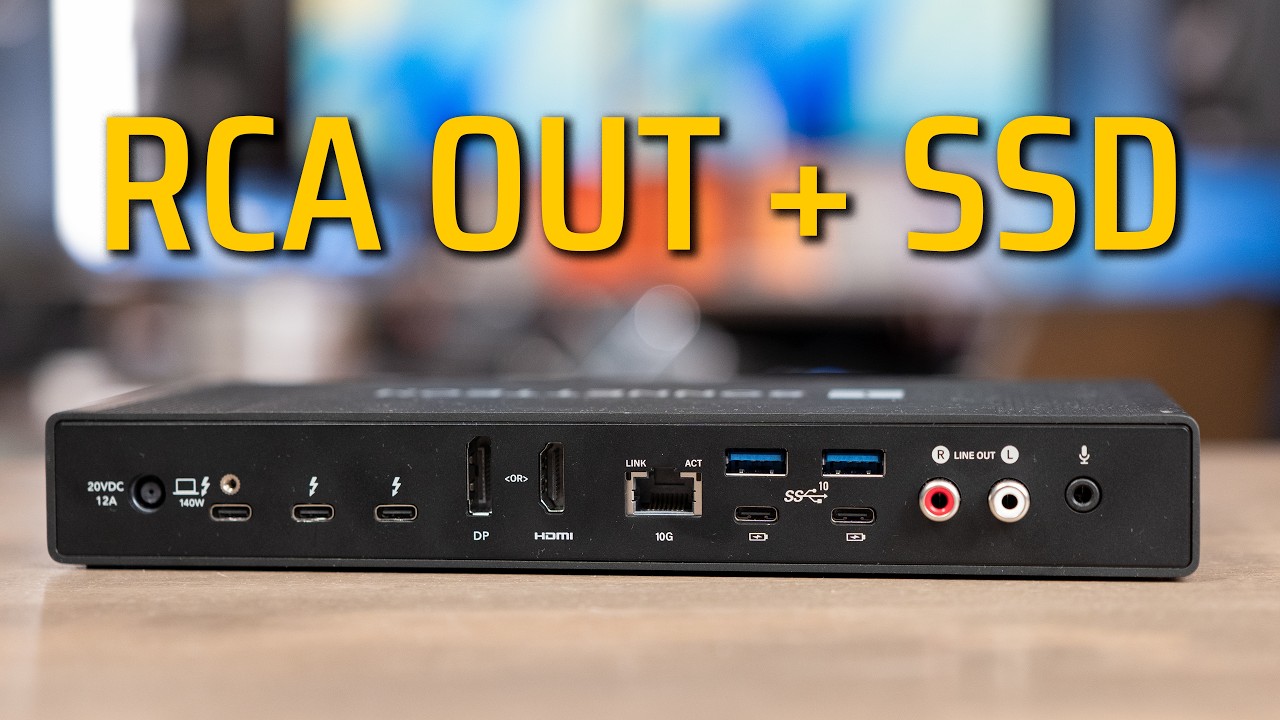
The Mac mini is still so tiny. It is a 5-inch square, just 2 inches tall, weighs about 1.6 pounds, and unfortunately the power button is still on the bottom. The Mac Studio is not a gigantic computer, but next to the mini it looks huge at 7.7 inches square and 3.7 inches tall.

| M5 Max Mac Studio | M5 Pro Mac mini | |
|---|---|---|
| Size | 7.7 in square, 3.7 in tall | 5 in square, 2 in tall |
| Thunderbolt 5 on the back | Four | Three |
| Front | 2 USB-C (10Gb/s), SD card slot | 2 USB-C (10Gb/s), headphone jack |
| Also on the back | 2 USB-A, HDMI, headphone jack | HDMI |
| Ethernet | 10Gb standard | 2.5Gb (10Gb is +$100) |
Neither has Thunderbolt 5 on the front. For that you have to step up to the M5 Ultra Mac Studio. The SD card slot on the front of the Studio is surprisingly handy. If you want 10Gb Ethernet on the mini, it is a $100 option you have to choose when you buy it, so pick it up from the factory instead of burning a Thunderbolt port on an adapter later.

External displays
| M5 Max Mac Studio | M5 Pro Mac mini | |
|---|---|---|
| Max displays | Five | Three |
| At 6K 60Hz or 4K 165Hz | Four | All three |
| Extra display | Fifth up to 5K 60Hz over HDMI | None |
The Studio can also drive up to four displays off a single Thunderbolt port with the right dock. So if you need four or more displays, the Studio is your only option of these two. If you run one to three monitors, the mini handles them just fine.
Cooling
I didn’t log temperatures, but when I put my hand on top of the Mac mini it got noticeably warmer than the Studio. The mini uses a single fan with all the air coming in underneath, and there is only so much heat a box that small can move. The Studio has two large blower fans that pull air in through the base and push it out the back across a huge heatsink.

| M5 Max Mac Studio | M5 Pro Mac mini | |
|---|---|---|
| Fans | Two large blower fans | One fan |
| Airflow | In through the base, out the back, over a big heatsink | In underneath, out the back |
| Under heavy load | Stayed quiet | You could hear the fan |
More cooling keeps the chip at full speed longer before it has to slow down. I also ran Cinebench 2026 on the M5 Max MacBook Pro, and it scored 7,509 multi-core vs 9,417 on the Studio. The same exact chip got about 25% more CPU performance in the Studio just because it has more room to breathe. So part of what you pay for with the Studio is that cooling. The mini revved up several times during the heavier tests, while the Studio stayed quiet.
Memory options and pricing
| M5 Max Mac Studio | M5 Pro Mac mini | |
|---|---|---|
| Base | 36GB, locked on the base M5 Max | 24GB |
| To get more | 40-core GPU version with 48GB, about +$600 | 48GB +$600, 64GB +$1,000 |
| 64GB total price | $3,499 | $2,699 |
| Max | 128GB | 64GB |
Memory adds up quickly on both. The Studio is trickier, because the base M5 Max is locked at 36GB, and to get more you have to move up to the 40-core GPU version, which starts at 48GB. So if you need 64GB for your work, the mini gets you there for about $2,700 and the Studio for $3,500. If you need more than 64GB, the Studio is the only one of these two that goes further.
Which one should you buy?
| Buy the Mac Studio if | Buy the Mac mini if |
|---|---|
| You export video all day | You do office work, photo editing, coding or music |
| You edit big multicam projects | You edit 4K and export speed isn’t a big deal |
| You do 3D work | You run up to three monitors |
| You need more than 64GB of memory | You’d rather save $800 |
| You want four or more displays, the front SD card slot, or 10Gb Ethernet built in |
The bottom line
For everyday work these computers feel exactly the same, because single-core speed and the Neural Engine are basically tied. Where they split is the GPU and the cooling. The Studio has twice the GPU cores and scored close to double in the GPU tests. It has two video encode engines to the mini’s one, which is why exports were about twice as fast and why it played so many more 6K streams at once. And its two big fans and huge heatsink let the M5 Max hold full speed longer, while you could hear the mini’s fan under heavy load.
For me, I export video every day, so the Mac Studio earns its price. If that isn’t your day-to-day, the Mac mini is $800 less and keeps up with a lot more than you would expect. Every result I have ever tested is on my Mac test results page, and if you still need help picking, send me what you do and I will help you choose.