Some of the links in this post are affiliate links, which means I may earn a small commission if you choose to make a purchase at no extra cost to you. As an Amazon Associate and a B&H affiliate, I earn from qualifying purchases. Read my full Ethics & Affiliate Relationship Disclaimer.
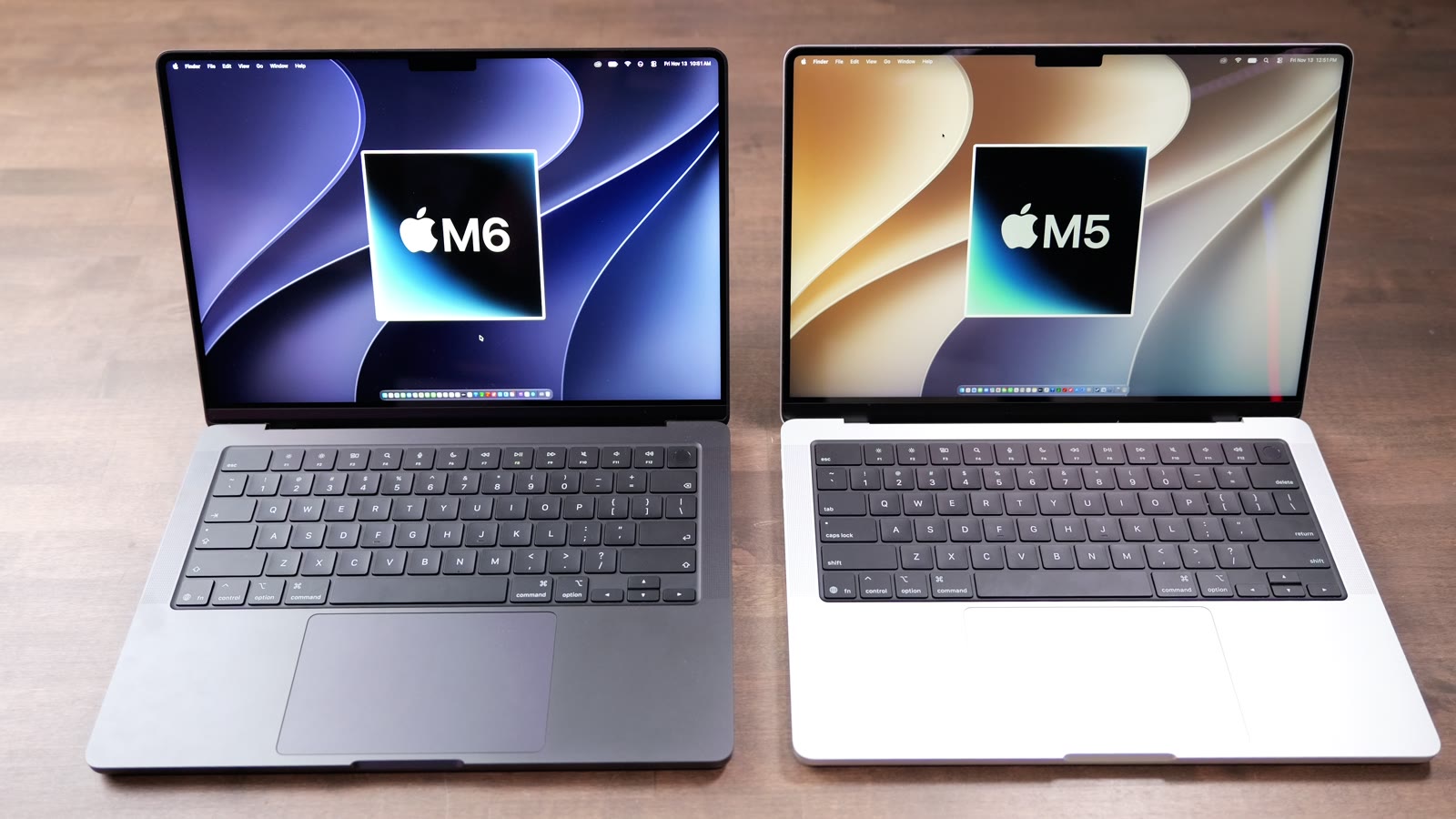
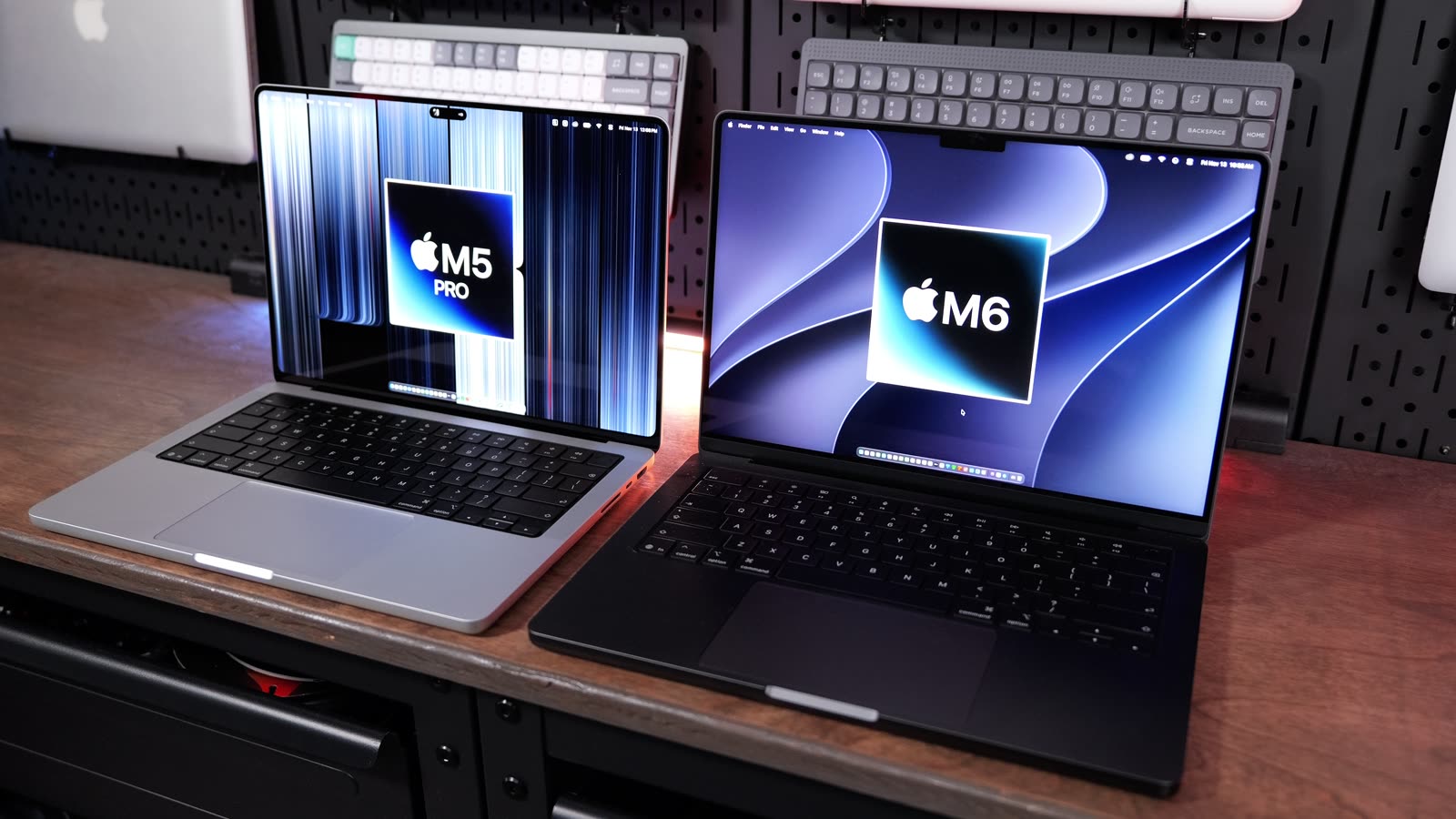
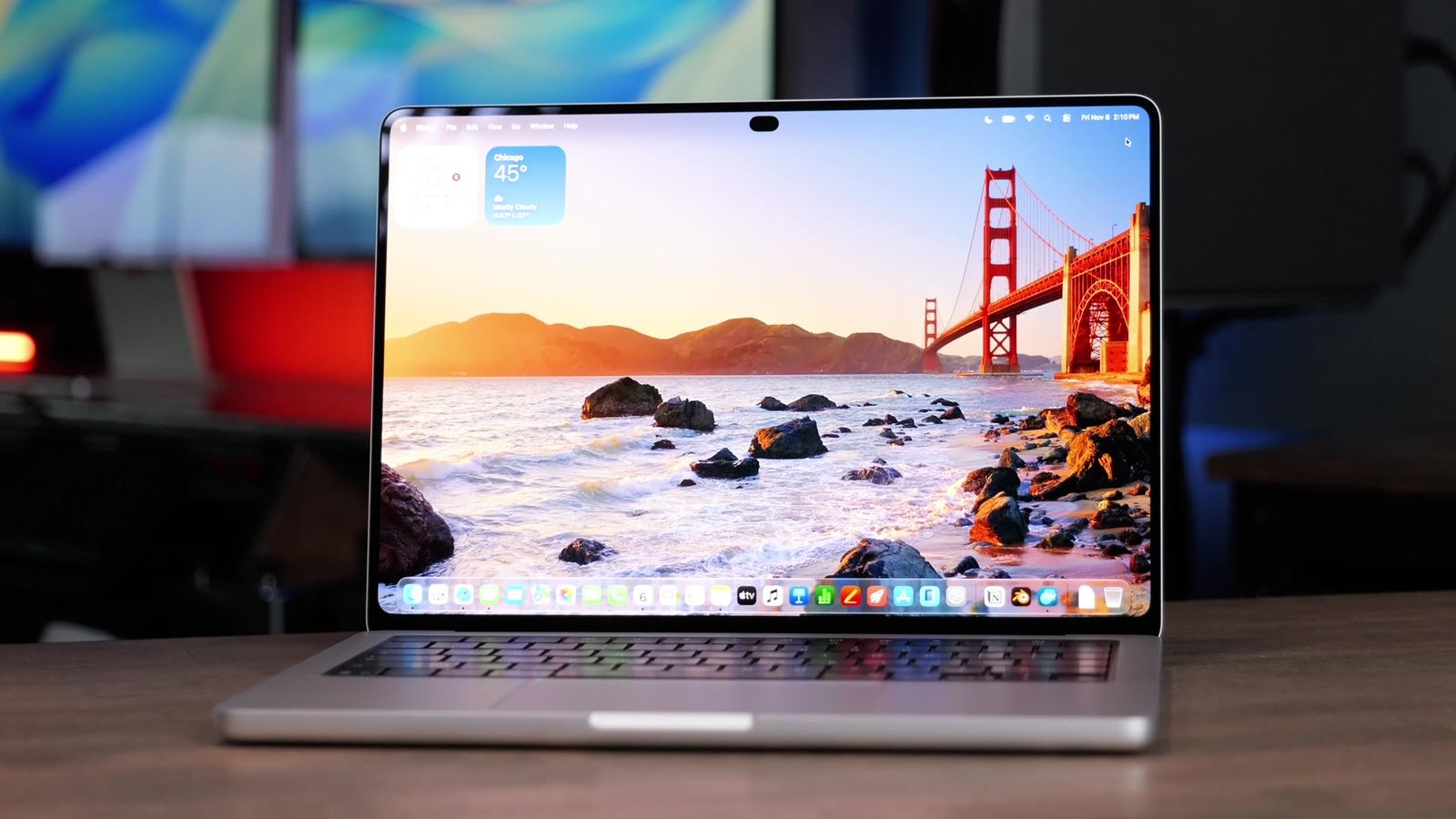
Apple just gave us the M6 MacBook Pro, and I was curious just how big the jump is from the M5. On the outside nothing changed. They’re the same size, they both weigh 3.4 pounds, and they have the same mini LED display Apple has been using for years. All the changes are on the inside.
So I ran both of them through the same exact tests side by side: Final Cut Pro, Lightroom Classic, Logic Pro, Xcode, Blender, local AI, gaming, Puget Bench and the usual benchmarks. Here’s how much faster the M6 is, where it barely moved, and whether it’s worth the extra money. Huge thanks to B&H for loaning me both of these to test.

For one year, it’s a surprisingly big jump, and the biggest gains are in AI work. If you already have an M5, don’t upgrade unless something about it is slowing you down. If you’re buying new and your work is AI tools or Logic, the M6 is worth the extra money.
- Lightroom AI Denoise on 50 photos in 3:30 vs 8:41, about two and a half times faster
- About 40% higher Neural Engine score in Geekbench AI
- Logic bounces about 30% faster and 200 tracks vs 130
- Wi-Fi 7 and Thread, plus two 4K displays at up to 165Hz
- The 30-minute 4K export was basically a tie
- Single core is only about 9% better on the M6
- Same SSD speeds, same design and same display
- Last year’s model, so watch for sales
Specs and price
Both of the MacBook Pros I tested have 16GB of memory and a 1TB SSD. The M6 currently runs about $2,000 in that config. The M5 is last year’s model, so you might find it on sale or find people blowing them out.
| M5 MacBook Pro | M6 MacBook Pro | |
|---|---|---|
| Chip process | 3 nanometer | 2 nanometer |
| CPU | 10-core: 4 super, 6 efficiency | 12-core: 2 super, 4 performance, 6 efficiency |
| GPU | 10-core | 12-core |
| Neural Engine | 16-core | New dual Neural Engine |
| Wireless | Wi-Fi 6E | Wi-Fi 7 and Thread (Apple N1 chip) |
| Two external 4K displays | Up to 144Hz | Up to 165Hz |
| Ports | 3 Thunderbolt 4, HDMI, SD card, MagSafe, headphone jack | Same |
| Weight | 3.4 pounds | 3.4 pounds |
| As I tested it | 16GB, 1TB | 16GB, 1TB, about $2,000 |
If you want help picking a Mac without reading this whole thing, I offer free personalized Mac buying recommendations. Fill out the form and I’ll point you to the exact configuration you need.
What changed inside
The M5 was made on the older 3 nanometer process, and the M6 is Apple’s first chip made on the 2 nanometer process. The process is just how a chip is made. The newer one lets Apple fit more transistors onto the chip, and they use less power than before.
Apple also changed the core count, so the jump you see here isn’t only from the 2 nanometer process. The M5 has a 10-core CPU with four super cores and six efficiency cores. The M6 has 12 cores split up differently: two super cores, four performance cores and six efficiency cores. So it has fewer of the fastest cores, but it gets a new middle tier. The GPU goes from 10 cores to 12.
The M6 also has a new dual Neural Engine. I didn’t think it was going to make much of a difference, but for certain tasks it helped a lot, and you’ll see that in the AI tests below.

Real-world tests
Every chart below pulls straight from my Mac test results, so the numbers match what I show in the video. Here’s exactly how I run every test.
Final Cut Pro
Magnetic Mask cuts you out of the background without a green screen. On an 18-second clip the M5 took 26 seconds and the M6 took 16 seconds.
Then I stacked 6K clips to see how many could play back at the same time before the computer started dropping frames. The M5 handled five and the M6 handled eight.

A 3-minute 4K export took 1:30 on the M5 and 1:08 on the M6, about 25% faster. The 30-minute export was 11:20 on the M5 and 11:28 on the M6, which may have been some testing inconsistency, so basically a tie. Both of these have a fan, and I only noticed it when I was running back-to-back export tests.
| 30-minute 4K export | M5 MacBook Pro | M6 MacBook Pro |
|---|---|---|
| Export time (lower is better) | 11:20 | 11:28 |
Lightroom Classic
I imported 500 RAW photos and timed the initial previews, which is what Lightroom builds so you can scroll through your photos. The M5 took 22.3 seconds and the M6 was a little faster at 19.7 seconds. Exporting those 500 RAW photos to JPEGs took 2:28 on the M5 and 2:07 on the M6.
AI Denoise cleans up grainy photos, and this is where the M6 pulled way ahead. On 50 photos the M5 took 8:41 and the M6 took only 3:30, about two and a half times faster. A single photo took 10.65 seconds on the M5 and 3.8 seconds on the M6. That’s the dual Neural Engine working.
Logic Pro
A bounce is when Logic exports every track into one audio file. A 64-track bounce took 30.7 seconds on the M5 and 20.9 seconds on the M6. The 512-track bounce was 3:51 on the M5 and 2:39 on the M6, about 30% faster on both.
For track count, I tested how many MIDI tracks with reverb and a ton of effects could play at the same time. The M5 got to 130 tracks and the M6 got to 200.
Xcode
I use the Xcode benchmark to test how long it takes to compile an app, which is what developers sit and wait on. The M5 finished in 154.3 seconds and the M6 in 126.9 seconds, about 18% faster.
Blender
I rendered 25 frames of an animated scene, which runs for minutes, so it shows how each chip holds up under a long, sustained workload. The M5 took 9:53 and the M6 ran about 8 minutes flat, about 19% faster. I also rendered the lighter Classroom scene on the GPU, and that took 33.2 seconds on the M5 and 26.7 seconds on the M6.
| Blender animation, 25 frames | M5 MacBook Pro | M6 MacBook Pro |
|---|---|---|
| Render time (lower is better) | 9:53 | 8:00 |
Local AI
Diffusion Bee makes an AI image right on the Mac without needing the internet. The M5 did it in 13.6 seconds and the M6 in 10.1 seconds, about 26% faster.
LM Studio runs AI directly on the Mac, and I measure tokens per second, which is how fast it writes. The M5 wrote at 48.8 tokens a second and the M6 at 53. Time to first token, how long it takes to start answering, was close too: 0.23 seconds on the M5 and about 0.17 seconds on the M6.
Gaming
I ran Cyberpunk 2077 with the high preset on the built-in display of both. With MetalFX the M5 got 53 frames a second and the M6 got 63. Adding frame generation, I hit 84 on the M5 and 99 on the M6, so about 18% more either way.
Native, I was getting 35 frames a second on the M5 and 42 on the M6. Ray tracing slowed both down a lot. It was almost unplayable on the M5 at 24 frames a second, and the M6 got 31, about 28% better.

| Cyberpunk 2077, high preset, built-in display | M5 MacBook Pro | M6 MacBook Pro |
|---|---|---|
| MetalFX | 53 fps | 63 fps |
| MetalFX plus frame generation | 84 fps | 99 fps |
| Native | 35 fps | 42 fps |
| Ray tracing | 24 fps | 31 fps |
Benchmarks
Geekbench
Geekbench 7 single core measures how fast one core is, which is close to your real-world day-to-day use. The M5 scored 3,717 and the M6 scored 4,055, about 9% better. Multi-core uses every core at the same time: 18,650 on the M5 and 21,730 on the M6, about 17% better. The Metal GPU test, the graphics power, was 73,935 vs 86,917, about 18% better.
Geekbench AI was one of the biggest jumps in the whole comparison. On the Neural Engine the M5 scored 60,214 and the M6 scored 84,451, about 40% higher.
Puget Bench
Puget Systems makes Puget Bench, which runs real jobs in the apps editors actually use.
In Puget Bench for DaVinci Resolve, the GPU effects like color and noise reduction ran about 28% faster on the M6, and the H.264 export (the YouTube export) ran at 65 frames a second on the M5 and 83 on the M6. The AI tools were basically a tie, so it’s possible Resolve can’t take advantage of the M6’s dual Neural Engine yet.
In Puget Bench for Premiere Pro, the same H.264 export ran at 70 frames a second on the M5 and 96 on the M6, about 38% faster. In Puget Bench for After Effects, 3D work was about 36% faster on the M6. Puget Bench for Photoshop was close: filters were about 9% faster and the everyday general tasks were a tie. Puget Bench for Lightroom Classic was basically a tie too, 9,106 vs 9,214.
| Puget Bench (higher is better) | M5 MacBook Pro | M6 MacBook Pro |
|---|---|---|
| DaVinci Resolve overall | 50,844 | 58,053 |
| Resolve GPU effects | 30.5 | 39.1 |
| Resolve H.264 export | 65 fps | 83 fps |
| Premiere Pro overall | 62,385 | 71,419 |
| Premiere Pro GPU effects | 28.9 | 34.1 |
| Premiere Pro H.264 export | 70 fps | 96 fps |
| After Effects overall | 8,418 | 9,937 |
| After Effects 2D | 150 | 178 |
| After Effects 3D | 33.5 | 45.7 |
| Photoshop overall | 14,790 | 15,548 |
| Photoshop general | 138 | 140 |
| Photoshop filters | 158 | 173 |
| Lightroom Classic overall | 9,106 | 9,214 |
| Lightroom Classic Canon RAW | 93.3 | 104 |
| Lightroom Classic Panasonic RAW | 88.9 | 81.3 |
SSD speed
I tested the storage on both with Blackmagic Disk Speed Test and AJA System Test. Both 1TB drives ran at about 6,000MB/s, so no change here.
| AJA System Test (higher is better) | M5 MacBook Pro | M6 MacBook Pro |
|---|---|---|
| Write | 5,982 MB/s | 6,085 MB/s |
| Read | 5,582 MB/s | 5,632 MB/s |
Ports, wireless and displays
The ports are the same on both: three Thunderbolt 4 ports, HDMI, an SD card slot, MagSafe and a headphone jack.

The difference is wireless. The M6 has Apple’s new N1 chip, which gives you Wi-Fi 7 and Thread, and the M5 is still on Wi-Fi 6E. Wi-Fi 7 is the newest Wi-Fi version. It uses a wider lane on your network and can talk on more than one band at the same time, so you get faster, steadier Wi-Fi, which matters most in a busy house or business with lots of devices. You only get that if you’re connecting to a Wi-Fi 7 router, though.
Both can run up to two external displays, but the M6 runs them at 4K up to 165Hz instead of the 144Hz limit on the M5.
16GB or 24GB?
I would really recommend looking at the 24GB option of the M6, which adds $200. I haven’t tested it on the MacBook Pro yet, but I did test 16GB vs 24GB on the M6 Mac mini and the 24GB made a huge difference there. In Lightroom, the 500 photo export went from 1:53 on the 16GB model to 1:20 on the 24GB model.
The 16GB vs 24GB numbers are from the M6 Mac mini, not the MacBook Pro.
Should you upgrade?
For one year, it’s a surprisingly big jump. The biggest gain was the Neural Engine, about 40%, and AI Denoise was about two and a half times faster. Logic bounces were 30% faster and Diffusion Bee about 26%. Almost everything else landed around 17 to 20%: multi-core, GPU, Xcode, Blender and gaming. The smallest difference was single core at about 9%, and the storage speeds were the same.
Still, if you’ve already got an M5, don’t upgrade unless something about it is bugging you or slowing you down. If you got the 16GB model and you’re constantly in the yellow and red on memory pressure, it wouldn’t be a bad idea to get the M6 with more memory.

If you’re buying new and can still get either one, it comes down to your work. If it lands in the tests where the M6 won big, like the AI tools or Logic, the extra money is worth it. For the other stuff, you could probably save the money and get the M5.
| Get the M6 if | Get the M5 if |
|---|---|
| You use AI tools like Lightroom AI Denoise | You can find it on sale |
| You produce music in Logic | Your work isn’t AI tools or Logic |
| You want Wi-Fi 7 and Thread | Wi-Fi 6E is fine for your network |
| You run two external displays at high refresh rates | You want to save the money |
The bottom line
The M6 MacBook Pro is a bigger jump over the M5 than I expected, especially in AI work, but outside of that most results landed around 17 to 20% faster. Keep your M5 if it’s doing the job. If you’re buying new, get the M6 when your work is AI tools or Logic, and look at the 24GB option. Every result from every Mac I’ve tested is on my Mac test results page, and if you still need help picking, get a free recommendation from me.
Still deciding? See every option side by side in every MacBook Pro Apple sells, or check out my PROLED MacBook Pro first impressions.