Some of the links in this post are affiliate links, which means I may earn a small commission if you choose to make a purchase at no extra cost to you. As an Amazon Associate and a B&H affiliate, I earn from qualifying purchases. Read my full Ethics & Affiliate Relationship Disclaimer.
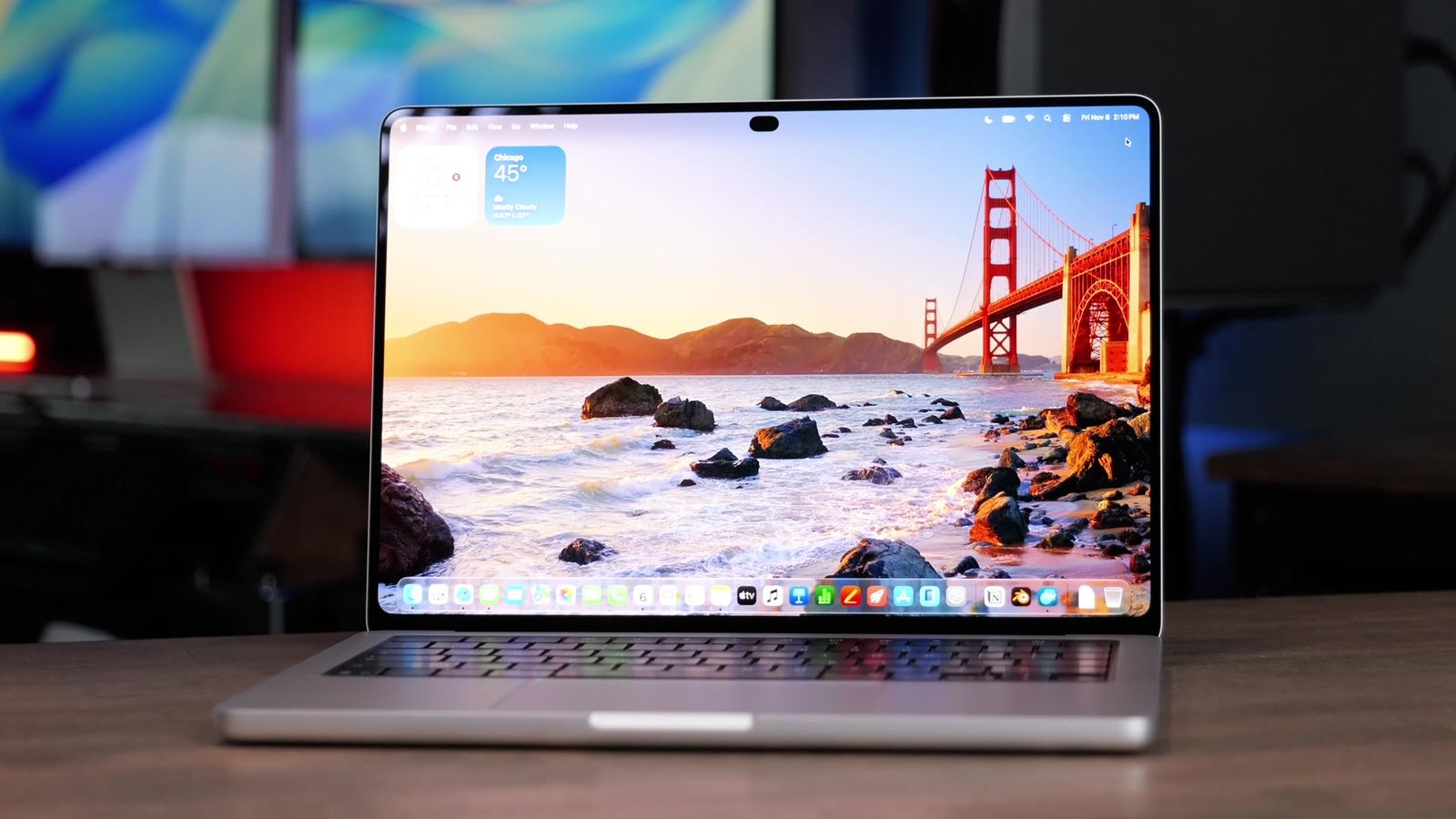
The new PROLED MacBook Pro just showed up, and this is the computer I’ve been waiting on for a long time. I bought it myself, and I’m coming to it from the old M5 Pros, the MacBook Air and all the other MacBook Pros we’ve gotten over the last few years.
This is first impressions, not the full review. Below is what I think of the display, the speakers, the weight, the Dynamic Island, touch, the fans and one quick Blender run, plus whether I’d pick it over a regular M5 Pro MacBook Pro.

This is the MacBook Pro I’ve been waiting for Apple to make. If you’re stuck between it and a regular M5 Pro, I’d spend the extra $400 and get the PROLED for the display and speakers. Touch is fine, but it’s not why I’d buy it.
- The PROLED display looks amazing next to the old mini LED Pros
- Redesigned speakers with more clarity and deeper bass
- About half a pound lighter than the old MacBook Pros
- Fans stayed quiet through three Blender Barbershop renders
- Costs $400 more than the regular 14-inch M5 Pro
- Reaching out to touch the screen isn’t comfortable for long
- Still no Face ID, even with the notch gone
- Still heavier than the 13-inch MacBook Air
What I got
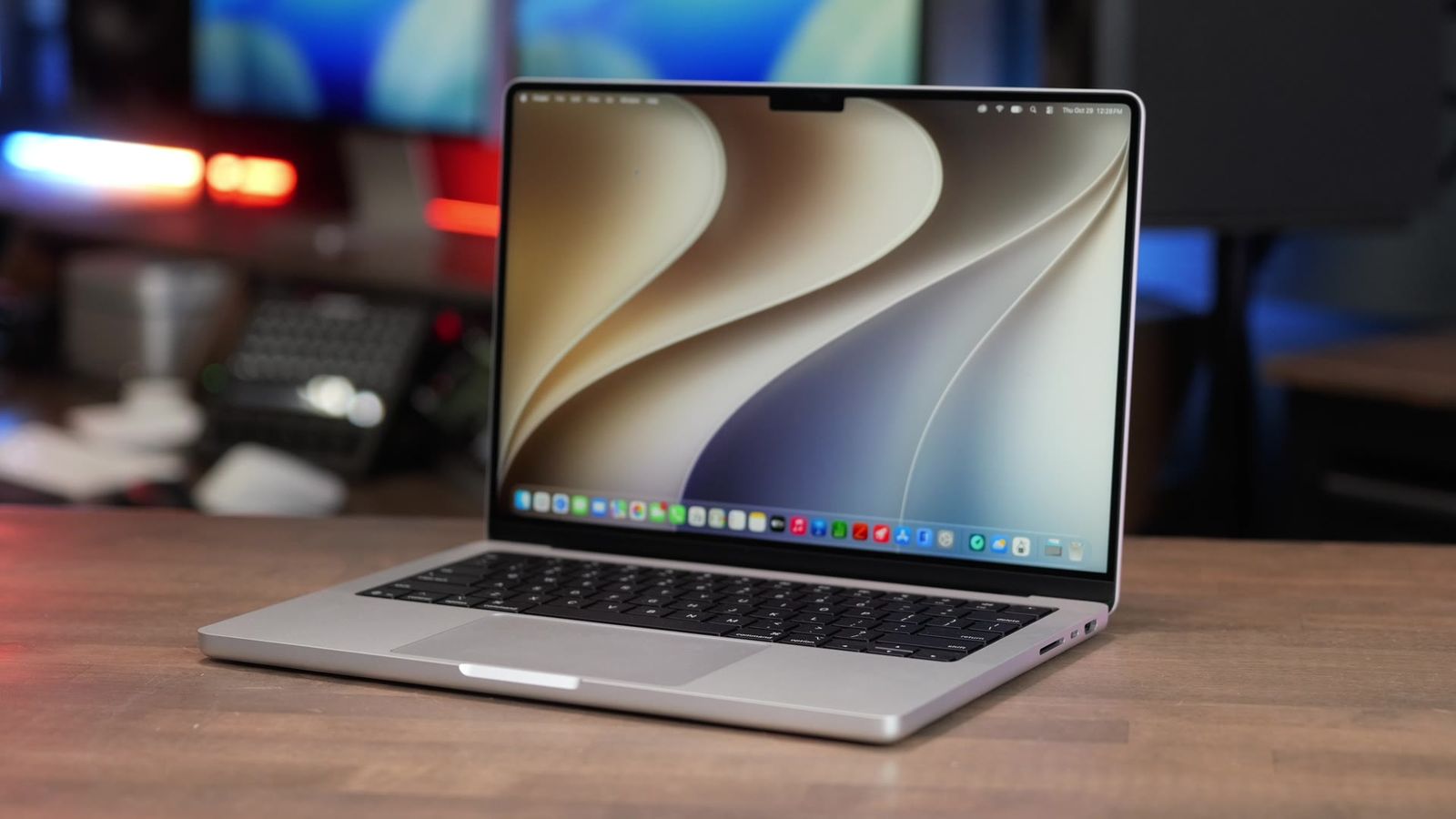
I bought the base 14-inch M5 Pro with 24GB of RAM and 1TB of storage, in silver. That’s the classic Apple color, and I love the glowing logo on the lid. It looks incredible.
| 14-inch PROLED MacBook Pro (mine) | |
|---|---|
| Chip | M5 Pro, 15-core CPU, 16-core GPU |
| Memory | 24GB |
| Storage | 1TB |
| Color | Silver |
| Price | $2,899 (regular 14-inch M5 Pro: $2,499) |
Not sure which Mac fits what you do? I offer free personalized Mac buying recommendations.
The PROLED display
The display is the first thing I noticed once I got it set up. The mini LED screen on the old Pros was nice, but the PROLED display is beautiful. Watching videos, looking at high-resolution photos, just browsing, it all looks incredible.

I think the display is the most understated thing about this laptop. Everyone’s talking about touch and how you don’t need it. Forget about that. The display on this computer looks amazing.
Speakers
Apple said they redesigned the speakers, and they definitely did. They sound different from the old ones. There’s extra clarity and more depth to the bass. I was listening to music and watching some live music videos, and it felt so immersive, almost like being there.
I’m pretty picky about speakers and sound quality, so Apple did a great job here.
Weight vs the MacBook Air
The weight was the other thing I was excited about. Apple cut about half a pound off the PROLED model, so it’s now lighter than the old MacBook Pros. It’s not quite as thin and light as the MacBook Air, but it gets closer.

| Laptop | Weight |
|---|---|
| 14-inch PROLED MacBook Pro (M5 Pro) | 3.0 lb |
| 14-inch regular MacBook Pro (M5 Pro) | 3.5 lb |
| 13-inch MacBook Air (M5) | 2.7 lb |
For a long time I’ve said I just pick the MacBook Air because it’s the thin, portable one. Now the PROLED MacBook Pro is closer than ever to Air size, and you get a display that’s worth spending more on over the Air. So it’s kind of becoming the MacBook Air killer.
Big thanks to B&H for sponsoring the channel. Right now they include a $150 B&H gift card when you buy one of the PROLED MacBook Pros. [CHECK: is the B&H $150 gift card still running? Cut this line if not.]
No more notch
Apple finally got rid of the notch. There’s a Dynamic Island now, so it looks and feels a little more like using your iPhone. It shows things like music, timers and other live system info that’s relevant to what the computer’s doing.

It looks nice, but I’m bummed they couldn’t build Face ID into it somehow. I don’t mind a ton, because you still get Touch ID on the keyboard, and on a MacBook that’s simple to use since your hands are already there. I’m okay with Touch ID. Face ID as another option would be nice.
Touch on a Mac
Touch seems like one of the most polarizing things about the PROLED MacBook Pro. So far it works great in macOS. My favorite part is pinch to zoom, for getting in tighter on an app.
It’s not always comfortable to use, though. I had it on my standing desk for a while, and reaching out with your arm just doesn’t feel quite right. For moving something around real quick, it feels natural and makes a lot of sense with macOS. A lot of the gestures from the iPad and iPhone carry over too. It reminds me of using a trackpad with an iPad, just the other way around.
So if you wanted touch, congrats. I’m not sold on it being the feature that makes this a great laptop. I’m more excited about the display, the weight loss, the better speakers and a few other small changes.
Keyboard, trackpad and fans
The keyboard and trackpad feel exactly like the other ones, which is great. Apple has done a great job with both for the last few years.

The cooling is where they made a big change. It has dual fans with the M5 Pro and M5 Max, and you can see the exhaust ports along the back edge. When it’s on your lap, the whole bottom of the chassis gets warm, but you can feel the air going out the back.

I haven’t had a ton of time to test it yet, but I did put Blender on it and ran the Barbershop scene three times. Barbershop is a pretty intensive GPU render, and the PROLED was hitting excellent times compared to some of the other computers I’ve tested. You can hear the fans if you put your ear up close, but it didn’t sound like the jet engine a lot of MacBooks turn into.
| Blender Barbershop (GPU, third run) | Render time |
|---|---|
| M5 Pro Mac mini | 1:50 |
| 14-inch PROLED MacBook Pro (M5 Pro) | 1:57 |
| M6 Mac mini | 2:20 |
| 14-inch M5 MacBook Pro | 2:59 |
Lower is better. These are the same four Macs as the chart in the video, from my Mac test results. It’s a table because the PROLED only has this one test so far.
What I’m testing next
I’ve got lots of benchmarks coming. I’m testing this against the standard M5 Pro, the M6 MacBook Pro that just launched, and the M5 Max in both the 14-inch and 16-inch PROLED sizes. Huge thanks to B&H for sending me so many loaners to test. All my results go on my Mac test results page.
PROLED or regular M5 Pro?
If you’re stuck between the PROLED and a regular M5 Pro MacBook Pro, my recommendation is to spend the extra $400 and get the PROLED. The display is awesome and the speakers sound better than ever. I think this is the kind of computer you could easily keep for five to seven years, because it’ll have plenty of power and lots of great features.
| Get the PROLED if | Get the regular M5 Pro if |
|---|---|
| You want the best display on a MacBook | You’d rather keep the $400 |
| Speakers and sound quality matter to you | Touch and the Dynamic Island don’t matter to you |
| You want a Pro that’s closer to MacBook Air weight | You don’t mind the extra half pound |
| You plan to keep it for five to seven years |
The bottom line
I’m impressed with this computer so far. This is the MacBook Pro I’ve been waiting for Apple to make, because it has the better OLED display, better speakers and an improved cooling system. It might even be enough to make me switch from my MacBook Air as my portable machine to this one when I’m on the go.
This is just first impressions, and I’ll be comparing it to the rest of the Apple lineup soon. Every Mac I’ve tested is on my Mac test results page, and if you’re not sure which Mac is right for you, I’ll give you a free personalized pick.
Still deciding? Here’s every MacBook Pro Apple sells and which one to buy, plus what the extra $400 gets you on the OLED touchscreen MacBook Pro.
[DRAFT NOTES, delete before publishing: (1) Card has no YT Upload Date yet; set it so the post can go live with the video. (2) Check the B&H $150 gift card line above; B&H’s Nov 6 email says the deals end Nov 7 11:59 PM ET. (3) Prices ($2,899 / $2,499) are from the on-screen price card, from Apple on Oct 28; weights (3.0 / 3.5 / 2.7 lb) are from the on-screen weight card and the card fact sheet. (4) Blender times are the Barbershop GPU third pass from the Mac Tests sheet, same four Macs as the video chart; the video itself only says “excellent times”. (5) 16-inch PROLED and MacBook Air are only in the buy box, not discussed in the video.]