Some of the links in this post are affiliate links, which means I may earn a small commission if you choose to make a purchase at no extra cost to you. As an Amazon Associate, I earn from qualifying purchases. Read my full Ethics & Affiliate Relationship Disclaimer.
We finally got the MacBook Pro a lot of us have been waiting for. OLED, a touchscreen, and my favorite part, it’s half a pound lighter than the last one. Apple’s calling it the MacBook Pro with PROLED XDR display.
I already pre-ordered one. Here’s everything that’s new, who it’s for, and when you should pass on it and save your money.
If you’ve been waiting for this redesign, now’s the time to buy, and the base 14-inch with 24GB and 1TB has everything you need. If you don’t care about touch or the OLED display, save the $400 and get the regular M5 Pro, or look at the M6 MacBook Pro.
- Tandem OLED, like the iPad Pro, with up to 2,000 nits for HDR
- 3 pounds, half a pound lighter than the regular M5 Pro model
- Dynamic Island replaces the notch
- The glowing Apple logo is back
- Same M5 Pro and M5 Max chips as the regular MacBook Pro
- About $400 more than the equivalent regular model
- No Face ID and no advertised Apple Pencil support
- The base 14-inch comes with the 70W charger, not 96W
Price and release date
The 14-inch starts at $2,899 and the 16-inch at about $3,400. I’m pleasantly surprised by that, because I was expecting the 14-inch to start at $3,200 at least.
It still uses the M5 Pro and M5 Max, which I kind of expected. These are the same chips as the regular MacBook Pro that came out earlier this year, and each model costs about $400 more than the equivalent regular one. Pre-orders are open now and it ships November 6.
| MacBook Pro with PROLED XDR | Regular M5 Pro MacBook Pro | |
|---|---|---|
| 14-inch starting price | $2,899 | $2,499 |
| Display | Tandem OLED with touch | Mini LED |
| Weight (14-inch) | 3 pounds | 3.5 pounds |
| Chips | M5 Pro or M5 Max | M5 Pro or M5 Max |
| Base memory and storage | 24GB / 1TB | 24GB / 1TB |
| Ships | November 6 | Available now |
Not sure which Mac is right for you? Tell me how you’d use it and I’ll give you a free personalized pick.
The PROLED display
PROLED is basically Apple’s name for tandem OLED, the same kind of display as the iPad Pro. If you haven’t used an iPad Pro, that display is beautiful. Every pixel lights itself, so blacks are black, and you shouldn’t see halos around bright things on a dark background.
Apple says it can peak at 2,000 nits for HDR content, and it runs at 1,000 nits sustained, which is way brighter than a MacBook Air and should be plenty. Outdoor brightness doubles from 1,000 to 2,000 nits. It’s kind of like taking an iPad Pro display and putting it on a MacBook Pro, and Apple still made the MacBook Pro lighter than ever. I’d trust this for any work where color accuracy matters.
Touch on a Mac
Touch is built right into the panel. You can scroll, pinch to zoom and sketch with your finger. Apple says anything you tap gets translated into a click, and you can double tap a window to fill the screen, so I think a lot of things will work great from day one.
I’m still not 100% sure how much I’ll use it. When I use my iPad with the Magic Keyboard, I’m on the keyboard about 90% of the time and touching the screen maybe 10%. I do think it’ll get more useful as touch develops in macOS, and it’ll be interesting to see if it pushes Apple to close the gap between iPadOS and macOS.
If you only buy an iPad because you like touching the screen, this takes some of the edge off just getting a MacBook instead. But there’s no advertised Apple Pencil support yet, so for artists the iPad may still be the better pick.
Touch makes a lot of sense for coding and development, because you can test how your iPhone app feels with touch right in the simulator. And with iPhone Mirroring, you’ll be able to use your phone right from the display without picking it up, which I think will be super useful.
Lighter design and Dynamic Island
| Laptop | Weight |
|---|---|
| 14″ MacBook Pro with PROLED XDR | 3 pounds |
| 14″ M6 MacBook Pro | 3.4 pounds |
| 14″ M5 Pro MacBook Pro | 3.5 pounds |
| 13″ MacBook Air | 2.7 pounds |
The new model weighs 3 pounds, half a pound less than the regular M5 Pro MacBook Pro, and it’s a little thinner and smaller all around. It still looks about the same, but to me the 14-inch MacBook Pro has always felt huge next to the MacBook Air, so this is awesome.
Apple also got rid of the notch. Now there’s a Dynamic Island for the webcam, and it’s the new home for Spotlight, Live Activities and Siri. It’s going to look a lot cleaner than the notch, and the bezels got smaller too, including on the sides.
You still get Touch ID on the keyboard, with no Face ID. With the Dynamic Island up there, I think Apple could have squeezed Face ID in, and that would have been another standout feature.
The best thing about this computer is the illuminated Apple logo on the back. Thank you, Apple. It comes in space black or silver. I bought silver because I think it’s the classic Mac color, it’ll look great with the glowing logo, and space black shows too many fingerprints in my opinion.
M5 Pro and M5 Max inside
The M5 Pro and M5 Max are what I expected, since Apple just put those same chips in the new Mac Studio and Mac mini.
The base M5 Pro has a 15-core CPU and a 16-core GPU, so you pay extra for the full 18-core CPU and 20-core GPU. The M5 Max costs $1,600 more. The base comes with 24GB and 1TB. If you want 64GB, you also have to upgrade the chip, and 128GB means getting the M5 Max, so the memory upgrades get pricey fast.
Apple says it redesigned the thermals but didn’t explain how yet. In my experience, the 14-inch M5 Max computers aren’t worth the money because they don’t perform much better than the M5 Pro. I’m curious to test whether the new design fixes that.
The charger catch
The 14-inch supports 96W fast charging, but you only get that charger in the box with the upgraded M5 Pro or the M5 Max. If you buy the base model, like I did, you get the 70W charger.
Ports and speakers
It has the same ports as the last version: three Thunderbolt 5, HDMI, an SD card slot, MagSafe and a headphone jack. I wish it had one more Thunderbolt port. I loved the old Touch Bar MacBook Pros with four, because you could make them do whatever you wanted. I’m shooting more on CFexpress and SSDs now, so I don’t use the SD card slot as much.
Apple says the speakers have up to 50% deeper bass. We’ll see. The old 14-inch speakers were already great and the 16-inch were exceptional, so I’m excited to hear it.
Who it’s for
First, it’s for you if you like the MacBook Air’s size but want a nicer display, extra ports, Thunderbolt 5, and more headroom for your apps. It’s also going to be amazing for developers because of the iPhone simulator, and for designers who want to zoom in and out right on the screen.
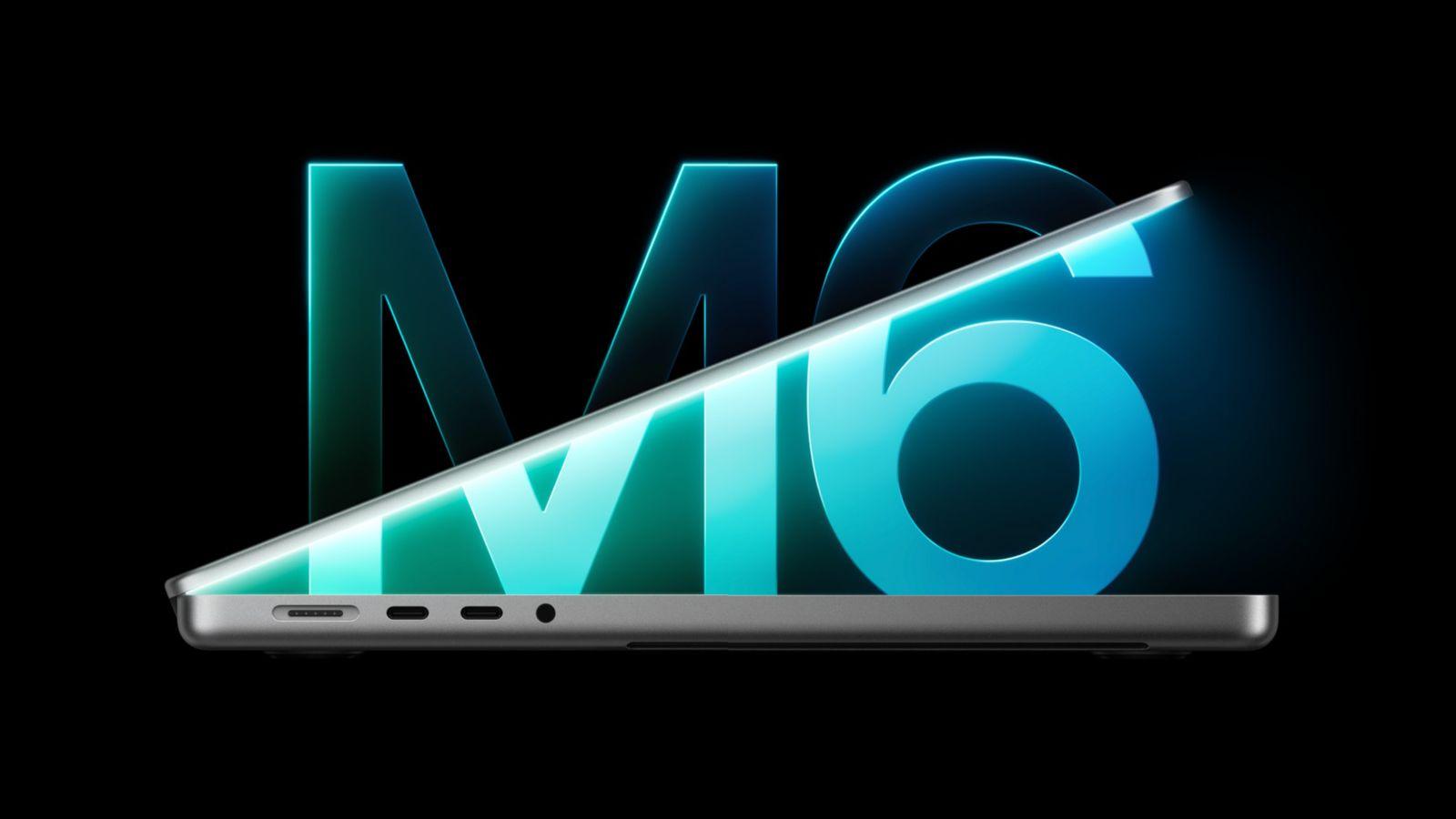
If you don’t care about touch and the other changes don’t matter to you, save the $400 and get the regular M5 Pro. And the M6 MacBook Pro Apple announced yesterday is still going to be a beast. The M6 beat the M5 Pro in a lot of my Mac mini tests, so it’s a great option if you don’t care about Thunderbolt 5 or the OLED display.
You can also get nano-texture on this one. I don’t like nano-texture laptops, because I think it lowers the quality of the display just to beat glare.
| Get the OLED MacBook Pro if | Get something else if |
|---|---|
| You like the Air’s size but want a nicer display, more ports and Thunderbolt 5 | You don’t care about touch (save $400, get the regular M5 Pro) |
| You’re a developer testing iPhone apps | You don’t need Thunderbolt 5 or OLED (get the M6 MacBook Pro) |
| You’ve been waiting for this redesign | You just bought an M5 Pro MacBook Pro (keep it) |
Should you upgrade?
If you just bought an M5 Pro MacBook Pro without the new display, it’s not getting any less powerful. You’re missing out on the better display and touch, and that’s it.
But if you’ve been waiting for this redesign, this is your time to buy. The base model has everything you need with 24GB of RAM and a 1TB SSD. More RAM would be nice, but 24GB will get the job done. I’ve used my 16GB M5 Air for tons of tasks all year, and it’s been awesome, so I have no doubt the M5 Pro with 24GB will be great.
If you’re nervous about burn-in, Apple says it tracks how much each pixel gets used and has features built in to help fight it. I’d still watch out for it and keep a screensaver running.
The bottom line
I ordered the base 14-inch M5 Pro in silver, and I’m going to use it as my daily driver. I’ll pull the Mac Studio off my desk and run two Studio Displays and a bunch of external SSDs off this instead, and see how it goes.
I still think the M6 Mac mini and the M5 Max Mac Studio are the best power for the money in Apple’s lineup. My recommendation is still to get one of those for your heavy lifting and pair it with an Air for portability. But if you’re always on the go and need the most power possible everywhere, the new MacBook Pro is going to be an amazing all-in-one computer. The half pound weight loss and the OLED display are the two things I’m most excited about.
Once mine shows up, I’m testing it against the M6 MacBook Pro, the M5, M5 Pro and M5 Max, and the M5 Pro and M6 Mac minis. All my results go on my Mac tests page. Still deciding? My M6 Mac mini vs M5 MacBook Pro tests show what the M6 can do, or tell me how you’d use it and I’ll give you a personalized pick.