Some of the links in this post are affiliate links, which means I may earn a small commission if you choose to make a purchase at no extra cost to you. As an Amazon Associate, I earn from qualifying purchases. Read my full Ethics & Affiliate Relationship Disclaimer.
The M6 iMac is here. It’s got a huge jump inside, but it has the same display we’ve had since 2021, the same design, and Apple’s still starting it with 256GB of storage.
Here’s what’s new, which model to get, and whether a Mac mini is a smarter buy than the iMac.

The M6 is a big jump inside the same iMac. If you want the one box, plugged in and done Mac, this is still the setup to beat. Just get the 12-core and upgrade it to 512GB so it lasts. I still think most people should get a Mac mini and bring their own display.
- M6, Apple’s first 2 nanometer chip, up to 12-core CPU and GPU
- Dual 16-core Neural Engine
- Wi-Fi 7, Bluetooth 6 and 2.5 gigabit Ethernet
- Keyboard and mouse in the box
- Still starts at 256GB
- Same 60Hz display since 2021, no larger size
- Can’t use it as an external display
- No USB-A, no SD card slot
What’s new
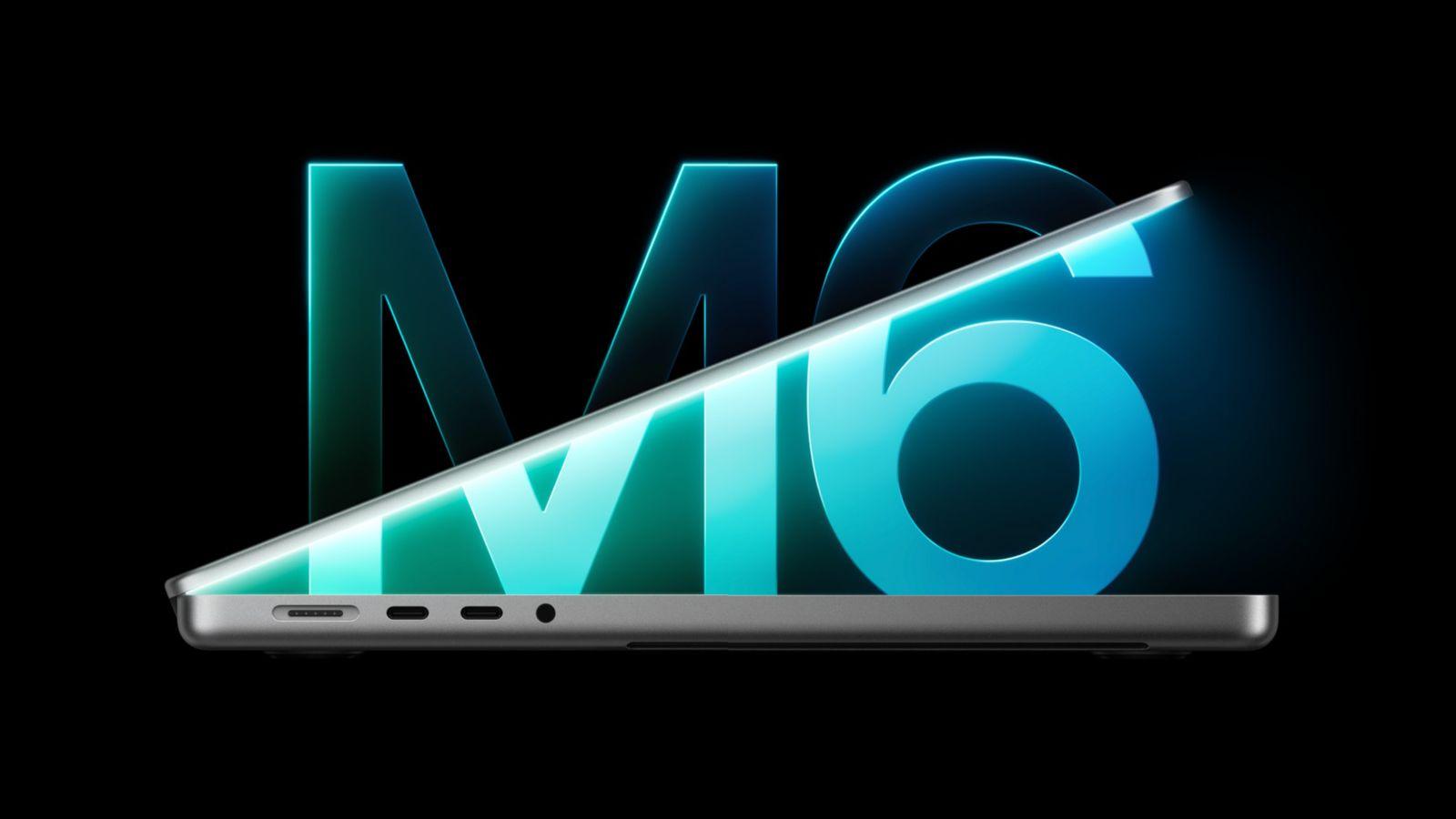
It has the M6, Apple’s first 2 nanometer chip, with 10-core or 12-core CPU and GPU options. That’s up to two more cores than the M4 model.
It also has the dual 16-core Neural Engine, which made a huge difference when I compared the M6 Mac mini to the M5 Pro Mac mini. Memory bandwidth goes up to 170GB/s, up from 120GB/s on the M4. Apple says SSD speeds are up to 2x faster, but my guess is you’ll need the 512GB option to get those faster speeds.
Apple also moved it to Wi-Fi 7 and Bluetooth 6, with Thread support, through its N1 chip. If you get a version with Ethernet, it’s 2.5 gigabit, which is a nice touch. Wi-Fi 7 is probably the biggest hardware change, and it’ll be really nice with newer routers for faster, more stable connections.
Versus the M4, Apple claims 1.5x the Excel performance, 2x the graphics and up to 5x the local AI performance in LM Studio. From my M6 Mac mini testing, that’s spot on.
Since it’s on the 2 nanometer process, it should also run cooler and quieter than the M4 iMac, and I’ll confirm that when I test it. Most of the problems people had with the M4 iMac came under heavier workloads, when it would thermal throttle hard. Hopefully the M6 is much improved.
What didn’t change
A lot didn’t change, and I’m personally OK with most of it. The display is the same 24 inch 4.5K panel with 500 nits of brightness and 60Hz that Apple’s used since 2021. There’s no ProMotion, no HDR and no larger size iMac, which is a bit of a letdown. And we still can’t use the iMac as an external display for another computer.
The storage is soldered in, and it still starts at 256GB. I think that’s completely ridiculous in 2026. These computers have so much power, and 256GB limits how many apps you can put on it. Your day-to-day system files add up fast too.
The iMac is all about buying a sleek, nice looking computer without a bunch of accessories, dongles and adapters hanging off of it. So you really need more storage built in. You almost have to buy the 512GB option.
It still has Thunderbolt 4, the same seven colors and the same front 1080p camera. I think Apple could’ve upgraded the webcam. The design is the same again too. I think it’s a great design, and I’m not bothered by it, because it’s tried and true.
For people who want an iMac, it’s perfect because you get everything in the box. You get the keyboard and the mouse, and you don’t need a webcam or speakers. A lot of people and businesses like having an iMac as their front desk computer, and it’s a great option for them.
10-core or 12-core?

Apple still splits this into two computers: the 10-core and the 12-core. The 10-core starts at $1,499. It only has three performance cores instead of four, only two Thunderbolt ports, and it runs one external display. You can upgrade it to 24GB of RAM if you want, and Ethernet is $30 extra.
For most people buying this as a long-term computer, I’d get the 12-core. It has four Thunderbolt 4 ports, supports two external displays and goes up to 32GB of RAM. It comes with Ethernet and Touch ID on the keyboard, and you can add the nano-texture display. So the $200 jump gets you the full chip, double the ports, a second display and Ethernet.
Storage and RAM

Upgrading to 512GB is a no-brainer to me. It’s $200 more, and 1TB is $500 more. Upgrading the SSD is future proofing: the computer lasts longer and you can run more at once without deleting files. Here’s my full take on 256GB vs 512GB.
Skip the 2-port model too, because if you run out of storage on it, it doesn’t have as much expansion, and 256GB is more limiting than ever.
A lot of people like to fight about 16GB vs 24GB of RAM. The 16GB is probably a bit slower than the 24GB, because Apple usually raises the memory bandwidth on the 24GB and 32GB options. I still use a 16GB MacBook Air every day with no issues. In my time with 24GB computers, though, they feel snappier and a lot of tasks run faster. 24GB isn’t a bad option, but it’s not as important to me as getting 512GB.
You could technically pair the 256GB with an external SSD. That kind of ruins the clean, minimal all-in-one idea, but you can always mount it to the back of the display with some Velcro.
VESA mount

If you want to mount it on a wall or an arm, get the VESA version. You have to pick it when you order, because you can’t convert the stand version to VESA later.
Not sure which Mac is right for you? Tell me how you’d use it and I’ll give you a free personalized pick.
Ports
These are still stuck with Thunderbolt ports and the USB-C connector. There’s a headphone jack, but you don’t get USB-A, and there’s no SD card slot. Satechi has a dock that goes under the base and looks super minimal, and HyperDrive has a hub that goes under the chin of the display. Those give you a couple more ports.
I think a few USB-A ports on the back would make a lot of sense, or even just a couple more ports. Add a Stream Deck or a few other accessories and you’ll fill up the ports on the back quickly.
Where’s the iMac Pro?
We’re still stuck with the 24 inch model, and a lot of people want a 27 inch iMac. Both bigger iMacs went away in the switch to Apple Silicon, and Apple hasn’t brought one back. In an iMac Pro, I’d like to see better cooling, a Pro chip and a larger display, maybe even 32 inches.
If we could also use it as an external display, that would be so cool. You could pair it with your laptop, then take the laptop on the go and still have the desktop at home, plugged into the network and ready. The old Intel iMacs could do that with Target Display Mode. None of the Apple Silicon iMacs can.
iMac or Mac mini?
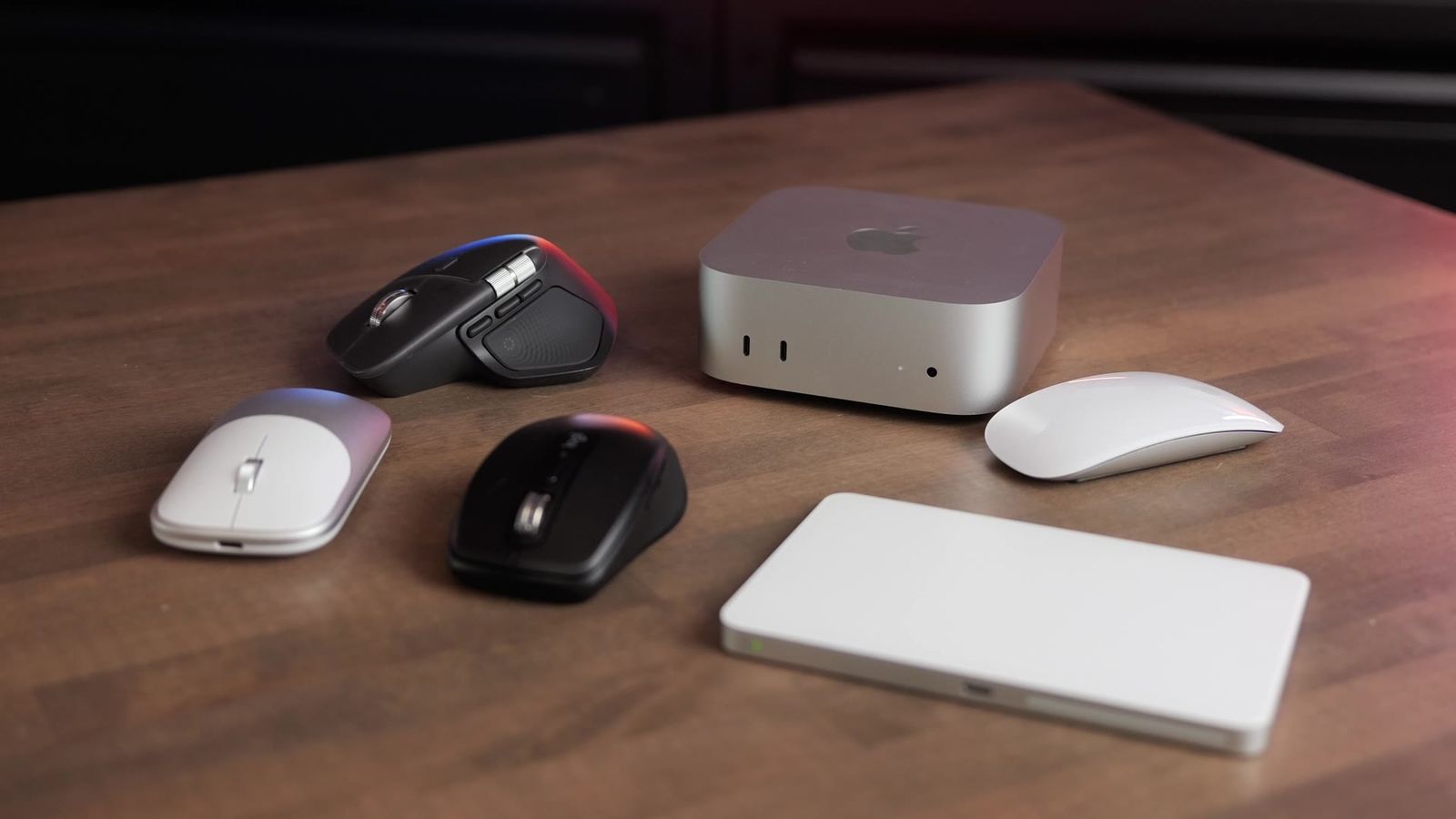
An M6 Mac mini with 512GB is $1,099. Add a Studio Display, a Magic Keyboard with Touch ID and a Magic Mouse, and you’re at almost $3,000. The 12-core iMac is $1,699 plus $200 for 512GB, so $1,899. That’s about $1,027 less, and you get the camera, mics, speakers, keyboard and mouse in the box.
The biggest drawback is that you’re locked in with the same chip, the display and all the accessories. If you want an M7 or M8 later, you need an all-new setup. Buy a Studio Display once and it could last you 10 years, and if anything goes wrong with your desktop, you can swap it out or use the display with a laptop. The Studio Display route gives you more versatility, but you spend quite a bit more.
You could pair the Mac mini with a cheaper monitor, but it’s hard to find a really nice Mac display on the same level as the 24 inch iMac for less than $700 or $800. So the Mac mini route with an external display ends up close to the same price, even without the Studio Display, and it’s not as sleek and minimal as the iMac.
Personally, I still prefer a Mac mini setup, and I think that’s what most people should choose, unless you want the all-in-one and can’t be bothered to pick out accessories.
Who should upgrade
If you’re coming from an Intel iMac or an M1 iMac, this is a great upgrade, with big performance gains across the board, even over the M4.
If you already have an M4, the only reasons I’d upgrade are if your RAM hasn’t been enough, if your internal SSD is full and you’re working on larger projects, or if your M4 has felt sluggish with more advanced workflows than you used to do on it.
| Get the M6 iMac if | Look elsewhere if |
|---|---|
| You want the one box, plugged in and done Mac | You want to upgrade the computer and keep your display (get a Mac mini) |
| You’re on an Intel or M1 iMac | You have an M4 iMac that’s working fine |
| You get the 12-core with 512GB | You were going to get the 2-port with 256GB |
The bottom line
Overall, this is a needed incremental upgrade. Apple kept the same tried and true design. We still don’t get an iMac Pro, and we still don’t get more ports. I still think most people should get a Mac mini and bring their own display. If you want the simple, one box, plugged in and done iMac, this is still the setup to beat. Just get the 12-core and upgrade it to 512GB so it lasts a long time.
I’ll be testing it against the M5 MacBook Air, the M6 MacBook Pro and the M6 Mac mini, and all my results go on my Mac tests page. Still deciding? Is the M6 Mac mini enough for you? covers the Mac mini path, and my best Mac mini accessories post covers the displays, keyboards and mice to pair with it. Or tell me how you’d use it and I’ll give you a personalized pick.
[DRAFT PLACEHOLDER, delete before publishing: [YOUTUBE URL] in the embed at the top, once the iMac video is uploaded. [BLOG GENI.US LINK: M6 iMac] for the summary box, buy button and buy box. [BLOG GENI.US LINKS: Satechi iMac dock, HyperDrive iMac hub] if you want them linked in Ports.]