Some of the links in this post are affiliate links, which means I may earn a small commission if you choose to make a purchase at no extra cost to you. As an Amazon Associate, I earn from qualifying purchases. Read my full Ethics & Affiliate Relationship Disclaimer.
Is the M6 Mac mini enough for you? Here’s the short answer. For most people, yes. Everyday work, photo editing, coding and video editing all run great on it, and it handled everything I threw at it.
By the end you’ll know where it falls short, which config I’d buy, and who should skip it for an M5 Pro Mac mini or a Mac Studio.

The M6 Mac mini is plenty for everyday work, photo editing, coding and video editing. If you buy one, get 24GB of memory and the 512GB SSD, which comes to about $1,300. Skip it for heavy multicam video, big local AI models, 3D work or fast Thunderbolt 5 storage.
- Starts at $900 and it’s tiny
- The fan lets it hold full speed on long exports
- AI Denoise on 50 photos in about 4 minutes, faster than the M5 Pro mini
- Latest Wi-Fi and Bluetooth
- About half the memory bandwidth of the M5 Pro
- Played 5 stacked 6K clips in Final Cut, the M5 Pro played 12
- Thunderbolt 4, not 5, and tops out at 32GB of memory
- The 256GB SSD fills up fast and runs at half the speed of the 512GB
Price and size
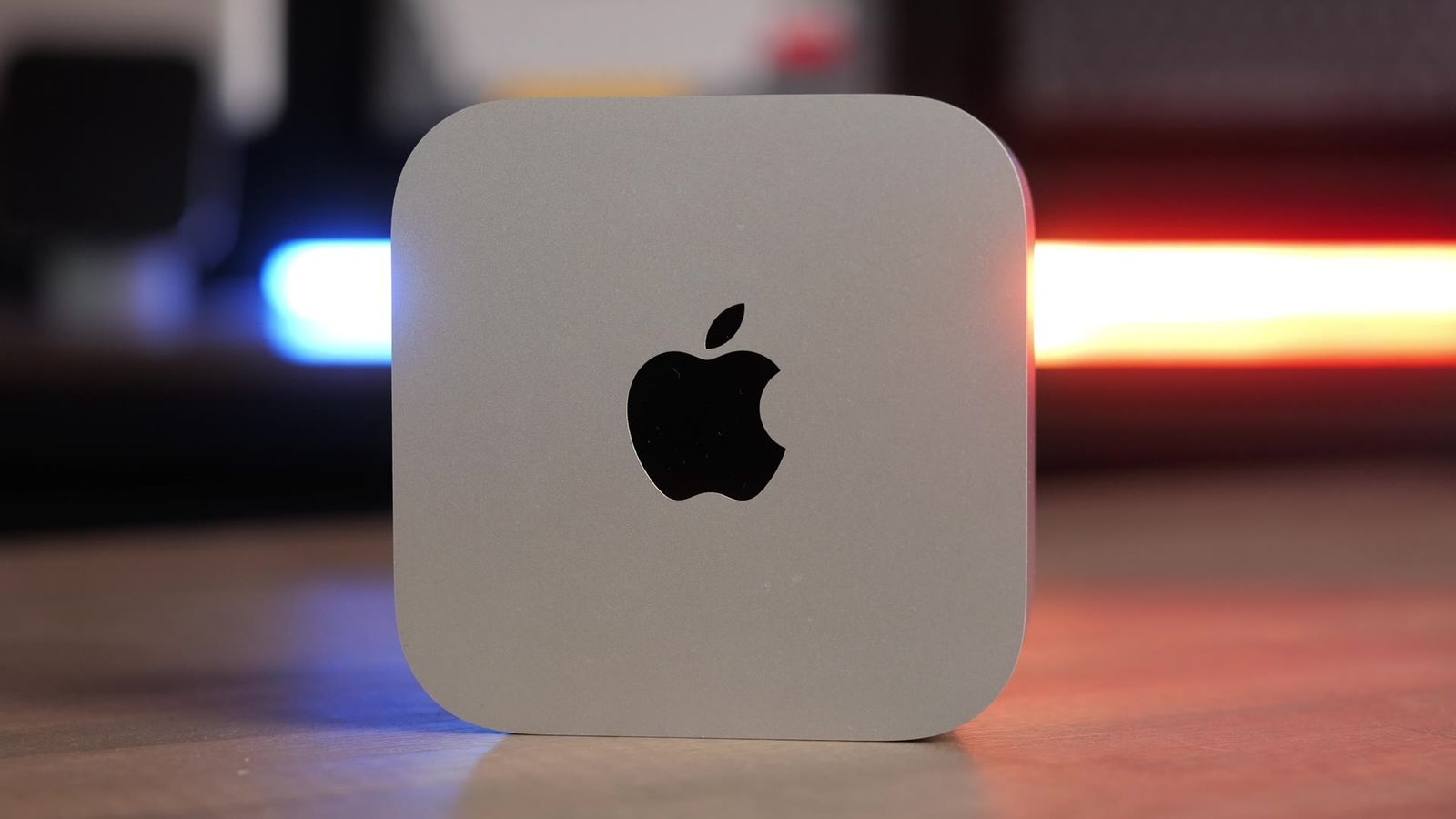
The M6 Mac mini starts at $900, and it’s tiny. It’s about five inches wide, five inches deep, two inches tall, and under two pounds. It’s easy to stow away behind your screen or under your desk, and you can throw it in a backpack too.

One thing to know up front: you get the computer and a power cord. You have to bring your own display, keyboard and mouse, and a lot of people don’t think about that when they’re budgeting for it.
Need help picking a Mac? Tell me how you’d use it and I’ll give you a personalized pick.
Where it’s great

The Mac mini has a fan on the bottom that pulls air in and keeps it cool. That’s why it runs way better than a MacBook Air, and it outperforms the base MacBook Pros too. When I ran long jobs like exporting a big batch of photos or the Xcode benchmark, it held its speed the whole time, even after several benchmarks in a row.
For everyday speed it’s awesome. Opening apps, browsing the web, email, documents and productivity work all fly. The M6 also has a new kind of core built for exactly that.
It’s better than ever with machine learning features in apps, too. AI Denoise in Lightroom cleans up grainy photos, and on 50 photos the M6 took about 4 minutes. The M5 Pro Mac mini, which costs $800 more, took about 5.

It’s also fast for editing in Final Cut Pro, and it has the latest Wi-Fi and Bluetooth chip that Apple makes.
Where it falls short
The two biggest drawbacks have to do with memory and the Thunderbolt ports.
With memory, it’s both how much you can get and how fast it is. Think of the speed as memory bandwidth, which is like the number of lanes on a highway. More lanes means more data moving at once, and the M6 has half the lanes of the M5 Pro. On more complex tasks, it can’t keep up at the same speed.
It still works great for editing videos. On heavier projects, it takes a little longer to generate the thumbnails every time you cut a clip in Final Cut Pro, and playing back multiple clips in the viewer isn’t as smooth as on an M5 Pro or an M5 Max. In my test it played five stacked 6K clips at once. The M5 Pro played 12.
Big music projects and AI models running on your Mac are slower too, because of that lower memory bandwidth. It also tops out at 32GB of memory, so if you want 48 or 64GB for large local models, the M6 isn’t an option.

On the Thunderbolt side, it has Thunderbolt 4, not 5. Thunderbolt 4 is still super fast. With a fast drive you can hit anywhere from 3,000 to 4,000 megabytes a second, which isn’t quite as fast as the internal drive, but it’s close. If you want the fastest external drives, you need Thunderbolt 5.
The 256GB SSD problem
Another huge disappointment is that the M6 still starts with a 256GB SSD. It’s ridiculous that Apple is putting that in any computer in 2026. I’m sure it’s there to keep the starting price under $1,000.

256GB fills up so fast. Put your apps on it, run iMessage, keep photos on it, and your system files start stacking up. On top of that, the 256GB SSD runs at half the speed of the 512GB option. To me, you need to go up to 512GB on day one. My 256GB vs 512GB guide has the full breakdown.
Which config to get
I’d take the 512GB model with 16GB of memory over the 24GB model with 256GB. You get the faster boot drive and more space to keep things on it.

If you can spend a little more, get 24GB of memory and the 512GB SSD. You get more memory and more speed, because Apple raises the memory bandwidth on the 24GB option. That puts the price at about $1,300 instead of $900, which is still a lot cheaper than an M5 Pro. In my testing, it kept up with the M5 Pro and even beat it at some tasks. Every M6 and M5 Pro result is on my Mac tests page.
Who should buy it and who should skip it
The M6 Mac mini is for you if you do everyday work, photo editing, coding or video editing. It’s an even better value if you already have a display, keyboard and mouse.
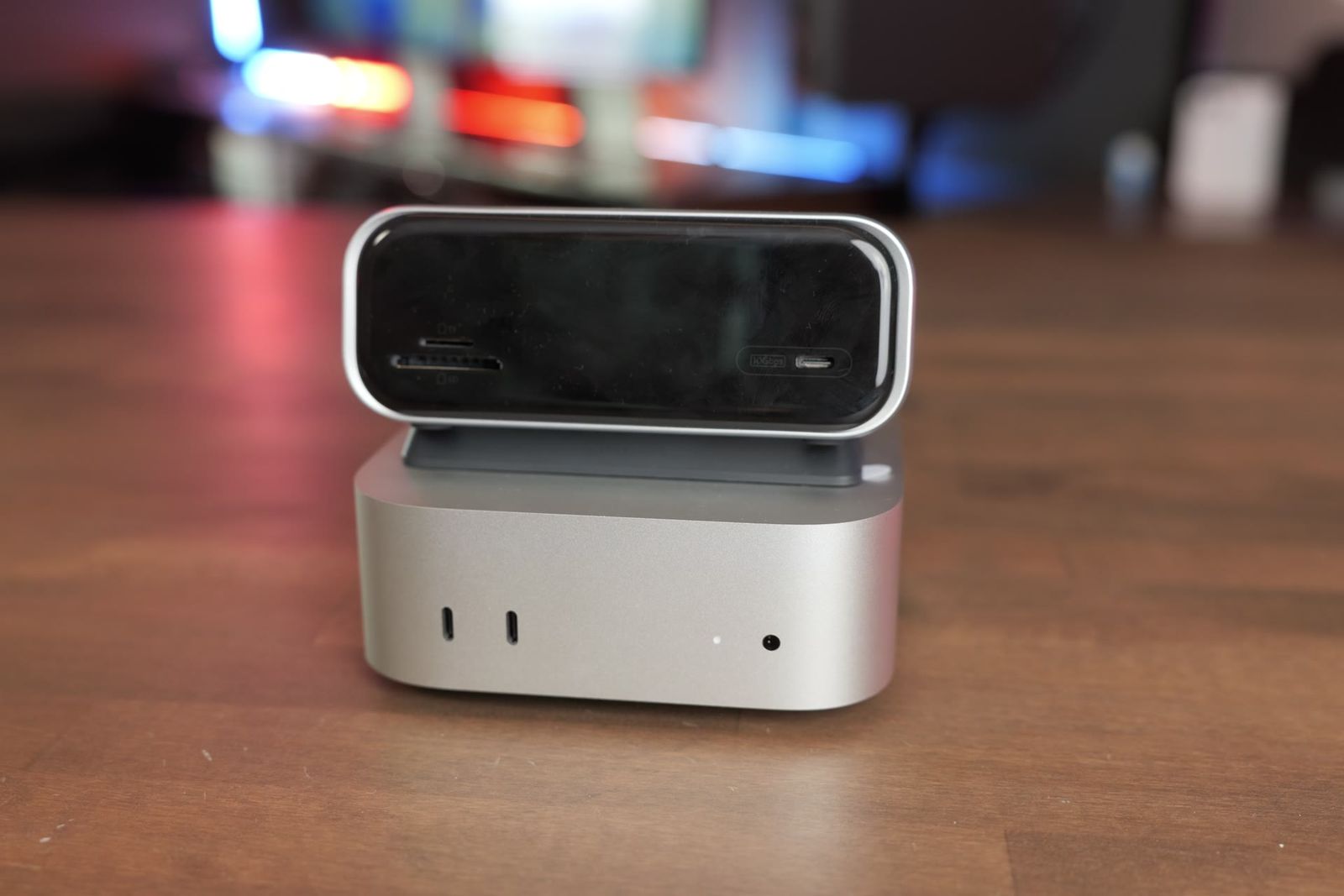
Skip it if you export a ton of video. The Mac Studio is still the king for that, with double the video encode and decode engines, and it runs multicam clips better too. Skip it if you run large local AI models that won’t fit in its memory, do 3D work, or work off fast Thunderbolt 5 storage. For those, look at the M5 Pro Mac mini, or spend more on the M5 Max Mac Studio. The Studio has an SD card slot, 10 gig Ethernet, a faster SSD and more memory.


I’d also skip it if you already have an M4 or M4 Pro Mac mini that’s working for you. Day to day, the M6 feels almost the same. The only time I’d upgrade is if you need more memory or a bigger SSD than the one you bought.
| Buy the M6 Mac mini if | Look at an M5 Pro mini or Mac Studio if |
|---|---|
| You do everyday work, photo editing, coding or video editing | You export a ton of video or edit big 6K shoots with lots of cameras |
| You already have a display, keyboard and mouse | You run large local AI models that need more than 32GB |
| You want the most Mac for the money | You do 3D work or work off fast Thunderbolt 5 storage |
The bottom line
For most people, the M6 Mac mini is an amazing computer, and it can handle just about anything. If you buy one, I’d get 24GB of memory and the 512GB SSD. If you outgrow it, Mac minis hold their value well, so it’s easy to resell or trade in, and at that point you’ll probably want a Mac Studio anyway. Every result I’ve tested is on my Mac tests page.
Still deciding? See my M6 Mac mini vs M5 Max Mac Studio tests, my M6 vs M4 Pro Mac mini tests, or tell me how you’ll use your Mac and I’ll give you a personalized pick.