Some of the links in this post are affiliate links, which means I may earn a small commission if you choose to make a purchase at no extra cost to you. As an Amazon Associate, I earn from qualifying purchases. Read my full Ethics & Affiliate Relationship Disclaimer.
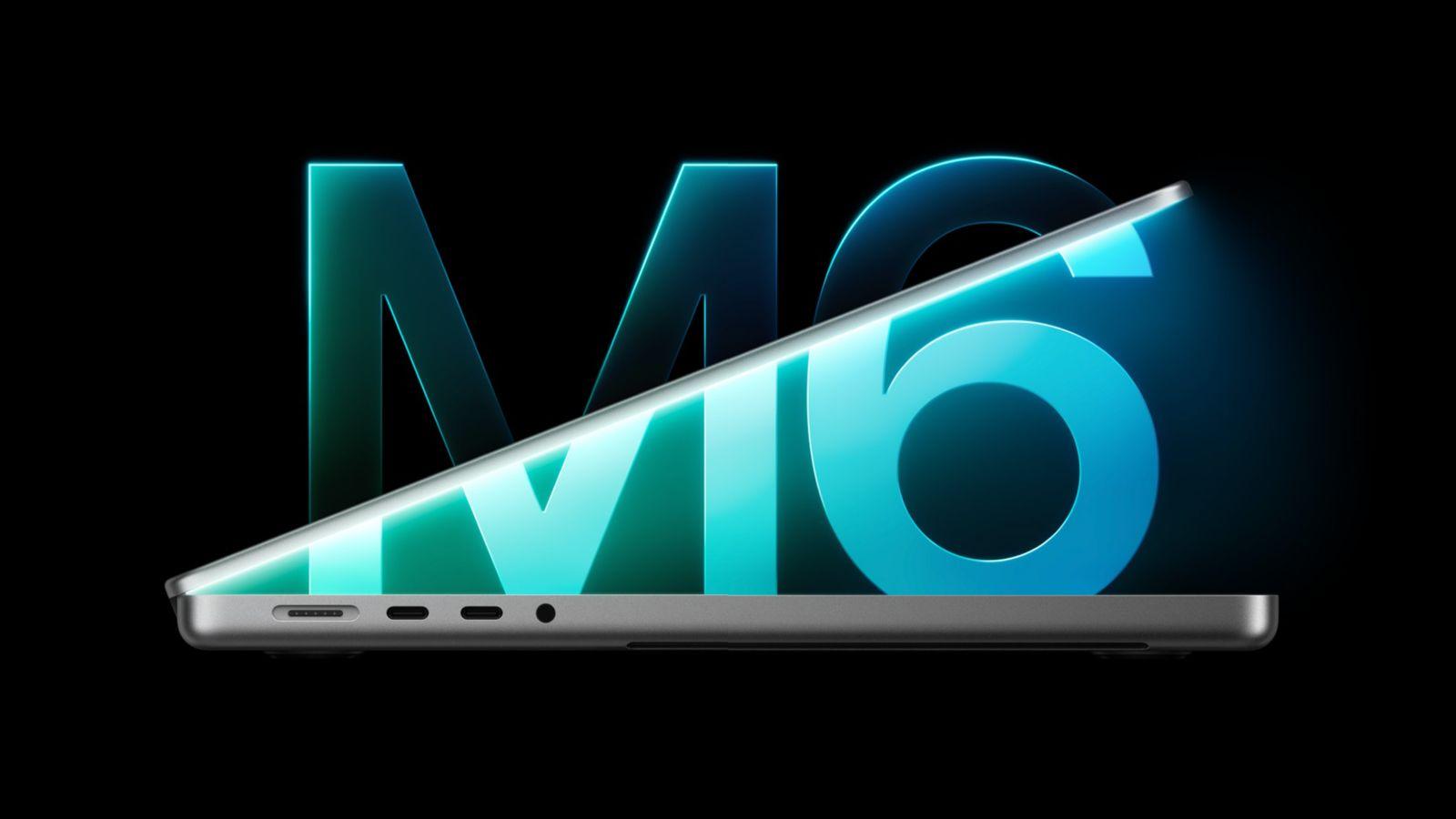
Apple just announced the M6 MacBook Pro for $1,999. To be clear up front, this isn’t the new MacBook Pro everyone’s been waiting for. There’s no OLED, no touchscreen and no redesign. It’s a new chip in the same MacBook Pro.
Here’s what changed, who it’s for, who should sit it out, and when the M5 Pro or the new OLED MacBook Pro makes more sense.

Same design, same display, same ports and the same $1,999 price as the M5 model, with the M6 chip, Wi-Fi 7 and Bluetooth 6 and longer battery life. If you’re on Intel, M1, M2 or M3, it’s a great upgrade. If you have an M4 or M5 MacBook Pro, sit this one out.
- M6 chip: 12-core CPU, 12-core GPU, 2 more of each than the M5
- Still $1,999, and still starts with 1TB
- Wi-Fi 7 and Bluetooth 6 with Apple’s N1 chip
- $700 more than a MacBook Air gets you a lot
- Not the OLED touchscreen redesign
- Still Thunderbolt 4
- One fan, while the M5 Pro has two
- 70W charger in the box, fast charging needs 96W
What’s new
The biggest change is the M6 chip, which uses the new 2 nanometer process. It has a 12-core CPU and a 12-core GPU, two more of each than the M5 model. Apple also added Wi-Fi 7 and Bluetooth 6 with its N1 chip. The M5 model had Wi-Fi 6E and Bluetooth 5.3.
Apple’s still advertising 24 hours of battery life watching video, or 16 hours of web browsing. Apple says it’s about 1.3x faster in LLMs, Blender and Xcode, with up to 30% faster graphics.
What didn’t change
It has the same mini LED display Apple’s used for five or six years now. It still has Thunderbolt 4 ports, unfortunately, and supports up to two external displays.
The good news is the price didn’t go up. It’s still $1,999 and it starts with 1TB of storage, which is really nice.

Not sure which Mac is right for you? Tell me how you’d use it and I’ll give you a free personalized pick.
M6 vs M5 Pro
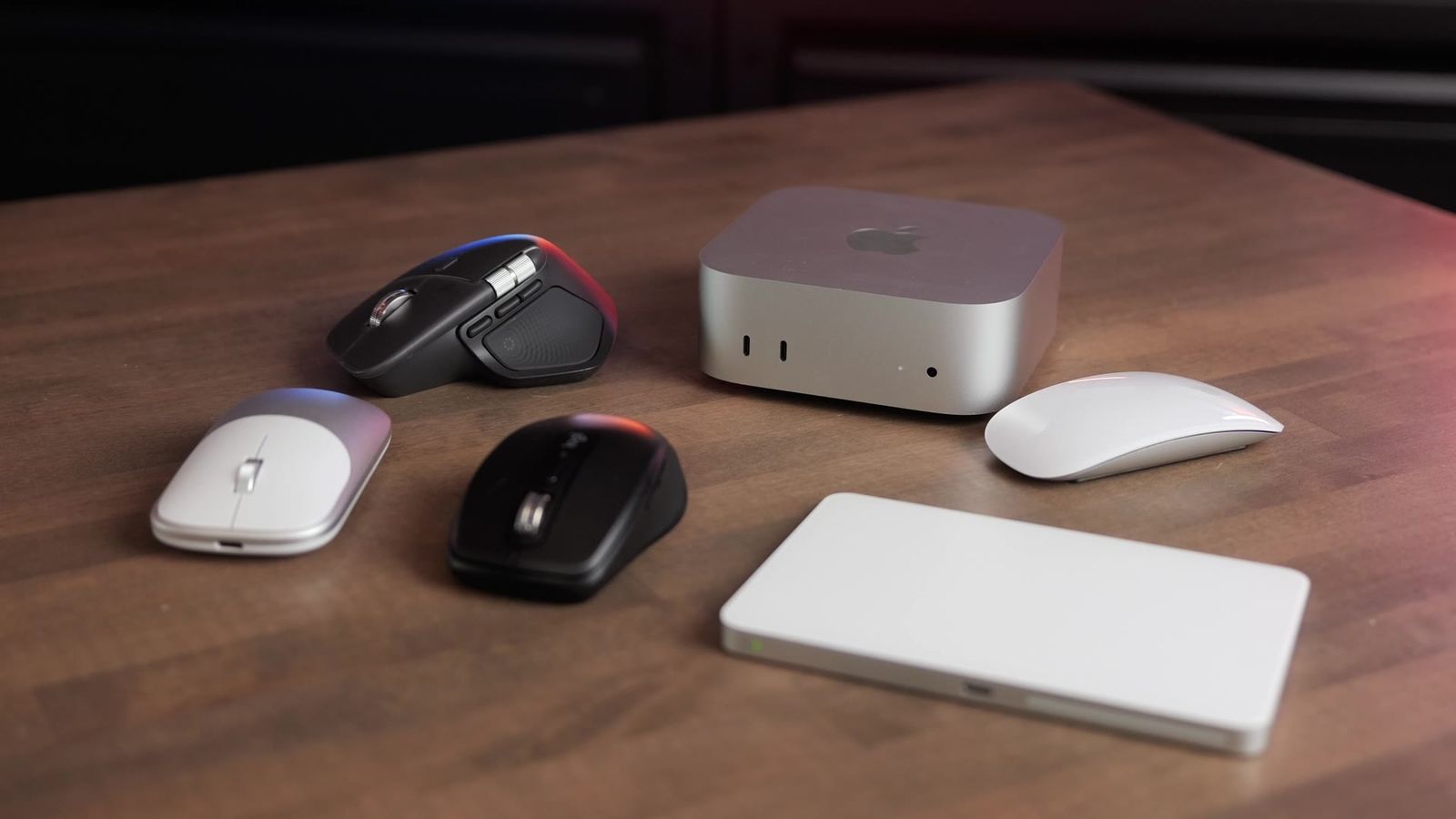
When I compared the M6 Mac mini to the M5 Pro Mac mini, the M6 beat the M5 Pro at a lot of things, and I expect the same from this MacBook Pro. Here are my M6 Mac mini test results.
The M5 Pro MacBook Pro does have one more fan than the M6, plus Thunderbolt 5 ports, which are handy for fast external drives and more expansion.
16GB or 24GB?

You can upgrade from 16GB to 24GB or 32GB. The 16GB model has 153GB/s of memory bandwidth, and the 24GB and 32GB models get 170GB/s.
16GB is going to be fine for most people. But if you want this to be a long-term computer, upgrade to 24GB. macOS runs heavier than ever, there are more background tasks than ever, and the extra RAM won’t hurt you.
M6 or the new OLED MacBook Pro?
If you were holding out for the OLED touchscreen MacBook Pro, Apple announced it the day after this one. It uses the M5 Pro or M5 Max, the 14-inch starts at $2,899, and each model costs about $400 more than the equivalent regular M5 Pro or M5 Max MacBook Pro.
If you want OLED or touch, get that one. If you don’t care about Thunderbolt 5 or the nicer OLED display, the M6 MacBook Pro is still a great option at $1,999.
Who should upgrade
If you’re coming from an Intel, M1, M2 or M3 MacBook Pro, even the Pro and Max versions, the M6 will be faster than all of those. It’s a great option for you.
If you already have an M4 or M5 MacBook Pro, I’d sit this one out.
MacBook Air or Pro?
Right now the MacBook Air still has the M5 and the MacBook Pro has the M6. I usually push more people toward the MacBook Air, but this Pro gets you a lot more performance with the M6 chip. You also get the nicer display, a fan, an extra port and HDMI.
At $700 more than the MacBook Air, the MacBook Pro gets you a lot, including more storage. This is going to be a great buy for a lot of people. Don’t let the marketing scare you away.
I think the M5 Pro MacBook Pro starts to make less sense, unless you run longer jobs where the computer works harder for longer. That’s where the extra fan pays off. Thunderbolt 4 is still fine for docks and fast SSDs, but Thunderbolt 5 lets you keep fast SSDs plugged into a dock while running more devices, with extra bandwidth for displays. If you want to really expand your setup without getting a desktop, the M5 Pro still makes more sense.
For video editors
The M6 is a great chip for video editing, and it outperformed the M5 Pro for video editors. If you want the fastest possible exports, though, get something like a Mac Studio with the M5 Max, because it has double the video encoders and decoders that the M6 has.
The charger catch

You get a 70W charger in the box, but the M6 MacBook Pro supports fast charging with a 96W or higher charger. I think Apple should’ve just put that in the box. It’s a hidden extra.
| Get the M6 MacBook Pro if | Look elsewhere if |
|---|---|
| You’re on an Intel, M1, M2 or M3 MacBook Pro | You have an M4 or M5 MacBook Pro (sit this one out) |
| You want a Pro laptop at $1,999 with 1TB | You want OLED or touch (get the new OLED MacBook Pro) |
| You were going to buy a MacBook Air and can spend $700 more | You run long, heavy jobs or need Thunderbolt 5 (get the M5 Pro) |
The bottom line
This is a needed incremental upgrade, but it’s not the big new MacBook Pro everyone’s been excited for. It’s still nice to have, and time will tell how powerful it is and how it stacks up against the rest of the lineup. I’ll be testing it along with the rest of the Mac lineup, and all my results go on my Mac tests page.
Still deciding? My M6 Mac mini vs M5 MacBook Pro tests show what the M6 chip can do. Or tell me how you’d use it and I’ll give you a personalized pick.