Some of the links in this post are affiliate links, which means I may earn a small commission if you choose to make a purchase at no extra cost to you. As an Amazon Associate, I earn from qualifying purchases. Read my full Ethics & Affiliate Relationship Disclaimer.
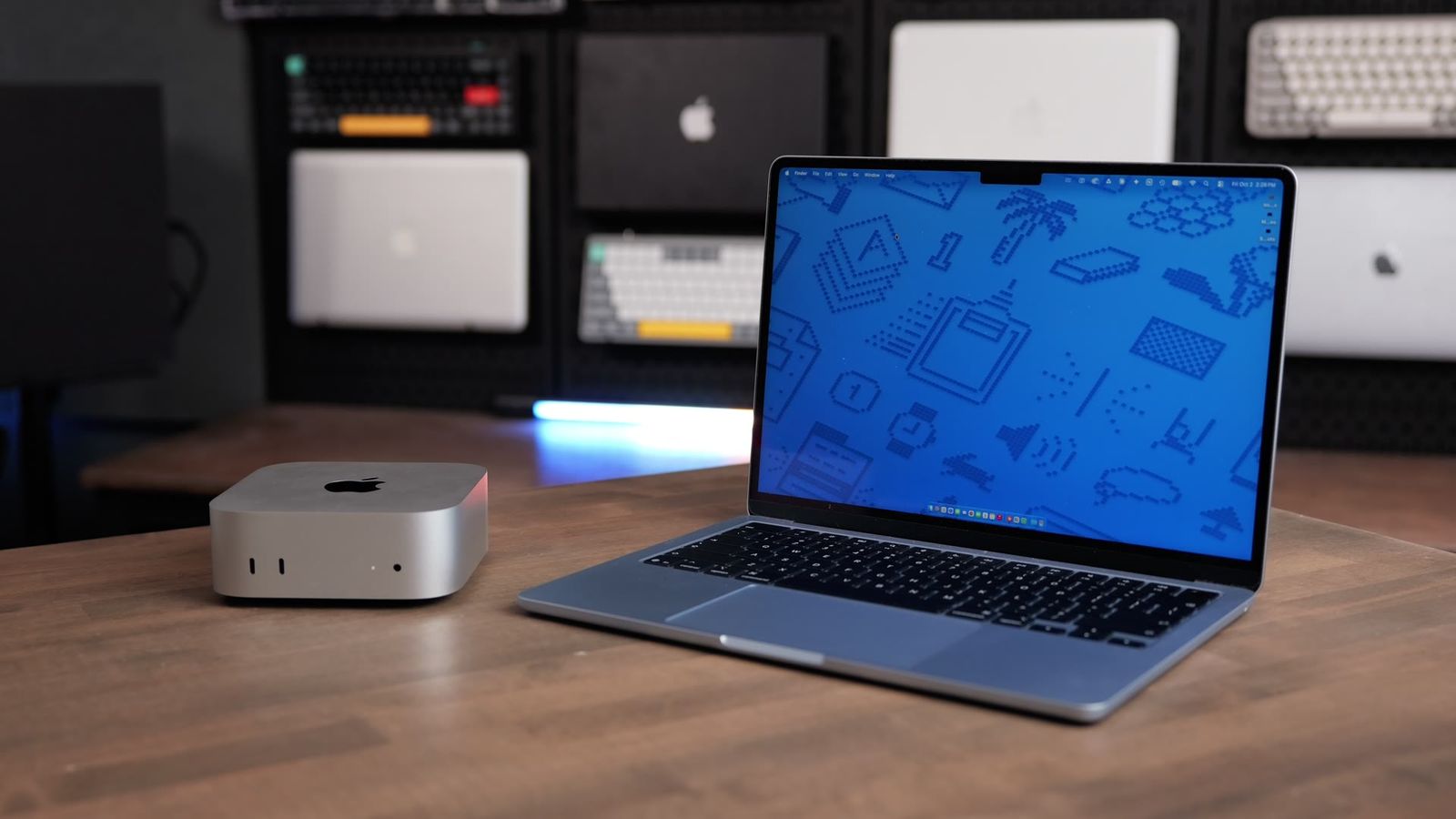
These are the two cheapest Macs you can buy right now with an M-series chip: the M6 Mac mini and the M5 MacBook Air. The Air has the M5, and it’s a capable chip. For everyday work, it keeps right up. But the mini has a fan, so it stays cooler and holds its full speed for as long as the job runs.
I exported the same 500 RAW photos on both. The mini finished in 1:50. The Air took 8:08. I ran both through Lightroom Classic, Final Cut Pro, Logic Pro, Xcode, local AI and the usual benchmarks, and by the end you’ll know which one fits the way you work.

The Air keeps up on everyday work, and it’s the one to get if you need to take your computer with you. If your Mac lives on a desk, the M6 Mac mini is $200 less as tested, has the newer chip, and its fan lets it hold full speed on long jobs.
- The mini exported 500 RAW photos in 1:50 vs 8:08 on the Air
- The mini held its speed on back-to-back Xcode builds while the Air slowed down
- The Air is silent and keeps up on quick everyday work
- The Air’s battery lasts all day for normal tasks
- The Air has no fan, so it slows down on long jobs
- The Air gets warm, especially if you’re touching it instead of using a keyboard and mouse
- With the mini you bring your own display, keyboard and mouse
- The $899 mini starts with a 256GB SSD, and I’d still get 512GB
Specs and price
The M6 Mac mini starts at $899 with 16GB of memory and a 256GB SSD. Mine has 16GB and a 512GB SSD, which is $1,099. The MacBook Air is the 13-inch base model with the 8-core GPU, 16GB of memory and a 512GB SSD. It’s $1,299 after Apple’s price increase in June. It was $1,099 at launch.
| M6 Mac mini | M5 MacBook Air 13-inch | |
|---|---|---|
| Starting price | $899 | $1,299 ($1,099 at launch) |
| CPU | 12-core (2 super cores, 4 performance, 6 efficiency) | 10-core (4 performance, 6 efficiency) |
| GPU | 12-core | 8-core (10-core option) |
| Memory | 16GB, up to 32GB | 16GB, up to 32GB |
| Memory bandwidth | 153GB/s (170GB/s with 24 or 32GB) | 153GB/s |
| Storage | 256GB and up, not upgradeable | 512GB and up |
| Thunderbolt | Thunderbolt 4 | Two Thunderbolt 4 ports, plus MagSafe |
| Networking | Wi-Fi 7, Bluetooth 6, 2.5Gb Ethernet | Wi-Fi 7, Bluetooth 6 |
| As I tested it | 16GB, 512GB ($1,099) | Sky Blue, 8-core GPU, 16GB, 512GB ($1,299) |
Same 16GB of memory on both, so memory isn’t what separates them here. As tested, the Air is $200 more, but it comes with a screen, keyboard, trackpad, speakers, webcam and battery. With the mini you bring your own. If those are already on your desk, the mini is the better value.
If you’re stuck between these two, I offer free personalized Mac buying recommendations. Tell me what you do and I’ll help you pick the right one.
What changed
The M6 is built on a 2 nanometer process, and the M5 is 3 nanometer. Smaller transistors mean more performance for the same power.
The M5 has a 10-core CPU with four performance cores and six efficiency cores. The M6 has 12 cores. It adds two new super cores built for single-threaded work, on top of four performance and six efficiency cores. The GPU goes from up to 10 cores on the M5 to 12 on the M6. The Air I’m testing is the base model with 8, so the mini has 50% more graphics cores here.
The M6 also has two Neural Engines instead of one, and Apple says that’s up to twice the peak Neural Engine compute. On the 16GB models, memory bandwidth is the same on both, 153GB/s. Apple says the M6 is up to 1.2 times faster multi-core than the M5. Keep that number in mind. If the mini beats the Air by a lot more than that on a long job, the extra gap is the cooling.
Everyday use and cooling
For quick everyday work, the Air keeps right up. It’s silent, and for normal tasks the battery lasts me all day. When I’m using a lot of heavier apps, it slows down, and that comes down to cooling.
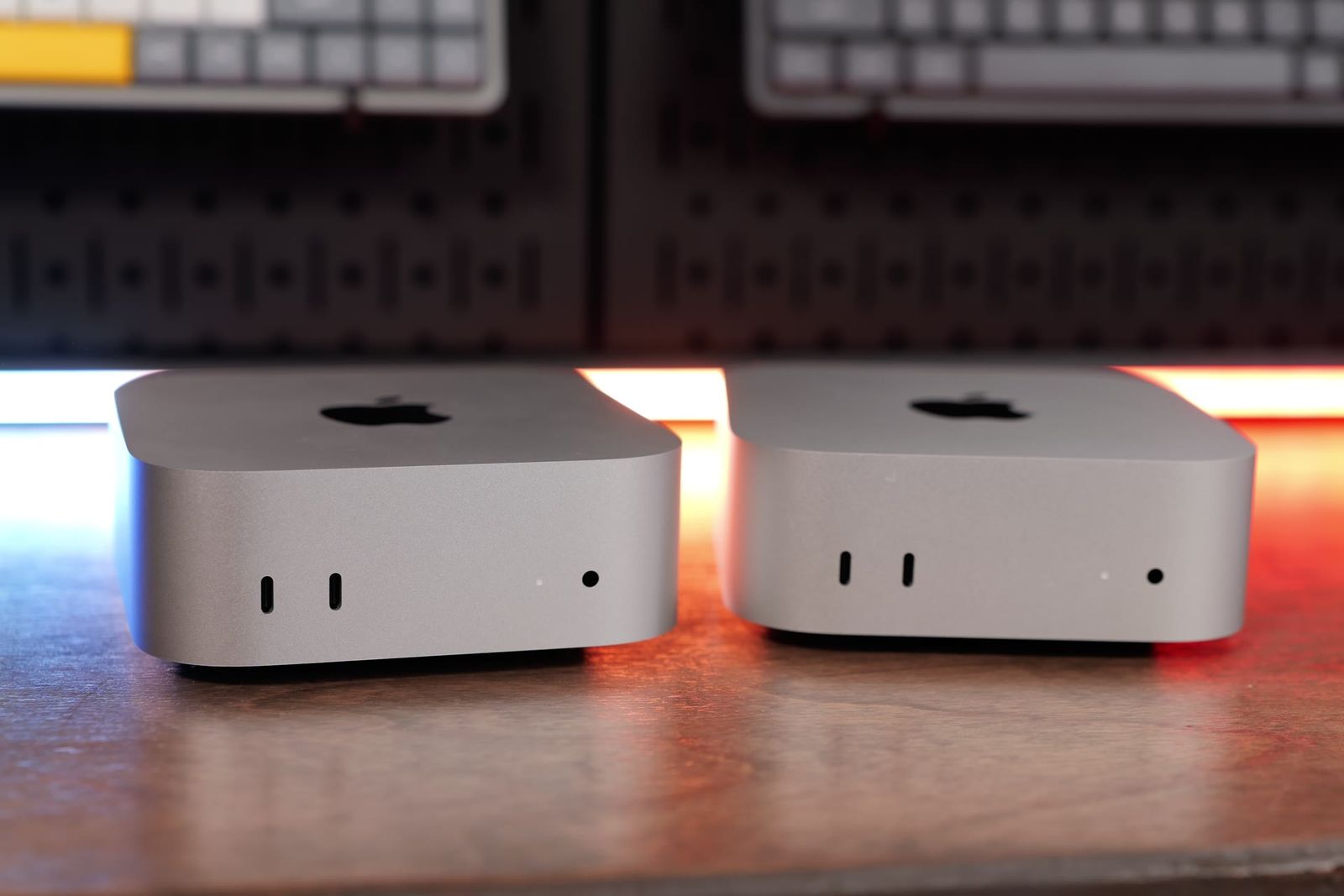
The Mac mini has a fan. It pulls air through the case, so the chip can run at full speed for as long as the job lasts. The MacBook Air has no fan at all. It spreads heat into the aluminum body, which is why it’s completely silent. But once the chip heats up, the Air has to lower its speed to stay cool. That’s thermal throttling, and it’s why short tasks feel the same on both and long tasks don’t.

So here’s how to read the charts. On quick CPU tests, the M6 should be about 20% ahead just from the chip. On GPU tests, it also has 4 more graphics cores. Anything much bigger than that, especially a gap that grows as the job gets longer, is the fan. The Air definitely gets warm on long jobs, especially if you’re touching it instead of using a keyboard and mouse. The mini’s fan kept it cool.
Real-world tests
Every chart below pulls straight from my Mac test results, so the numbers here match what I show in the video.
Lightroom Classic
Initial previews are what Lightroom builds when you import, so you can start scrolling and culling. That’s a short job, and it took 26 seconds on the Air and 15.5 seconds on the mini.
Exports show the cooling best. I exported 50, 200 and 500 RAW photos from my Sony a7 IV, 33 megapixels, as full-quality JPEGs. On 50 photos, the mini was nearly twice as fast, 13.4 seconds vs 25 seconds. On 200, it took 48 seconds vs 2:08, more than two and a half times as fast. On 500, the Air took 8:08 and the mini took 1:50. That’s more than four times faster. The gap grows with every photo because the Air keeps getting hotter.
AI Denoise is one of the heaviest things Lightroom does, and it shows the same thing. One photo took 5.5 seconds on the mini and 13.4 seconds on the Air. On a batch of 50, the mini finished in 4:07 and the Air took 12:08, about three times as long.
Final Cut Pro
Magnetic Mask uses AI to cut a person out of a clip. On an 18-second clip it took 28 seconds on the Air and 17 seconds on the mini.
Not everything throttles, though. Final Cut exports lean on the media engine, which doesn’t make much heat. A 3-minute 4K export took 1:32 on the Air and 1:08 on the mini, about 35% faster. On a 30-minute 4K export, the Air took 15:30 and the mini took 11:37, still about 33% faster. The gap didn’t grow.
| 30-minute 4K export | M6 Mac mini | M5 MacBook Air |
|---|---|---|
| Export time (lower is better) | 11:37 | 15:30 |
The mini’s time is from my Apple Devices 4K export preset and the Air’s is from an earlier 30-minute 4K export, so this one is a table instead of a chart.
Local AI
I used LM Studio, which runs AI models right on your Mac with nothing going to the cloud, and had Gemma 3 4B summarize Apple’s environmental journey. Time to first token is how long you wait before it starts answering, and tokens per second is how fast it writes once it gets going. Once it got going, it wrote at about the same speed on both, 49.28 tokens per second on the Air and 53.48 on the mini. The mini started answering much sooner, though, in 0.56 seconds vs 2 seconds on the Air.
DiffusionBee, an AI image generator, made the same image (a cat working on a laptop with nachos on the side) in 16.24 seconds on the Air and 9.93 seconds on the mini.
Xcode
You can see the Air heating up in Xcode. I built the same project three times in a row. On the Air, each build got slower: 195 seconds, then 213, then 226. The M6 mini barely moved: 124, 126, then 127. The mini holds its speed, and the Air takes about 15% longer by the third run because it’s getting hotter. Averaged over the three runs, the mini took 126 seconds and the Air took 211.
| Xcode 27 build, back to back | M6 Mac mini | M5 MacBook Air |
|---|---|---|
| Run 1 (lower is better) | 124 sec | 195 sec |
| Run 2 | 126 sec | 213 sec |
| Run 3 | 127 sec | 226 sec |

Logic Pro
A bounce is when Logic exports every track in your project down to one audio file. A 64-track bounce took 30 seconds on the Air and 20 seconds on the mini. On a huge 500-track project, the Air took 4:30 and the mini took 2:30.
I also added tracks with plugins until each Mac started dropping audio. The Air played back 120 tracks, and the mini handled 196.
Benchmarks
CPU and GPU
Single-core tests check how fast one core finishes a task, which is most of what you feel day to day. Multi-core uses every core at once, which is more like exports and big projects. Geekbench 7 only runs for a couple of minutes, so the Air hasn’t had time to heat up. The mini was about 12% faster in single-core, 4,001 vs 3,574, and about 26% faster in multi-core, 21,297 vs 16,896. On the GPU, the Metal score was 84,110 vs 64,725, about 30% higher.
Cinebench 2026 runs a sustained load for several minutes, and that’s where the Air falls back. The mini was about twice as fast in multi-core, 5,209 vs 2,529, and about 70% faster on the GPU, 26,894 vs 15,784. Single-core was 811 vs 557. Same two chips as Geekbench. The longer test is the difference.
Geekbench AI
Geekbench AI runs the same AI tasks on the CPU, the GPU and the Neural Engine, which is the part of the chip built just for AI. Quantized scores use smaller compressed models, which is closer to what apps actually run. It’s a short test too. The mini’s quantized scores were about 38% higher on the Neural Engine, 85,244 vs 61,551, about 37% higher on the GPU, 34,901 vs 25,474, and about 27% higher on the CPU, 8,875 vs 6,978.
SSD speed
Both of these have a 512GB SSD. In Blackmagic Disk Speed Test, the mini hit 6,200MB/s read and 6,600MB/s write, and the Air hit 5,300MB/s both ways. Either one is plenty fast for everyday work.
Which one should you buy?
The simple version: the Air is for portability. The mini is for power and all-day use.
| Get the MacBook Air if | Get the M6 Mac mini if |
|---|---|
| You need a computer you can take with you: school, travel, the couch, a coffee shop | Your computer lives on a desk and you work on it all day |
| Your work is quick edits, browsing, documents and the occasional export | You run long jobs like big photo batches, heavy music projects or long renders |
| You want a silent computer | You’d be buying a monitor, keyboard and mouse for the Air anyway |
| You want a battery that lasts all day for normal tasks | You already have an older Mac laptop for everything else |
You can use the Air as a desktop by plugging it into a monitor, keyboard and mouse. It works great. But it’s still a fanless laptop, so it still slows down on long jobs. And if you’re planning to use your Air as a desktop most of the time, you’re probably buying a monitor, keyboard and mouse for it anyway. That’s $1,299 plus those for the Air, or $1,099 plus the same for the mini. At that point, the mini costs you less and gives you the faster chip and the fan.

Already have an older Mac laptop? Keep using it. Get the mini for your fixed job, the heavy lifting you do at your desk, and keep the laptop for everything else. If you get the mini, I’d go up to 24GB of memory to make it a long-term machine. The 512GB SSD is still the one I’d recommend.
The bottom line

On short jobs, the mini is faster, but you’d have a hard time feeling most of those gaps day to day. On long jobs, the mini’s fan lets it hold full speed while the Air heats up and slows down. That’s how you get 1:50 vs 8:08 on a 500-photo export, and an Air that gets slower with every Xcode build while the mini barely moves.
If you need to carry your computer, get the Air. If your Mac lives on a desk, get the M6 Mac mini. Every result I’ve tested is on my Mac test results page, and if you still need help picking, send me what you do and I’ll help you choose.
Still deciding? If you’re coming from an older Mac mini, I also tested the M6 Mac mini vs the M4 Mac mini. And if you want more power than the M6, here’s the M6 Mac mini vs M5 Pro Mac mini.