B&H Photo is a paid partner of Adam Talks Tech. Some of the links in this post are affiliate links, which means I may earn a small commission if you choose to make a purchase at no extra cost to you. As an Amazon Associate and a B&H affiliate, I earn from qualifying purchases. Read my full Ethics & Affiliate Relationship Disclaimer.
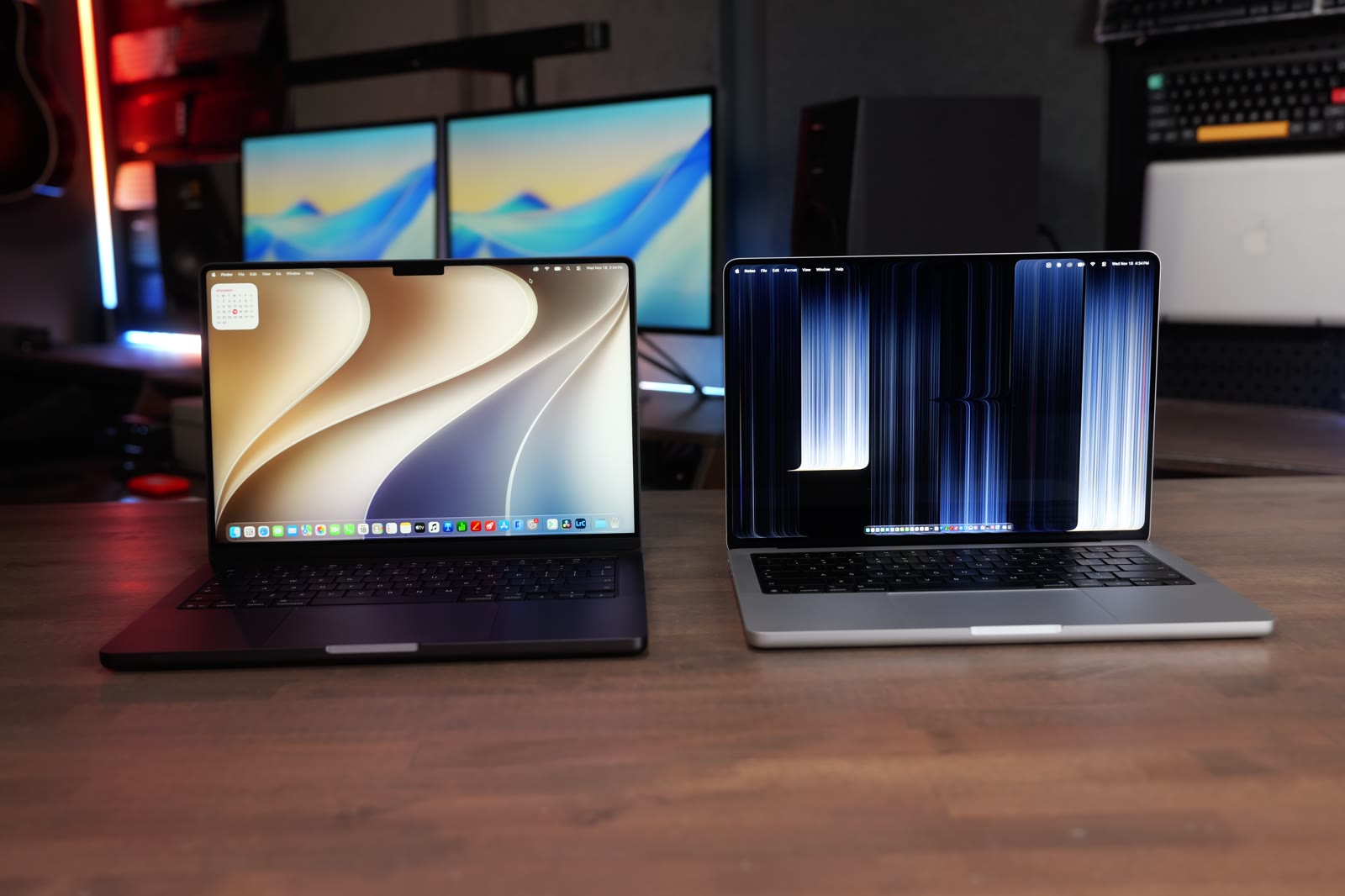
Apple just launched the PROLED MacBook Pro with a thinner, lighter design, the tandem OLED display, touch and a redesigned cooling system. The regular M5 Pro MacBook Pro has the same M5 Pro chip, the same 24GB of RAM and the same 1TB SSD. The big differences are the OLED touchscreen and the $400 price hike.
I’ve been testing both for about two weeks with my whole test suite: Final Cut Pro, Lightroom Classic, Logic Pro, Xcode, Blender, local AI, gaming, Puget Bench and the standard benchmarks. The speed was pretty much a tie, with one surprise in Lightroom. Big thanks to B&H for sending me the regular M5 Pro model to test. I bought the PROLED with my own money. Every number from the video is below, plus a bunch that didn’t make it in.

The speed is basically a tie. If you look at your screen all day, edit photos or video on the go, or want the lightest MacBook Pro yet, spend the extra $400 on the PROLED. If your MacBook lives closed on a desk hooked to a monitor, save the money and get the regular M5 Pro.
- $400 less ($2,499 vs $2,899)
- Puget Bench for Lightroom Classic about 14% higher, 12,035 vs 10,555
- Xcode builds a little faster, 99.3 seconds on average vs 102.4
- Proven mini LED display, no OLED flicker or burn-in questions
- Tandem OLED: 10,000,000:1 contrast, 2,000 nits HDR and 2,000 nits outside
- Touchscreen and the Dynamic Island instead of the notch
- Better speakers, and the light-up Apple logo is back
- 3 pounds vs 3.5, and a little thinner
Specs and price
Both of these have the M5 Pro with the 15-core CPU and 16-core GPU, 24GB of RAM and a 1TB SSD, and both were on macOS 27.2. The regular model starts at $2,499 and the PROLED is $2,899.
| Regular M5 Pro MacBook Pro | PROLED MacBook Pro | |
|---|---|---|
| Price | $2,499 | $2,899 |
| Chip | M5 Pro, 15-core CPU, 16-core GPU | M5 Pro, 15-core CPU, 16-core GPU |
| Memory (as tested) | 24GB | 24GB |
| Storage | 1TB | 1TB |
| Display | 14-inch mini LED | 14-inch tandem OLED with touch |
| Contrast | 1,000,000:1 | 10,000,000:1 |
| Peak HDR brightness | 1,600 nits | 2,000 nits |
| Outdoor (SDR) brightness | 1,000 nits | 1,000 nits full screen, 2,000 nits in zones |
| Color | P3 | P3 and Adobe RGB |
| Top of the screen | Notch | Dynamic Island |
| Weight | 3.5 pounds | 3 pounds |
Not sure which one fits what you do? I offer free personalized Mac buying recommendations. Tell me how you use your Mac and I’ll tell you exactly which one I’d buy if I were you.
Real-world tests
Every chart below pulls straight from my Mac test results, so the numbers here match what I show in the video. Here’s exactly how I run every test. Almost every test landed within a few percent. Same chip, same results.

Final Cut Pro
Magnetic Mask is the tool that cuts a person out of the background. An 18-second clip took 23 seconds on the regular one and 24.1 on the PROLED. Both played 12 stacked 6K clips at once.
A 3-minute 4K export took 1:20 on the regular and 1:18 on the PROLED. My 30-minute export with the Apple Devices 4K setting was 12:53 on the regular and 12:48 on the PROLED, and with the Social Media 4K setting it was 12:50 vs 12:52. Apple says the PROLED has a redesigned cooling system, but on this base M5 Pro chip it didn’t make it any faster. You can hear the fans on both if you put your ear up to them, and I didn’t find the fan noise bothersome on either one. Some people say the PROLED is louder. I haven’t noticed a difference.
| Final Cut Pro, 30-minute 4K export (lower is better) | Regular M5 Pro MacBook Pro | PROLED MacBook Pro |
|---|---|---|
| Apple Devices 4K setting | 12:53 | 12:48 |
| Social Media 4K setting | 12:50 | 12:52 |
Lightroom Classic
This is the one test that wasn’t a tie, and the results were really split. I import 500 RAW photos and Lightroom builds the initial previews so you can scroll through them: 18.2 seconds on the regular and 17.9 on the PROLED.

Then I export 500, 200 and 50 RAW photos as full-size JPEGs, back to back, and I ran it twice on each. The 500 export took 1:11 and then 1:13 on the regular, and about 1:20 on the PROLED. The 200-photo export right after is where it got weird. The regular M5 Pro slowed down both times, 57 and 58 seconds. The PROLED slowed down the first time too, just over a minute, but on the rerun it did the 200 in 34 seconds. My M5 Pro Mac mini with the same chip does it in 30 seconds and never slowed down.
| Lightroom Classic exports, back to back (lower is better) | Regular, run 1 | Regular, run 2 | PROLED, run 1 | PROLED, run 2 |
|---|---|---|---|---|
| 500 photos | 1:11 | 1:13 | 1:16 | 1:20 |
| 200 photos | 57 sec | 58 sec | 59 sec | 34 sec |
| 50 photos | 15 sec | 15.9 sec | 15.9 sec | 15.5 sec |
Both run 1s were on Nov 11 and both run 2s on Nov 16, all on Lightroom Classic 16 and macOS 27.2, plugged in. The M5 Pro Mac mini did 1:11, 30 seconds and 8.4 seconds on the same test. Both of these laptops slow down on long back-to-back exports, and my results were very inconsistent.
AI Denoise is the tool that cleans up grainy photos, and it was steady on both. One photo took 7.3 seconds on the regular and 7.5 on the PROLED. A batch of 50 took 5:56 vs 6:03.
Logic Pro
A bounce is when Logic exports every track down into one audio file. The 512-track bounce took 1:35 on the regular and 1:39 on the PROLED, and the 64-track bounce took 13 seconds on both. I also keep adding tracks until playback starts to skip, and both hit 340.
Xcode
Xcode is Apple’s app for building apps. I run the Xcode benchmark three times in a row and take the average: 99.3 seconds on the regular and 102.4 on the PROLED. That’s about 3%, so close you won’t notice it.
| Xcode 27 benchmark build (seconds, lower is better) | Regular M5 Pro MacBook Pro | PROLED MacBook Pro |
|---|---|---|
| Run 1 | 101.24 | 102.53 |
| Run 2 | 97.94 | 101.75 |
| Run 3 | 98.57 | 102.86 |
| Average | 99.25 | 102.38 |
Blender
Blender renders a scene into a finished image, and it leans hard on the graphics. I run each scene three times and chart the third run. Classroom took 18.47 seconds on the regular and 18.59 on the PROLED. Barbershop was 1:51 on both. On the CPU, Classroom took 3:27 on the regular and 3:23 on the PROLED.
My longer Blender animation, 25 frames that keep the Mac working for several minutes, took 6:36 on the regular and 6:43 on the PROLED.
| Blender 5.2 (lower is better) | Regular M5 Pro MacBook Pro | PROLED MacBook Pro |
|---|---|---|
| Classroom, GPU, run 1 | 23.05 sec | 23.65 sec |
| Classroom, GPU, run 2 | 18.41 sec | 18.65 sec |
| Classroom, GPU, run 3 | 18.47 sec | 18.59 sec |
| Classroom, CPU | 3:27 | 3:23 |
| Barbershop, GPU, run 1 | 4:07 | 4:15 |
| Barbershop, GPU, run 2 | 1:53 | 1:54 |
| Barbershop, GPU, run 3 | 1:51 | 1:51 |
| Red Autumn Forest animation, 25 frames, GPU | 6:36 | 6:43 |
The animation isn’t part of my Mac test charts yet, so it’s in the table.
Local AI
LM Studio runs AI models right on your Mac. Tokens per second is how fast the model writes its answer: 96 on both when I asked it to write 50 paragraphs about the Roman Empire. Time to first token is how long you wait before it starts typing, 0.24 seconds on the regular and 0.14 on the PROLED. On a second prompt, summarizing Apple’s environmental history, it was 98 vs 94 tokens a second. Diffusion Bee, which runs Stable Diffusion on the Mac, made an image in 8.6 seconds on the regular and 8.7 on the PROLED.
| LM Studio, Gemma 3 4B | Regular M5 Pro MacBook Pro | PROLED MacBook Pro |
|---|---|---|
| Roman Empire prompt, tokens per second (higher is better) | 96.02 | 95.92 |
| Roman Empire prompt, time to first token (lower is better) | 0.24 sec | 0.14 sec |
| Apple environment summary, tokens per second (higher is better) | 97.86 | 94.18 |
| Apple environment summary, time to first token (lower is better) | 0.85 sec | 0.22 sec |
Gaming
In Cyberpunk the regular hit 60 frames a second and the PROLED hit 62. But Cyberpunk looks a lot better on the PROLED because of the extra depth, the blacks, and no blooming when bright spots sit next to dark ones. If you want an amazing screen for gaming, the PROLED is the one.

| Cyberpunk 2077 (fps, higher is better) | Regular M5 Pro MacBook Pro | PROLED MacBook Pro |
|---|---|---|
| Native | 60.54 | 62.34 |
| MetalFX on | 89.80 | 90.89 |
| MetalFX + frame generation | 140.93 | 142.14 |
| MetalFX + ray tracing | 40.06 | 40.00 |
Gaming isn’t part of my Mac test charts yet, so these are in a table instead of a chart.
Benchmarks
Geekbench 7 and Cinebench 2026
The synthetic benchmarks were ties too. Geekbench 7 single core was 3,710 on the regular and 3,698 on the PROLED, and multi core was 30,015 vs 30,063. Metal, the graphics score, was 124,851 vs 128,823. Cinebench 2026 multi core was 6,794 vs 6,921.
| Higher is better | Regular M5 Pro MacBook Pro | PROLED MacBook Pro |
|---|---|---|
| Geekbench 7 single core | 3,710 | 3,698 |
| Geekbench 7 multi core | 30,015 | 30,063 |
| Geekbench 7 Metal | 124,851 | 128,823 |
| Geekbench 7 OpenCL | 79,839 | 79,796 |
| Cinebench 2026 single thread | 722 | 702 |
| Cinebench 2026 multi thread | 6,794 | 6,921 |
| Cinebench 2026 GPU | 39,317 | 40,754 |
Geekbench AI
Geekbench AI tests how fast each part of the chip runs AI models: the Neural Engine, the CPU and the GPU. Every score landed within about 1%.
| Geekbench AI (higher is better) | Regular M5 Pro MacBook Pro | PROLED MacBook Pro |
|---|---|---|
| Neural Engine, single precision | 6,071 | 6,036 |
| Neural Engine, half precision | 47,100 | 47,588 |
| Neural Engine, quantized | 64,791 | 65,219 |
| CPU, single precision | 6,116 | 6,088 |
| CPU, half precision | 10,649 | 10,583 |
| CPU, quantized | 7,853 | 7,862 |
| GPU, single precision | 20,089 | 20,111 |
| GPU, half precision | 34,851 | 34,838 |
| GPU, quantized | 35,181 | 35,330 |
Blackmagic RAW
The Blackmagic RAW Speed Test shows how many frames a second each Mac can decode from Blackmagic camera files. These were within about 1% of each other.
| Blackmagic RAW Speed Test (fps, higher is better) | Regular M5 Pro MacBook Pro | PROLED MacBook Pro |
|---|---|---|
| 8K, CPU | 85 | 84 |
| 8K, Metal | 198 | 196 |
| 4K, CPU | 341 | 338 |
| 4K, Metal | 793 | 787 |
Puget Bench
I also ran Puget Bench from Puget Systems, which runs real editing jobs inside the actual apps and gives you one score. Puget Bench for DaVinci Resolve, Puget Bench for Premiere Pro, Puget Bench for After Effects and Puget Bench for Photoshop all landed within a few percent. Puget Bench for Lightroom Classic went to the regular one, about 14% higher overall, and the Panasonic RAW photos are where the PROLED fell behind.
| Puget Bench score (higher is better) | Regular M5 Pro MacBook Pro | PROLED MacBook Pro |
|---|---|---|
| Puget Bench for DaVinci Resolve (Standard) | 82,483 | 80,755 |
| Puget Bench for Premiere Pro (Standard) | 105,424 | 103,720 |
| LongGOP: editing compressed camera video like H.264 and HEVC | 80 | 75.2 |
| Intraframe: editing pro codecs like ProRes | 186 | 185 |
| RAW: editing camera RAW video | 161 | 161 |
| GPU Effects: effects the graphics handle | 51.7 | 51.7 |
| Puget Bench for After Effects (Standard) | 11,151 | 11,585 |
| 2D: flat motion graphics | 233 | 233 |
| 3D: 3D layers and rendering | 50.3 | 51.7 |
| Tracking: motion tracking and stabilizing | 118 | 129 |
| Puget Bench for Photoshop (Standard) | 17,373 | 17,120 |
| Puget Bench for Lightroom Classic (Standard) | 12,035 | 10,555 |
| Canon RAW photos | 137 | 126 |
| Panasonic RAW photos | 106 | 88.4 |
| Export 100 Canon photos as JPG (seconds, lower is better) | 51.52 | 61.55 |
| Export 100 Panasonic photos as JPG (seconds, lower is better) | 41.03 | 60.52 |
| Export 100 Canon photos as DNG (seconds, lower is better) | 16.01 | 18.02 |
| Export 100 Panasonic photos as DNG (seconds, lower is better) | 54.51 | 56.52 |
Puget Bench results from Puget Systems: pugetsystems.com/pugetbench/creators. Puget Bench for DaVinci Resolve 2.1.1 on Resolve Studio 21.2, Puget Bench for Premiere Pro 2.1.0 on Premiere Pro 27.0, Puget Bench for After Effects 1.2.0 on After Effects 27.0, Puget Bench for Photoshop 1.0.7 on Photoshop 28.0, and Puget Bench for Lightroom Classic 1.2.0 on Lightroom Classic 16.0 for both. The regular one’s Lightroom score is its cool rerun on Nov 12. The PROLED’s is its Nov 16 rerun.
Storage
Both have a 1TB SSD and both are fast. Blackmagic Disk Speed Test read 13,141 megabytes a second on the regular and 12,649 on the PROLED, and wrote 10,200 vs 10,619. AJA System Test, which writes and reads a 16GB file like a big video project, was right around 10,200 to 10,900 on both.
| SSD speed (MB/s, higher is better) | Regular M5 Pro MacBook Pro | PROLED MacBook Pro |
|---|---|---|
| Blackmagic Disk Speed Test, read | 13,141 | 12,649 |
| Blackmagic Disk Speed Test, write | 10,200 | 10,619 |
| AJA System Test Lite, 16GB 4K read | 10,291 | 10,233 |
| AJA System Test Lite, 16GB 4K write | 10,892 | 10,306 |
Mini LED vs OLED display
The display is the biggest difference, and it’s the thing I noticed most. The regular M5 Pro is mini LED and the PROLED is tandem OLED. Mini LED lights the screen from behind in zones. OLED lights every single pixel by itself, so black is actually black and there’s no halo around bright stuff on a dark background.

The regular one is rated at 1,000,000:1 contrast and the PROLED at 10,000,000:1. For peak HDR content you get 1,600 nits on the regular and 2,000 on the PROLED. The biggest difference is outside. The regular tops out at 1,000 nits for SDR content, and Apple says the PROLED does 1,000 nits sustained full screen and 2,000 nits in zones, so part of the screen can get extra bright outside. Both support P3 color, and the PROLED adds Adobe RGB, which is huge for photographers and anyone who prints.

The mini LED display is still nice. It’s tried and true, and Apple’s done it for years. But the PROLED is beautiful. Photos look so vivid, and video looks incredible. I know people are worried about burn-in on OLED. Apple says the PROLED tracks how much each pixel gets used to try to combat it, and we won’t know how it holds up long term for a while.
You can get nano-texture on either one, which helps with glare, but it gives the screen more of a matte finish and you lose some contrast and brightness. I’m not interested in that on the PROLED, because I don’t want to limit how good this display looks.
PWM and flicker
Some people say the PROLED display is hurting their eyes or giving them a headache, and people keep asking me about PWM, or flicker. An OLED display dims by flashing the pixels off and on very fast, and that can cause eye strain or headaches for some people.

I filmed both screens in slow motion at low, medium and full brightness, and you’ll see flicker on both. That’s just how they both dim. Your eyes typically can’t see it, but a fast camera can. The regular one flickers so fast that it shows up on camera as thin lines. The PROLED flickers slower, so you see a big dark band moving across the screen. The slower the flicker, the more likely sensitive people are to notice it.
If you’re nervous about this, check it out in a store. Turn the brightness down to one or two steps above the lowest setting and put a full-screen white background on. Then wave a pen fast in front of the screen. If you see a bunch of separate pens, like a strobe light, you’re seeing the flicker. If it’s just a smooth blur, you’re not going to notice it. I tried it on both and just saw the blur. My eyes feel fine even after staring at the PROLED for hours, but if you’re sensitive to flicker, try one in a store first.
Touch and the Dynamic Island
The PROLED is the first Mac with a touchscreen. On the regular one you just don’t get touch. Touch works okay in macOS, but it feels like there’s some ground to make up. Pinch to zoom is nice, but reaching out to the screen doesn’t feel very comfortable or ergonomic. I’ve been using it for two weeks and I’ve barely used the touchscreen, but I can see a lot of people appreciating it over time. There’s no Apple Pencil support, so if you want to draw, you still need an iPad.

To me, touch makes the most sense for coding and casual browsing. With coding, you can test your iPhone apps with touch right on the Mac in the simulator.
One of the biggest improvements is that the notch is gone. The PROLED has a Dynamic Island that looks a lot like the iPhone’s. It shows music, timers, other system notifications and Spotlight. The regular M5 Pro still has the notch to hide the webcam.

Speakers
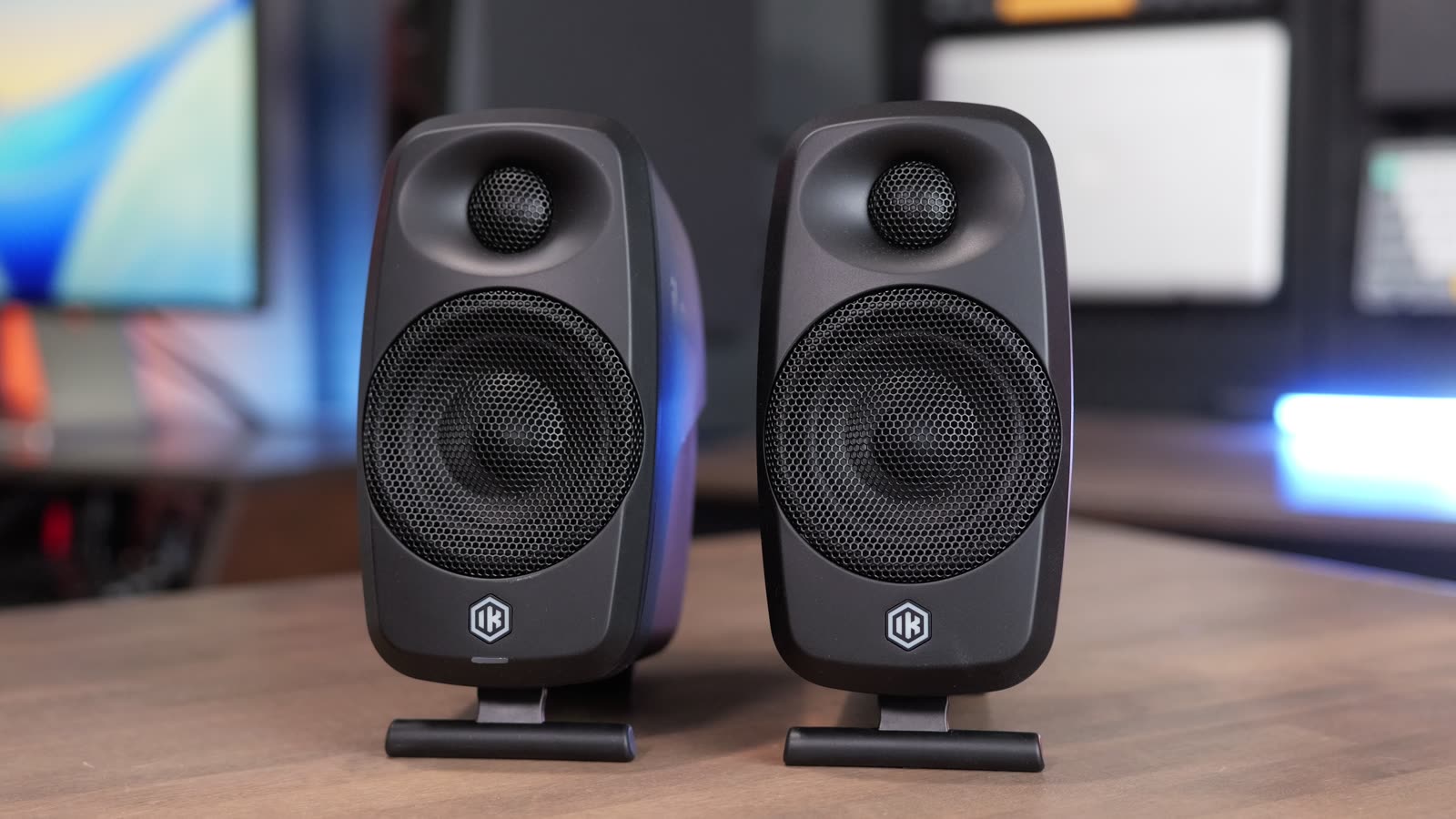
I always thought the old MacBook Pro speakers sounded great, but the PROLED speakers take it up a notch. Apple says up to 50% deeper bass. I’m not sure I’d go that far, but the first time I played music videos on it I felt like I was at a concert. I’m super picky about sound, so I’m amazed at what they got into the PROLED.
Weight and design
The PROLED weighs 3 pounds and the regular M5 Pro weighs 3.5, so it’s about half a pound lighter, and it’s a little thinner too. I’ve picked the MacBook Air the last few years just to get a slimmer, lighter laptop than the MacBook Pro. The PROLED is the MacBook Air and Pro hybrid I’ve been waiting for, but you definitely pay for it.

And probably the most important change of all: the light-up Apple logo is back on the PROLED.

What’s the same
Both have the same ports: three Thunderbolt 5 ports, HDMI, an SD card slot, MagSafe and a headphone jack. Both can run up to three external displays at once. Apple rates both for up to 22 hours of battery life, and both come with a 70-watt charger in the box. If you want fast charging you have to upgrade to the 96-watt charger, which I think is silly. Apple should just include it.
With the M5 Pro you can get either one with 24, 48 or 64GB of RAM. For 128GB you have to step up to the M5 Max.
| Same on both | Regular M5 Pro MacBook Pro and PROLED MacBook Pro |
|---|---|
| Ports | 3 Thunderbolt 5, HDMI, SD card slot, MagSafe, headphone jack |
| External displays | Up to 3 |
| Battery (Apple’s rating) | Up to 22 hours |
| Charger in the box | 70W (96W for fast charging is an upgrade) |
| RAM options with M5 Pro | 24, 48 or 64GB (128GB needs the M5 Max) |

Which one should you buy?
Get the regular M5 Pro if you don’t care about OLED or touch. Save the $400, and maybe put it toward more RAM. And if your MacBook lives closed on a desk or hooked to an external monitor, you’re not going to look at the screen anyway, so save the money.
Get the PROLED if you’re going to use the display every single day, if you edit photos or video on the go, if you’re a developer, or if you want the lightest MacBook Pro we’ve ever had. You also get the better speakers, and it’s going to be an excellent computer for the long haul. If it’s going to sit in clamshell mode on a desk, it gets harder to recommend, because you’re paying extra for a feature you won’t use.
| Get the regular M5 Pro if | Get the PROLED if |
|---|---|
| You don’t care about OLED or touch | You look at the display every day |
| Your MacBook stays closed on a desk with a monitor | You edit photos or video on the go |
| You’d rather put $400 toward more RAM | You’re a developer |
| You want the proven mini LED display | You want the lightest MacBook Pro, 3 pounds |
Buying from B&H? Their Payboo card can save you the sales tax. B&H also has the most custom Mac configurations, so you can pick your RAM and storage.
The bottom line
The speed is basically a tie. The regular one was a little faster in Lightroom, but the extra $400 gets you everything else the PROLED has: the OLED touchscreen, the Dynamic Island, better speakers and a lighter build. If you’re buying today and you’ll be looking at the display a lot, spend the extra $400.
Every result from every Mac I’ve tested is on my Mac test results page. And if you’re still stuck, tell me how you use your Mac and I’ll give you a personalized pick.
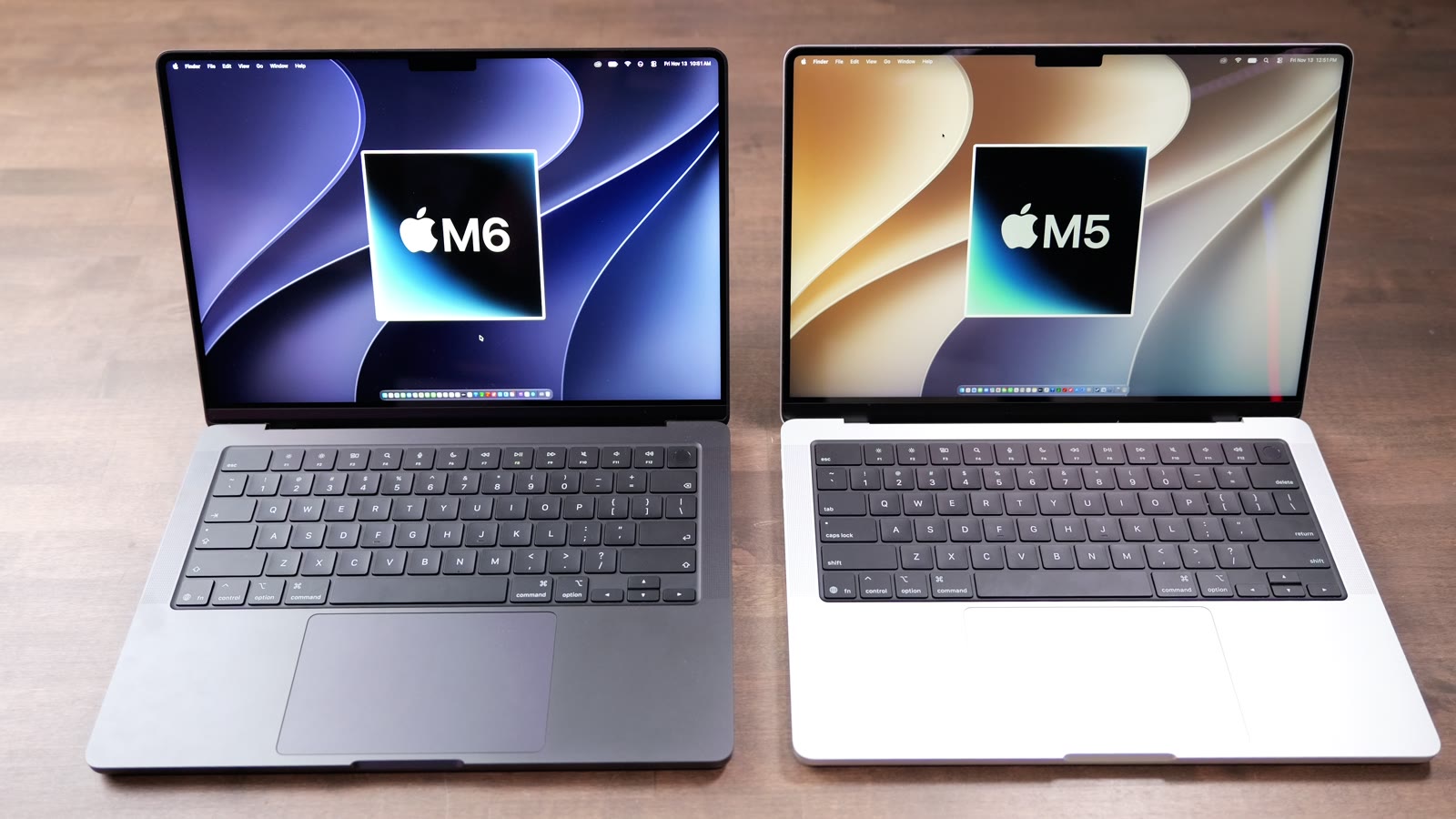
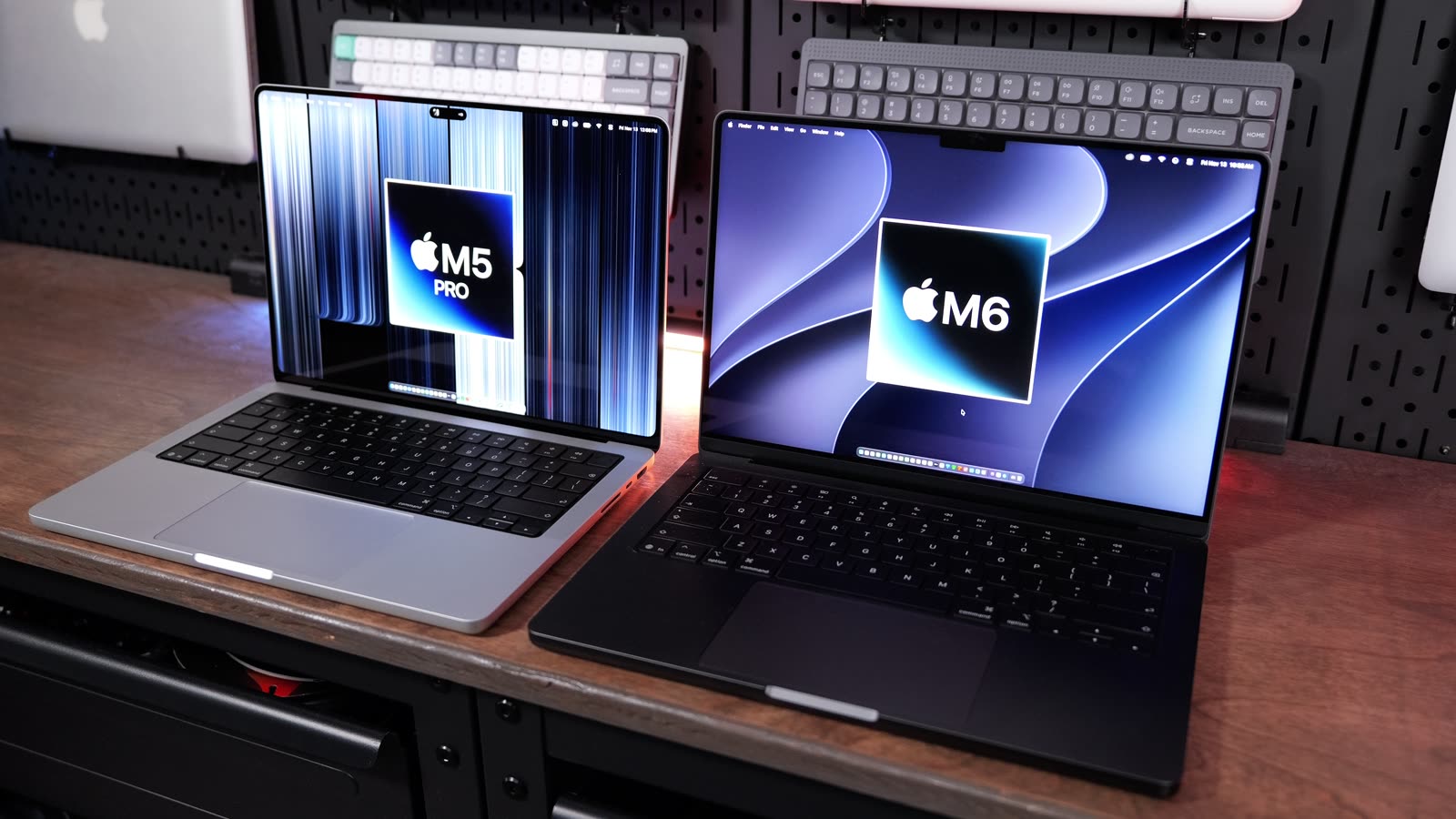
Still deciding? Here’s my M5 Pro Mac mini vs PROLED MacBook Pro comparison, my PROLED MacBook Pro first impressions, and my M6 MacBook Pro vs PROLED MacBook Pro tests.