Some of the links in this post are affiliate links, which means I may earn a small commission if you choose to make a purchase at no extra cost to you. As an Amazon Associate, I earn from qualifying purchases. Read my full Ethics & Affiliate Relationship Disclaimer.
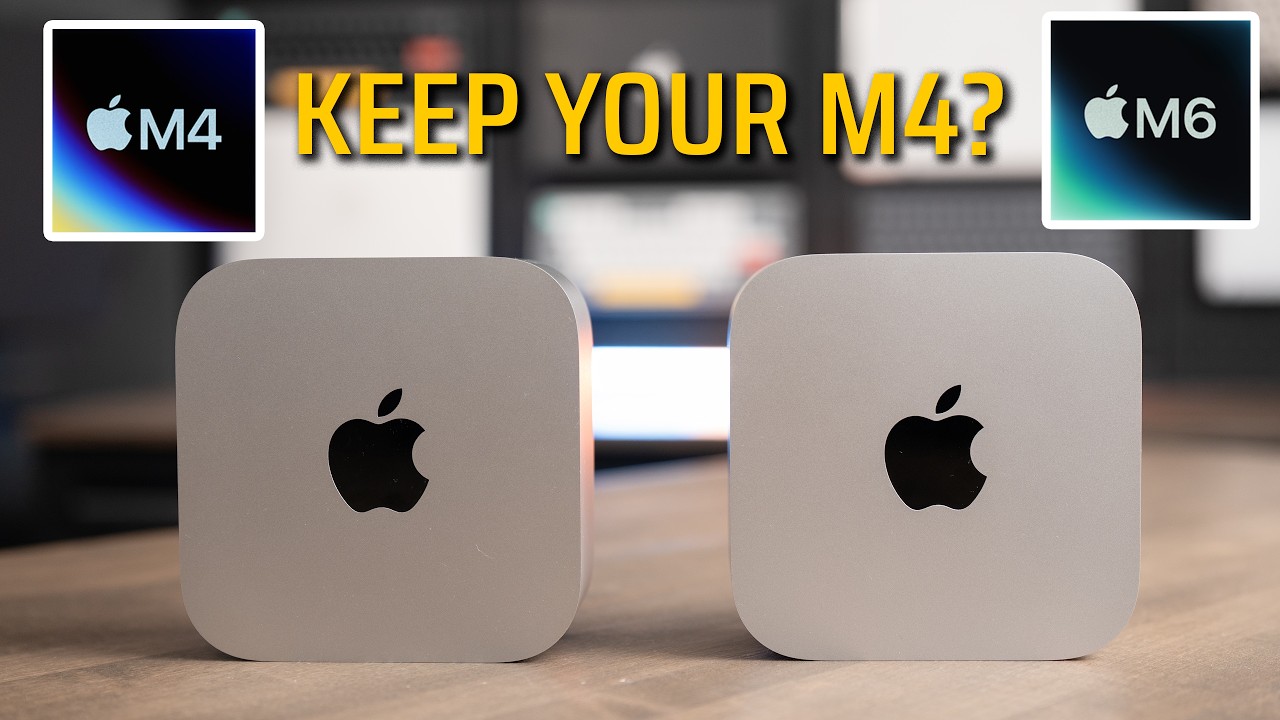
This is my M4 Max Mac Studio. It’s the upgraded chip, with 64GB of memory. And this is the new M5 Max Mac Studio, the base model. On paper, my M4 Max should win. It has more memory, more GPU cores and more memory bandwidth.
So I ran both through my full set of real-world tests: Final Cut Pro, Lightroom Classic, Logic Pro, Xcode, local AI, Blender, and the usual benchmarks. By the end, you’ll know if the base M5 Max is enough, and if M4 Max owners should upgrade.
The base, binned M5 Max beat my upgraded M4 Max in almost every test, and in AI work it wasn’t close. If you already have an M4 Max, keep it. If you’re buying today, get the M5 Max, and if you can stretch, the 40-core GPU with the extra memory is a great long-term upgrade.
- The base M5 Max won almost every test against an M4 Max with more memory and more GPU cores
- Lightroom AI Denoise on 50 photos took 3:55 vs 8:10
- AI image generation in DiffusionBee was more than twice as fast
- Wi-Fi 7 and Bluetooth 6, up from Wi-Fi 6E and Bluetooth 5.3
- The base model starts at 36GB of memory and 512GB of storage, and upgrading either one adds up fast
- The M4 Max won the 30-minute export, 8:00 vs 9:40
- The M4 Max was faster in Lightroom initial previews and LM Studio tokens per second
- Not worth it if you already own an M4 Max
Specs and price
This isn’t a base-to-base test. My M4 Max is the upgraded chip with a 16-core CPU, a 40-core GPU, 64GB of memory and 2TB of storage. The M5 Max is the base config with an 18-core CPU, a 32-core GPU, 36GB of memory and 512GB of storage, and it starts at $2,499. Keep that in mind on every chart, because the M5 Max is fighting up a weight class.
| M4 Max Mac Studio | M5 Max Mac Studio | |
|---|---|---|
| Starting price | $1,999 at launch | $2,499 |
| CPU | 16-core as tested (12 performance, 4 efficiency) | 18-core (6 super, 12 performance) |
| GPU | 40-core as tested | 32-core, Neural Accelerator in every core (40-core is about $600 more) |
| Memory | Up to 128GB | 36GB, up to 128GB (the 40-core version starts at 48GB) |
| Memory bandwidth | 546GB/s as tested | 460GB/s |
| Storage | 512GB and up | 512GB and up |
| Thunderbolt | Thunderbolt 5 | Thunderbolt 5 |
| Networking | Wi-Fi 6E, Bluetooth 5.3, 10Gb Ethernet | Wi-Fi 7, Bluetooth 6, 10Gb Ethernet |
| As I tested it | 16-core CPU, 40-core GPU, 64GB, 2TB | Base model, 36GB, 512GB ($2,499) |
If you’re trying to decide between these, I offer free personalized Mac buying recommendations. Tell me how you use your Mac, and I’ll tell you which one I’d buy.
What changed
The CPU cores are built differently. My M4 Max has 12 performance cores and 4 efficiency cores. The M5 Max drops the efficiency cores for 6 super cores, its fastest cores for single-threaded work, plus 12 performance cores tuned for multi-threaded work.
The M5 Max also adds a Neural Accelerator in every GPU core for AI work, and you’ll see that show up in the AI tests below. It also moves up to Wi-Fi 7 and Bluetooth 6, from Wi-Fi 6E and Bluetooth 5.3. Both Studios can go up to 128GB of memory.
Real-world tests
Every chart below pulls straight from my Mac test results, so the numbers here match what I show in the video.
This is the binned M5 Max, the cheapest way into the Mac Studio. And in my testing, it stacked up to my M4 Max with 64GB and extra cores just as well. Seriously impressive.
Final Cut Pro
First, Magnetic Mask, which uses AI to cut a person out of an 18-second clip. The M5 Max was a little faster, 24.7 seconds vs 27 seconds on the M4 Max, even with fewer GPU cores. Then my 3-minute 4K export. The M5 Max finished 10 seconds sooner, 42 seconds vs 52.
The 30-minute 4K export, using the Apple Devices setting, flipped it. The M4 Max finished in 8:00 and the M5 Max took 9:40. On a long export, the full M4 Max came out ahead. That might come down to the extra memory and the extra GPU cores on my upgraded M4 Max.
Lightroom Classic
All of these are RAW photos from my Sony a7 IV, 33 megapixels. First, initial previews, which is what Lightroom builds when you import photos so you can start scrolling and culling. The M4 Max won this one, 11 seconds vs 17.2 seconds on the M5 Max.
Then I exported batches of 50, 200 and 500 photos as full-quality JPEGs. The bigger the batch, the bigger the M5 Max’s lead. 50 photos took 5.5 seconds on the M5 Max and 6 seconds on the M4 Max. 200 photos took 20.2 seconds vs 24.4. At 500 photos, the M5 Max finished in 47 seconds vs 1:20.
AI Denoise cleans up noise in a photo with AI, and it’s one of the heaviest things Lightroom does. This is where the M5 Max really pulled away. One photo took 5.1 seconds on the M5 Max and 11.8 seconds on the M4 Max. On 50 photos, it was 3:55 vs 8:10, more than twice as fast. That’s the Neural Accelerators in the M5 Max’s GPU.
Logic Pro
A bounce is when Logic takes every track in your project and exports it down into one audio file. On a 64-track project, it was a tie at 11 seconds. On a huge 512-track project, the M5 Max finished about 19 seconds sooner, 1:11 vs 1:30.
I also added tracks until each Mac maxed out and started dropping audio. The M4 Max topped out at 381 tracks, and the M5 Max handled 426.
Xcode
Xcode is what developers use to build apps, and a build is when it compiles all the code. I built the same Xcode 27 project three times on each. The M5 Max averaged 82 seconds, and the M4 Max averaged 96.
Local AI
For local AI, I used LM Studio. It runs AI models right on your Mac, with nothing going to the cloud. I ran Google’s Gemma 3 4B on both and asked it to write 50 paragraphs about the Roman Empire. Time to first token is how long you wait before it starts answering. Tokens per second is how fast it writes once it gets going.
This is another test where the M4 Max held its ground. Both started answering almost instantly, 0.08 seconds on the M4 Max and 0.11 seconds on the M5 Max, and on a shorter summary prompt it was 0.17 vs 0.2. Once they got going, the M4 Max wrote at 142 tokens per second and the M5 Max at 134. The M4 Max has more memory bandwidth, and that’s what this test leans on.
In DiffusionBee, an AI image generator, the M5 Max made the same image in 5.75 seconds and the M4 Max took 12.6 seconds. That’s more than twice as fast.
Blender
Blender is a 3D app, and rendering a scene in it is a great test of the GPU. I’m using the third run of each scene, because the first run is always slower while Blender loads the scene. The M5 Max was faster on the GPU even with 8 fewer GPU cores. The lighter Classroom scene took 10.6 seconds on the M5 Max and 12.8 seconds on the M4 Max. The heavy Barbershop scene took 59 seconds vs 1:13. On the CPU, Classroom took 2:26 vs 3:11.
Benchmarks
A quick note on what these measure. Single-core is how fast one CPU core finishes a task, which is most of what you feel day to day. Multi-core uses every core at once, which matters for rendering and exporting. The GPU test uses the graphics cores.
CPU and GPU
In Cinebench 2026, the M5 Max was about 10% faster in single-core, 750 vs 683. It was about 23% faster in multi-core, 9,417 vs 7,657, and about 13% faster on the GPU, 76,747 vs 67,946. And remember, this is the binned chip.
Geekbench AI
Geekbench AI runs AI tasks on the CPU, the GPU and the Neural Engine, which is the part of the chip built just for AI. I’m looking at the quantized scores, since that’s what most apps actually use. The GPU jumped about 54%, 40,975 vs 26,658, the biggest jump in this whole review. The Neural Engine was about 15% faster, 67,789 vs 58,747. The CPU was basically a tie, 8,010 vs 7,908.
SSD speed
These two have different SSD sizes, 2TB in my M4 Max and 512GB in the M5 Max, so this chart is really 2TB vs 512GB. In Blackmagic Disk Speed Test, the M4 Max read at 6,700MB/s and wrote at 5,400MB/s. The M5 Max read at 6,100MB/s and wrote at 6,500MB/s.
Should you upgrade?
Here’s the thing that stood out to me. On paper, the M4 Max I tested has more memory, more GPU cores and more memory bandwidth. And the base, binned M5 Max still won almost every test. The M4 Max did win Lightroom initial previews, LM Studio and the 30-minute export, and Logic’s 64-track bounce was a tie. Everywhere else, the M5 Max came out ahead. In AI Denoise and AI image generation, it wasn’t close.
If you already have an M4 Max Studio, skip it. It’s still extremely fast. If you’re going to upgrade, the M5 Ultra is the way to go, and my review of that is coming. If you’re buying today, buy the M5 Max new. And if you can stretch, the 40-core GPU with the extra memory is about $600 more and starts at 48GB.
| Keep your M4 Max if | Get the M5 Max if |
|---|---|
| You already own one and it’s doing the job | You’re buying a Mac Studio new today |
| You export a lot of long videos, where it won the 30-minute export | You use AI tools like Lightroom AI Denoise or AI image generation |
| You want to upgrade anyway. Go to the M5 Ultra instead | You can stretch to the 40-core GPU with the extra memory for a great long-term upgrade |
The bottom line
The M5 Max is faster in almost every real-world test, it’s a big jump in AI image generation, and a starting price of $2,499 gets you a lot. The downside is that the base model starts at 36GB of memory and 512GB of storage, and upgrading either one adds up fast. The M4 Max is still an extremely fast machine with more memory bandwidth. It won the 30-minute export and held its own in Lightroom and Logic. It’s noticeably slower in AI workloads, and it’s now the previous generation.
If you already have an M4 Max Studio, keep it. If you’re buying today, get the M5 Max, and if you can, the 40-core GPU with the extra memory is a great long-term upgrade. And if you do want to upgrade from an M4 Max, the M5 Ultra is the way to go. Every result I’ve ever tested is on my Mac test results page, and if you’re still not sure which Mac is right for you, get a free recommendation from me.
Still deciding? If you’re weighing the M5 Max against something smaller, here’s how the M5 Max Mac Studio vs M5 Pro Mac mini compares.