B&H Photo is a paid partner of Adam Talks Tech. Some of the links in this post are affiliate links, which means I may earn a small commission if you choose to make a purchase at no extra cost to you. As an Amazon Associate and a B&H affiliate, I earn from qualifying purchases. Read my full Ethics & Affiliate Relationship Disclaimer.
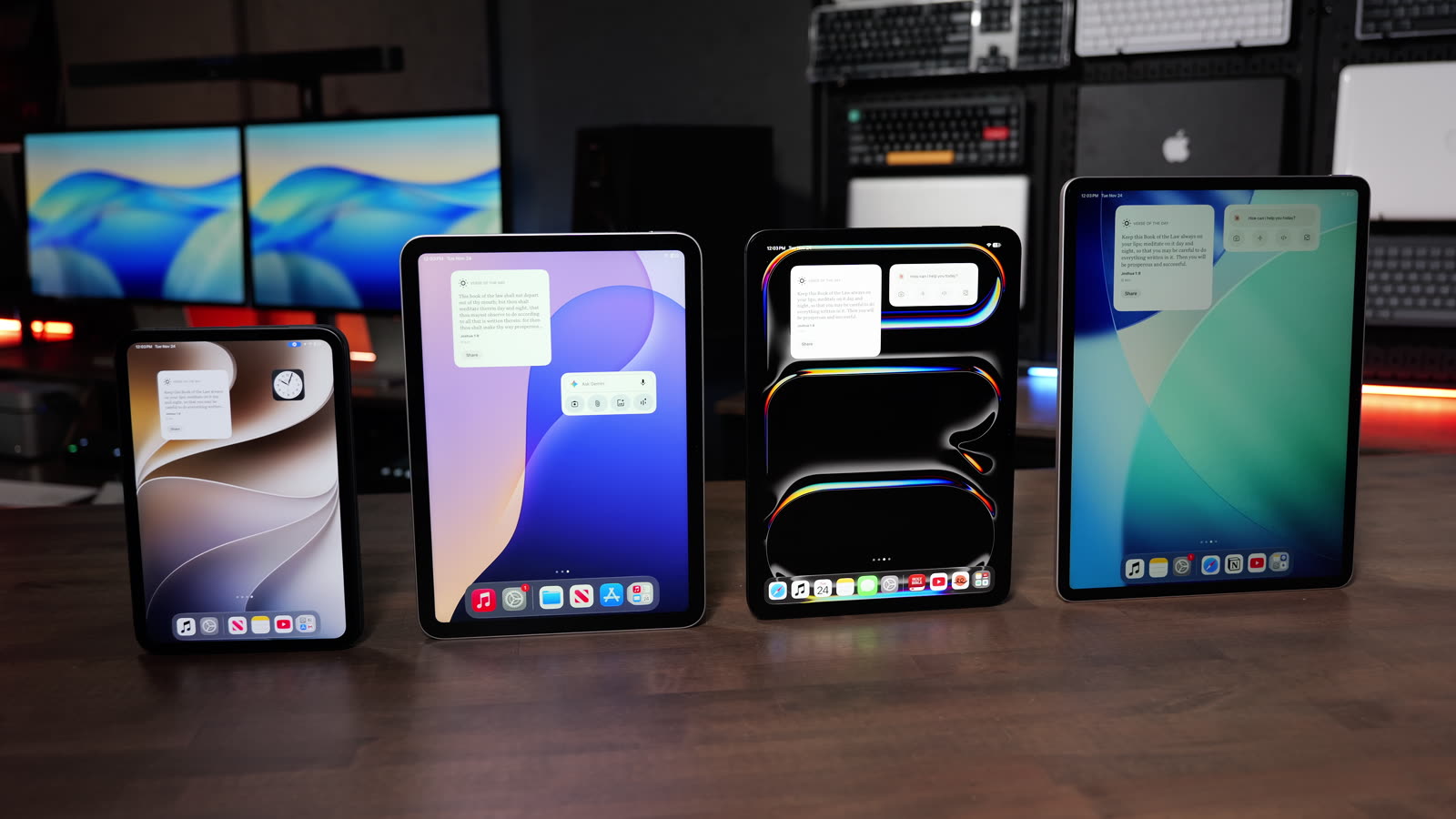
Picking an iPad doesn’t have to be complicated. Apple sells four of them right now: the classic iPad (the iPad A16), the iPad mini, the iPad Air and the iPad Pro. No microchips and no nerdy features here. Just which one fits how you’ll use it.
Before you go any further, ask yourself one thing. What’s the main thing I’m going to use my iPad for? Keep that answer in mind and the right pick usually jumps out.

It comes down to one question: do you need a computer in the body of an iPad, or do you just need an iPad? For streaming, browsing and the basics, the iPad A16 is all you need. For reading and travel, get the iPad mini. Students and anyone replacing an old laptop should get the iPad Air. The iPad Pro is for the best screen and keyboard setup.
- Basics: iPad A16, from $449
- Small and one-handed: iPad mini, from $699 (get 256GB)
- Laptop on a budget: iPad Air, from $749
- Best screen: iPad Pro, from $1,199
- Apple raised iPad prices, so every model costs more than last year
- The iPad A16 only works with the USB-C Apple Pencil, which you plug in to charge
- There’s still no keyboard case for the iPad mini
- You can’t add storage later, so pick it carefully
The iPad lineup
Here’s the lineup in one line each. The classic iPad is the cheapest way in. The iPad mini is the pocket pal. The iPad Air is the sweet spot for most people. And the iPad Pro is the laptop killer.
| iPad A16 | iPad mini | iPad Air | iPad Pro | |
|---|---|---|---|---|
| Best for | Streaming, browsing, recipes, email | Reading, travel, one-handed use | Students, casual artists, replacing an old laptop | The best screen and keyboard setup |
| Starting price | $449 | $699 | $749 (11″), $949 (13″) | $1,199 (11″), $1,499 (13″) |
| Apple Pencil | USB-C Apple Pencil | Apple Pencil Pro or USB-C | Apple Pencil Pro or USB-C | Apple Pencil Pro or USB-C |
| Keyboard | Magic Keyboard Folio | Bluetooth keyboard only | Magic Keyboard | Magic Keyboard |
| Storage I’d get | 128GB if you stream, 256GB if you download | 256GB | Depends on what you download | Depends on what you download |
These are Apple’s regular prices, not sale prices. Not sure which one fits you? I offer free personalized iPad buying recommendations. Tell me what you’ll do on your iPad and I’ll send you the one I’d buy.
iPad A16: for the basics
If you’re watching movies, browsing the web, finding recipes and sending emails, the classic iPad is all you need. The screen is great, and it handles all the basics.

Apple raised prices, so it starts at $449 now. It works with the basic USB-C Apple Pencil, which is fine for notes, but you have to plug it in to charge it.
Storage is the one choice to think about. If you mostly stream and keep things in the cloud, 128GB is fine. If you’ll download a lot of apps, movies, photos or projects, go to 256GB so it lasts you for the long haul.
iPad mini: for reading and travel
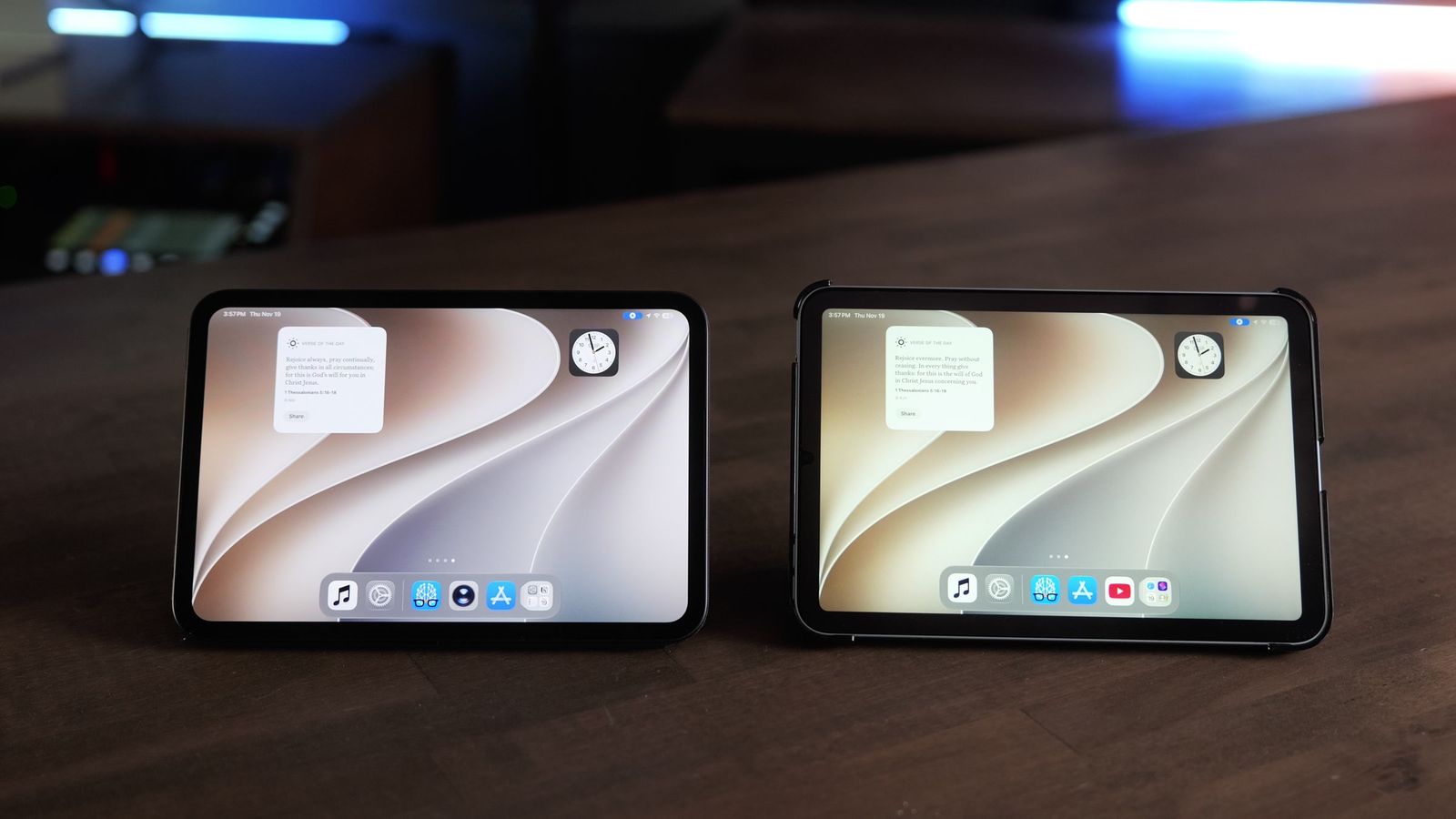
If you want an iPad for reading, traveling, or something you can use one-handed, get the iPad mini. The new one has an OLED screen that looks fantastic. Outside of the iPad Pro, it’s the nicest display Apple puts on an iPad.

I’ve loved using it. It’s thin, it’s compact for travel, and it’s almost perfect. It works with the USB-C Apple Pencil or the Apple Pencil Pro. The Pro is worth it, because it pairs and charges magnetically right on the side.
The iPad mini starts at $699 now, but I’d spend the extra money on the 256GB model if I were you. That way you can keep it a long time with plenty of room for movies and apps. My full iPad mini 8 vs iPad mini 7 comparison has every test I ran.
iPad Air: for students and laptop replacements
If you’re a student or a casual artist, or you want to replace an old laptop, I recommend the iPad Air. The display is nicer than the classic iPad, and the speakers sound better too. It works with the Apple Pencil Pro and its magnetic charging, and with the Magic Keyboard it turns into a nice little laptop.

The 11-inch starts at $749 and the 13-inch at $949. The 13-inch is better for drawing and for running apps in split screen. The 11-inch is better for travel and easier to hold, since it’s not as gigantic. More on that in my 11-inch vs 13-inch iPad Air post.
iPad Pro: for the best screen
The iPad Pro is for you if you want the best display and keyboard setup in an iPad. It has the brightest screen of any iPad, so it looks even better outside, and its 120Hz ProMotion makes scrolling super smooth. It also gets all the nicest accessories from Apple.

The 11-inch starts at $1,199 and the 13-inch at $1,499. Is it worth the extra money over the iPad Air? I think it is if you use it every day, because of the brightness and quality of the screen. I compared them head to head in iPad Air M4 vs iPad Pro M5.
Which iPad should you get?
It comes down to one question: do you need a computer in the body of an iPad, or do you just need an iPad? Personally, for casual use, the 11-inch is still the one I reach for, since it’s the classic iPad size and has every feature you need. The iPad mini is the one I recommend if you want something more portable for travel and one-handed use. It’s awesome for watching and reading, but I do wish there was a keyboard case for it. When I want to do laptop-like work on an iPad, I grab the iPad Air or the iPad Pro with the Magic Keyboard.

| Get this iPad | If you |
|---|---|
| iPad A16 | Stream, browse, find recipes and send email |
| iPad mini | Read a lot, travel a lot, or want to hold it in one hand |
| iPad Air | Are a student or casual artist, or want to replace an old laptop |
| iPad Pro | Want the brightest screen and the best keyboard setup, and use it every day |
Buying from B&H? Their Payboo card can save you the sales tax.
The bottom line
Most people only need one of these, and the right one depends on what you’ll do with it. If you’re still stuck between two, tell me how you’ll use your iPad and I’ll send you a personalized pick for free.
Still deciding? Here’s my iPad mini 8 vs iPad mini 7 comparison and my M5 iPad Pro one year later review.