Some of the links in this post are affiliate links, which means I may earn a small commission if you choose to make a purchase at no extra cost to you. As an Amazon Associate, I earn from qualifying purchases. Read my full Ethics & Affiliate Relationship Disclaimer.
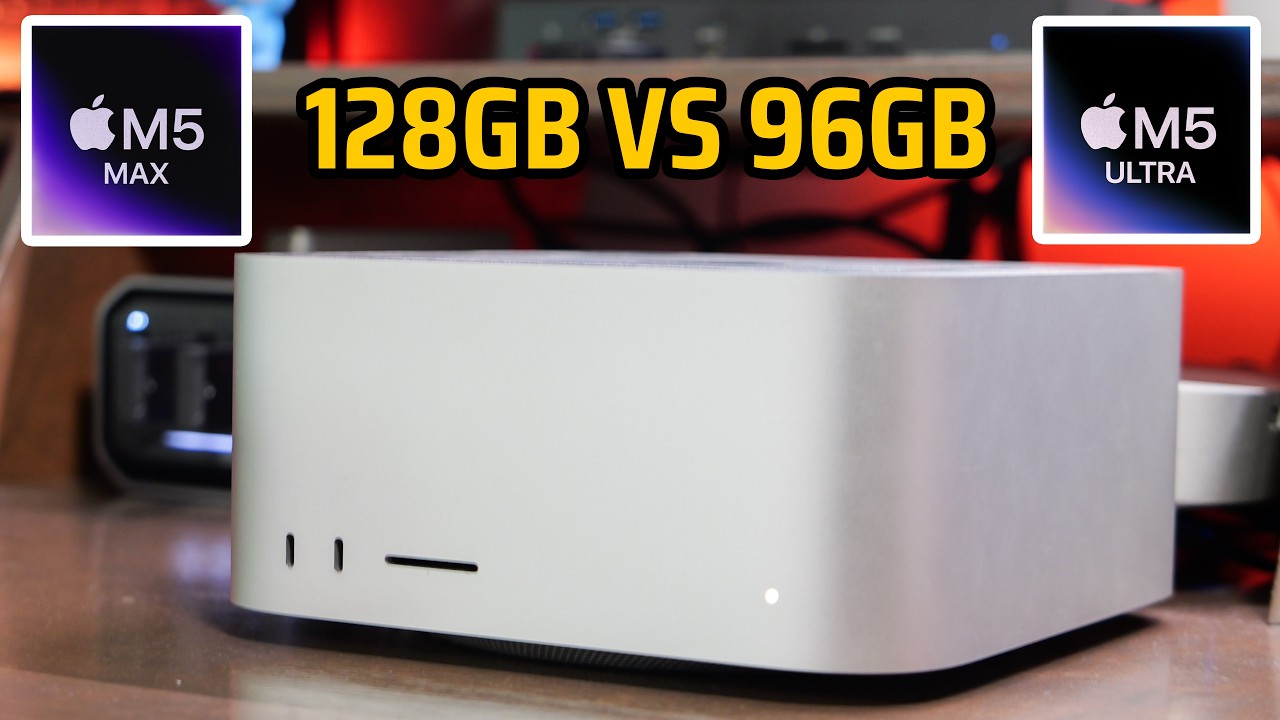
Apple has launched the M5 Max and M5 Ultra Mac Studios, and there is a pricing quirk buried in the middle of the lineup. If you take an M5 Max, upgrade it to 128GB of RAM and a 1TB SSD, you land at about $5,400. A base M5 Ultra with 96GB of RAM and a 1TB SSD is $5,499. So for $100 more you move from the Max to the Ultra, and the only thing you give up is 32GB of RAM.
That is the whole decision this post is about: more RAM on the Max, or a higher chip tier on the Ultra, at almost the same price. I have not gotten my review units yet, but the configurations and the numbers are out, so here is how I would choose between these two specific builds.
At $5,500 I would take the Ultra. The one reason to stay on the Max is a local AI model that needs more than 96GB of RAM.
- Ultra runs 1.2TB/s memory bandwidth against 614GB/s on the Max
- Ultra has 4 ProRes engines to the Max's 2, so exports run close to twice as fast
- Ultra has 6 Thunderbolt 5 ports and drives 8 displays; the Max has 4 ports and 5 displays
- The base Ultra is only $100 more than the 128GB Max
- The Ultra caps at 96GB unless you jump to 256GB for a lot more money
- The 128GB Max is the only one of these two that reaches 128GB of RAM
- Single-threaded work feels identical, so many people would not notice the difference
- How you actually get an M5 Max to 128GB
- What the base M5 Ultra includes
- The memory bandwidth gap nobody talks about
- ProRes engines and export speed
- Thunderbolt 5 ports and displays
- Where the Ultra wins outright
- Is 96GB enough, and the local AI catch
- Why most people should just buy the Max
- The missing 128GB Ultra option
- Who actually buys the $18,300 Mac Studio
- Where I would put the savings
How you actually get an M5 Max to 128GB
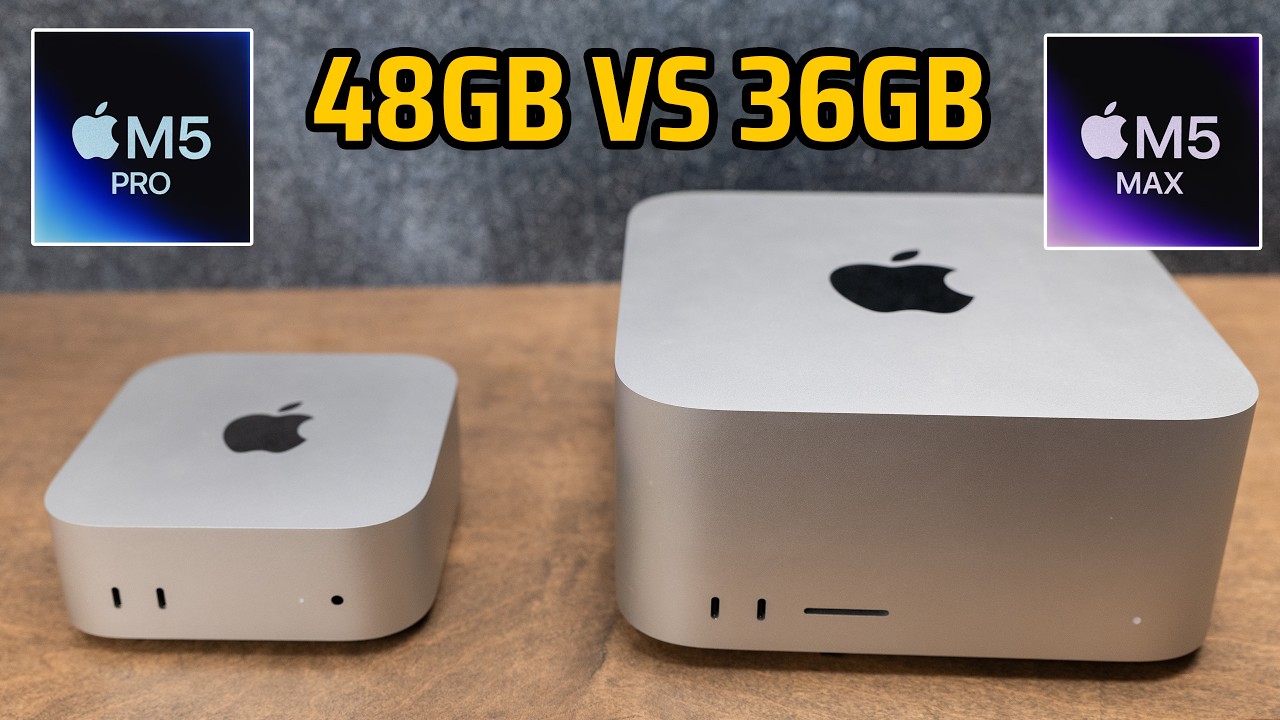
The 128GB Max is a little sneakier than it looks, because you do not just tick one box. The Mac Studio starts at $2,500 with an 18-core CPU, a 32-core GPU, 36GB of RAM, and only a 512GB SSD. To reach the 128GB memory option you first have to upgrade the GPU, so the price climbs before you even touch the RAM.
Here is the ladder in order:
- Base Mac Studio: $2,500 (18-core CPU, 32-core GPU, 36GB, 512GB SSD)
- Step up to the improved chip and 48GB of RAM: $3,100
- Go to 128GB of RAM: adds $2,000
- Add the 1TB SSD: adds $300
That puts a 128GB M5 Max with a 1TB drive right around $5,400. The single biggest line item there is the move to 128GB, which is a $2,000 upgrade on its own. Hold onto that number, because it is the reason this whole comparison exists.

What the base M5 Ultra includes
The M5 Ultra I am comparing against is the base model with nothing added, and it is $5,499 with a 1TB drive already in the box. That base Ultra has a 30-core CPU and a 64-core GPU. You can upgrade it further if you want, but even the entry version already carries more CPU and GPU cores than the Max.
So right out of the gate, $100 more buys you more cores. The more interesting part is everything else that rides along with the Ultra silicon, and most of it does not show up on the spec line people skim.
The memory bandwidth gap nobody talks about
The spec most people skip is memory bandwidth. The M5 Ultra runs at 1.2TB/s. The upgraded M5 Max runs at 614GB/s. That is nearly double the bandwidth on the Ultra.
Bandwidth is not a flashy number, but it quietly decides how fast a lot of heavy work actually moves, from big timelines to anything that has to push data in and out of memory constantly. This is the first place where the extra RAM on the Max does not help you at all.

ProRes engines and export speed
If you edit video, the Ultra has an advantage you feel every day. It has 4 ProRes encode and decode engines. The M5 Max has 2. In practice that means video exports run almost twice as fast on the Ultra.
If you do long exports, or you are pushing out a lot of video every single day, that time adds up quickly. For that kind of workload the extra money pays for itself, because it hands you back hours you would otherwise spend watching a progress bar.
Thunderbolt 5 ports and displays
The Ultra also has more connectivity, and one detail here is easy to miss. It has 6 Thunderbolt 5 ports, and 2 of them are on the front. The M5 Max has 4 Thunderbolt 5 ports, but the ports on the front of the Max run at USB 3.1 speeds instead.
Those front Thunderbolt 5 ports on the Ultra are genuinely useful. You can plug a fast external SSD into the front without reaching around the back, or you can keep the back ports free for other tasks. The Ultra also drives 8 external displays, while the Max tops out at 5.
Where the Ultra wins outright
Line the two up and the pattern is clear. In these two specific configurations, the Ultra beats the Max on every spec except one, and that one is total RAM.
If your work is video, photo, 3D, or code, this is not close. The Ultra has more GPU cores, double the ProRes engines, and twice the memory bandwidth, which makes it better at basically everything on the graphics side.
| Spec | M5 Max, 128GB | M5 Ultra, 96GB |
|---|---|---|
| CPU / GPU | 18-core CPU, 32-core GPU (base chip; a GPU step-up is required to reach 128GB) | 30-core CPU, 64-core GPU |
| Unified memory | 128GB | 96GB |
| Memory bandwidth | 614GB/s | 1.2TB/s |
| ProRes engines | 2 encode/decode | 4 encode/decode |
| Thunderbolt 5 ports | 4 (front ports run at USB 3.1 speed) | 6 (2 on the front) |
| External displays | 5 | 8 |
| Price as configured (1TB SSD) | About $5,400 | $5,499 |
Is 96GB enough, and the local AI catch
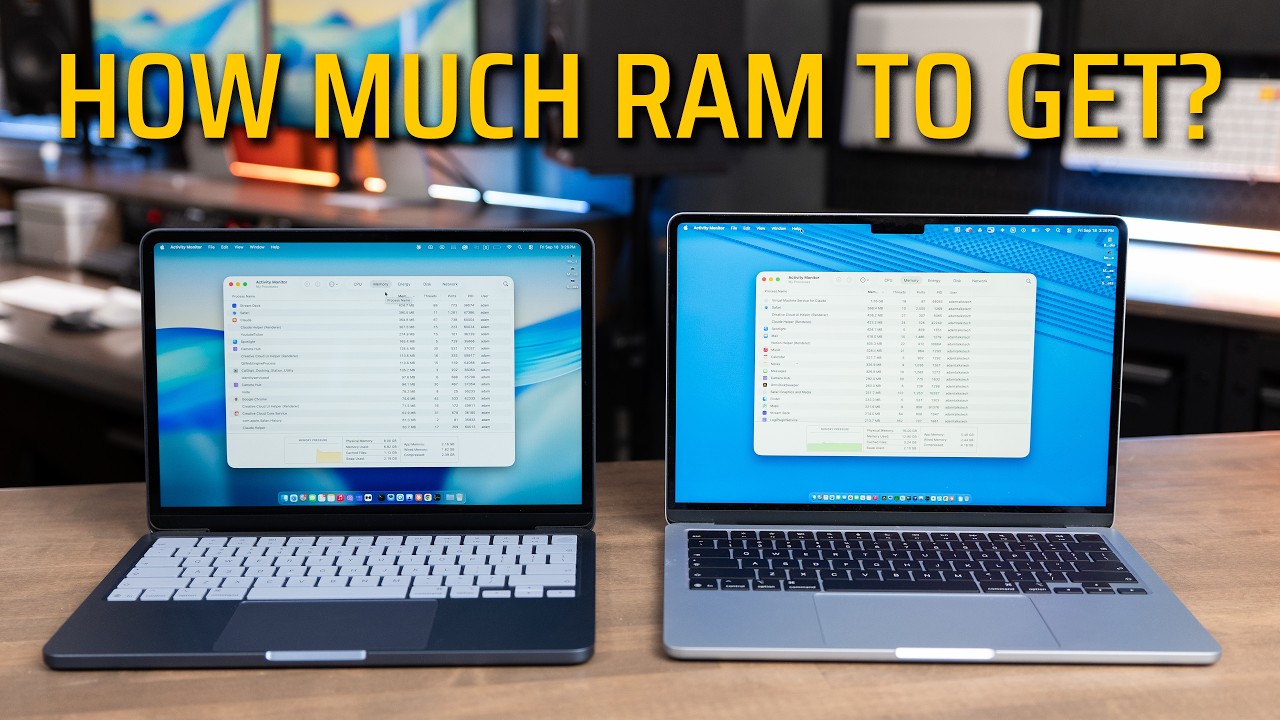
So is 96GB of RAM enough? For almost everyone doing creative work, yes. I run 64GB on my M4 Max Mac Studio and it has never slowed me down, so I would not worry about 96GB for video, photo, 3D, or code at all.
The one real exception is local AI. If you run a local model that fits inside 96GB, it will run about twice as fast on the Ultra, because once a model is loaded it is memory bandwidth that decides how quickly tokens come out. But if you need to load a model larger than 96GB, the base Ultra simply cannot do it. Your only Ultra path then is the 256GB build, which costs a lot more. That is the single situation where the 128GB Max is the smarter buy: you want to run bigger local models than 96GB allows, and you cannot justify the price of a 256GB Ultra.
Why most people should just buy the Max
Here is the twist. This whole comparison only works because I loaded the Max to 128GB, and that single upgrade is $2,000. Drop the Max to 64GB of RAM and keep the 1TB drive, and the same machine falls to about $3,800. Now you are $1,700 under the Ultra, and most people are not going to feel a $1,700 difference between these two.
Single-core speed between them is a wash. The Ultra is really just two M5 Max chips fused together, so the individual cores are the same part. Anything running on one thread performs identically, and one-threaded work is what most people are doing all day. A 64GB M5 Max is still a video editing and local AI machine, and even the $2,500 to $3,100 configurations are great. The money you save by skipping the Ultra can go into external storage, a monitor, or other gear your business actually needs.
The missing 128GB Ultra option
The biggest drawback of the M5 Ultra is that there is no 128GB option. It does not exist. You go straight from 96GB of RAM to 256GB, with nothing in between. So if you want a cheaper Ultra, 96GB is a hard ceiling unless you are ready to move into the $10,000 range for the machine.
Who actually buys the $18,300 Mac Studio
People sometimes ask who buys the most expensive Ultra. The 256GB jump is not just $4,000. It also forces you into the 36-core CPU and 80-core GPU, which adds another $1,300 on its own. Add the 16TB storage option for another $7,500 and you reach the most expensive Mac Studio you can buy today, at $18,300. There is also a 512GB RAM version arriving in late October, and Apple has not given us pricing yet, so it will cost even more before storage.
You are not buying that to edit YouTube videos. Those machines go to post-production houses, where Apple claims the media engine can play 33 streams of 8K ProRes 422 at once, to VFX and 3D shops, and to AI teams that need a full model sitting locally on one silent box instead of a server rack.
Where I would put the savings
If you skip up to the Ultra only when you truly need it, the leftover budget is better spent on the gear around the Mac. This is the setup I would point you toward:
- My favorite Thunderbolt SSD for fast external storage: check price
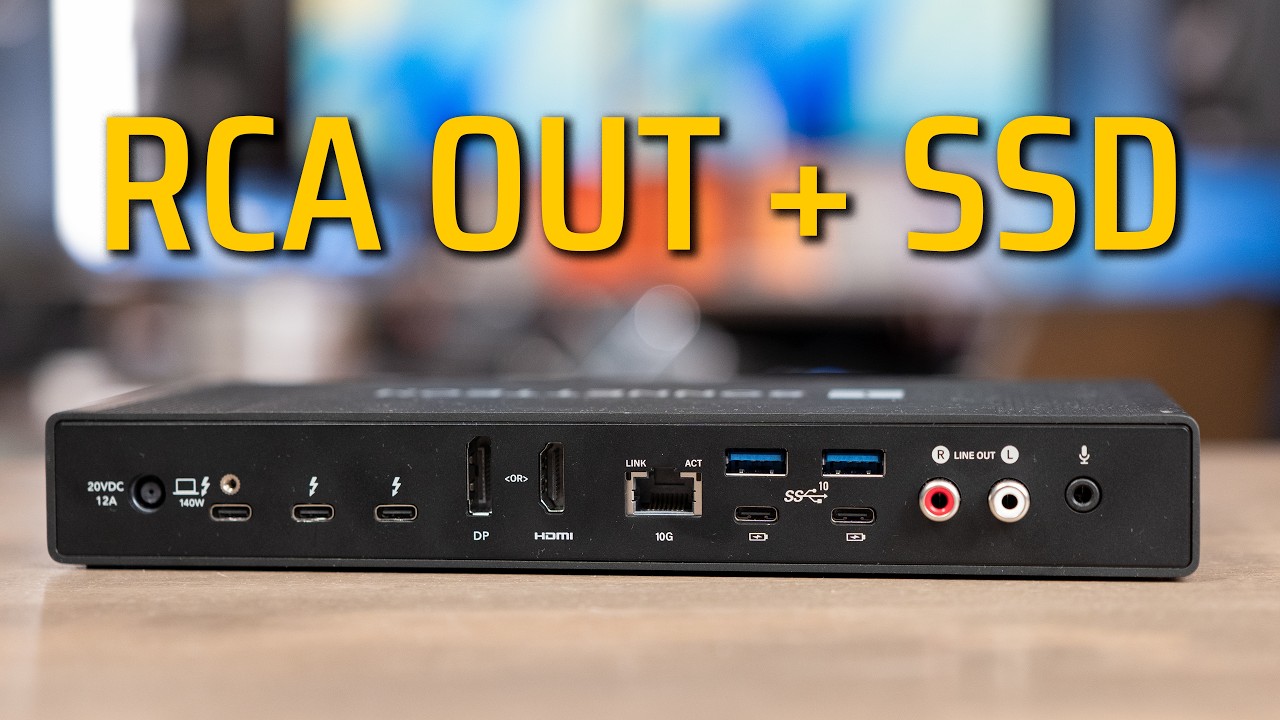
- The Satechi Thunderbolt Cube Dock to add ports: check price
- My favorite Mac keyboard: check price, plus an alternate pick
- The Logitech MX Master 4 mouse: check price

The verdict
Go back to the two $5,500 machines. If you are already spending that much, I would just buy the Ultra. It is a meaningfully faster machine for $100 more than the 128GB Max, and the only thing you give up is a little RAM. Giving up 32GB to get more cores and nearly double the memory bandwidth is a trade I would make.
The exception is local AI. If you think you will grow into something that needs more than 128GB, and there is no way you can afford the 256GB Ultra, then the 128GB Max is your machine. And if the 128GB upgrade is not the point for you, do not force it. Buy the 64GB Max, pocket the $1,700, and put it into storage and a monitor. That is the right call for most people reading this.