Some of the links in this post are affiliate links, which means I may earn a small commission if you choose to make a purchase at no extra cost to you. As an Amazon Associate, I earn from qualifying purchases. Read my full Ethics & Affiliate Relationship Disclaimer.
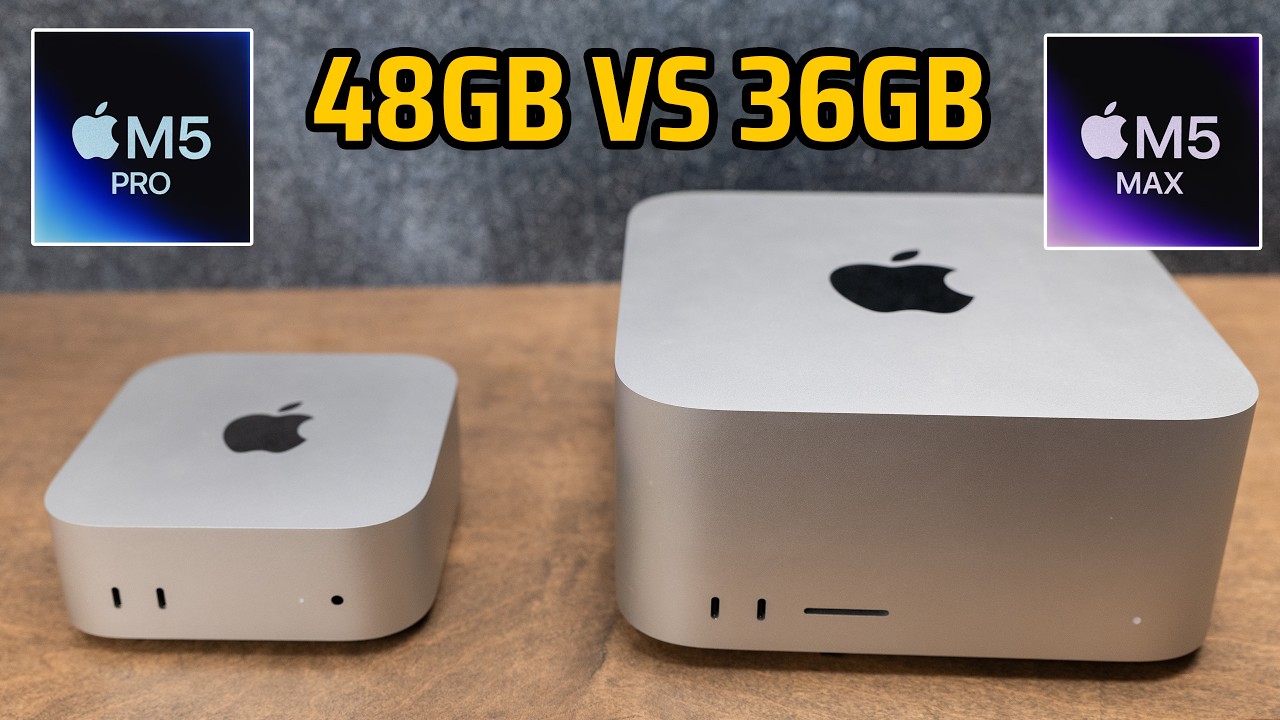
Apple updated the Mac mini and the Mac Studio on the same day, both with M5 series chips, and that created a pricing collision I did not expect. If I take the M5 Pro Mac mini, upgrade the CPU and GPU, and push it to 48GB of memory, it lands at $2,500. That is the exact starting price of the base M5 Max Mac Studio, which ships with 36GB. Same money, two very different machines.
So the question for this one is simple. For $2,500, do you buy the upgraded M5 Pro Mac mini or the base M5 Max Mac Studio? I go through every spec that separates them, which one ages worse over six years, and the $3,100 Mac Studio that quietly makes the whole argument go away.
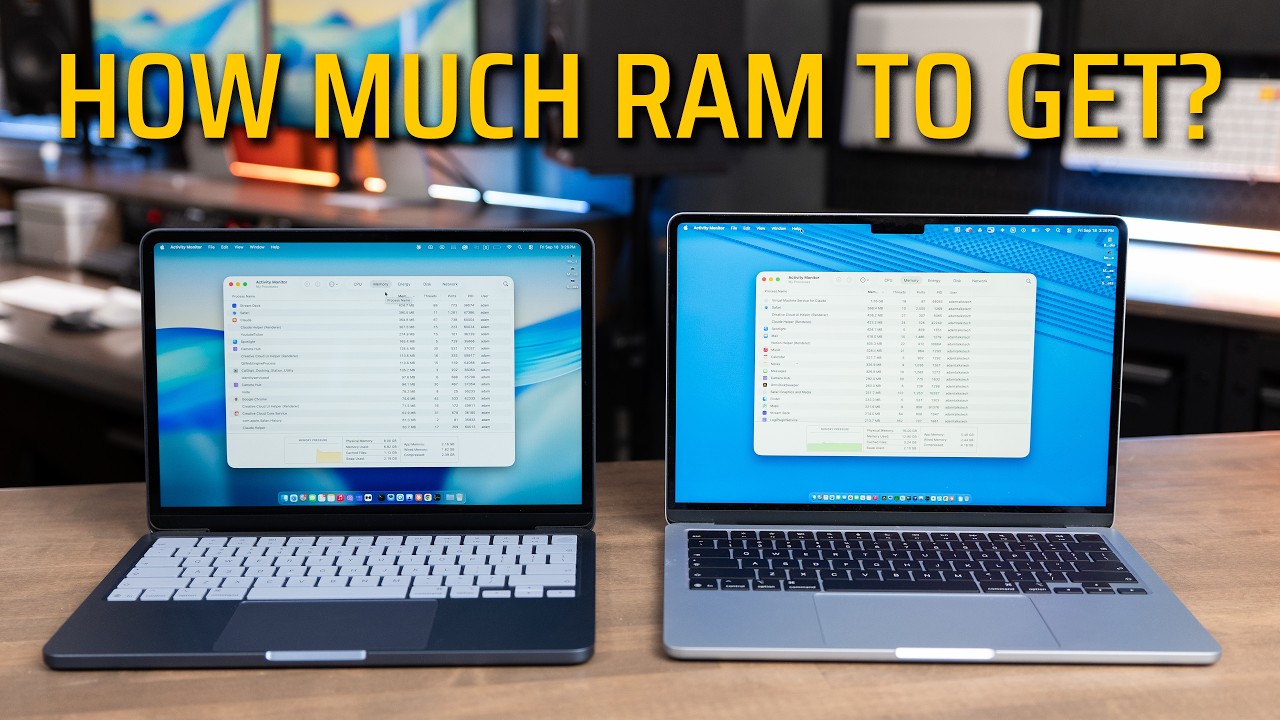
For $2,500 I would take the M5 Max Mac Studio for editing, displays, and gaming. Choose the 48GB mini only if you need the memory for virtual machines, sample libraries, or larger local AI models.
- 460GB/s bandwidth and 32 GPU cores on the Studio vs 307GB/s and 20 on the mini
- Double the video encode and ProRes engines for close to 2x exports
- More ports, 10GbE standard, an SD slot, and up to 5 displays on the Studio
- Bigger heat sink holds its speed through a long render
- The base Studio has 36GB of memory vs 48GB on the maxed-out mini
- The Studio is bulkier and not portable the way the mini is
- 36GB is not enough for large VMs, big sample libraries, or bigger local AI models
- The $2,500 M5 Pro Mac mini, specced up
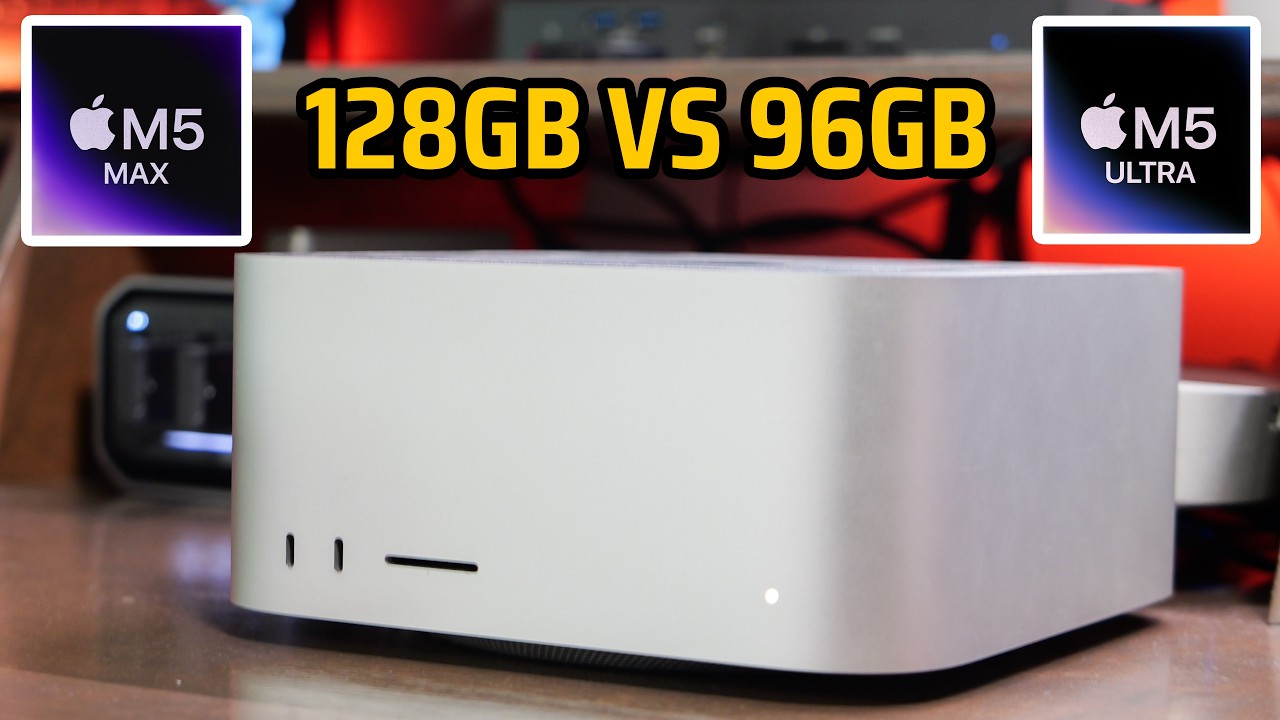
- The $2,500 M5 Max Mac Studio, base config
- The same $2,500, side by side
- Where the 48GB headline starts to wobble
- ProRes engines and export speed
- Is 36GB enough for 4K editing and photos?
- Gaming on both machines
- Where the Mac mini wins
- Local AI: capacity vs bandwidth
- Music production
- Cooling and sustained performance
- What ages worse over six years, RAM or GPU?
- The $3,100 Mac Studio that ends the debate
The $2,500 M5 Pro Mac mini, specced up
The upgraded Mac mini is the value play on paper. Specced to $2,500, it gives you 48GB of memory, which is the number most people latch onto right away. It runs 307GB/s of memory bandwidth and 20 GPU cores.
For connectivity it has three Thunderbolt 5 ports and an HDMI port. Ethernet is 2.5 Gigabit as standard, and you can jump to the 10 Gigabit option for $100 more. It drives up to three external displays. The other thing the mini has going for it is size. It is tiny, so you can drop it in a backpack and move it from one place to the next without a second thought.

The $2,500 M5 Max Mac Studio, base config
The base Mac Studio uses the M5 Max chip with an 18-core CPU and a 32-core GPU. It runs 460GB/s of memory bandwidth, but it starts at 36GB of memory, so it gives up 12GB to the maxed-out mini.
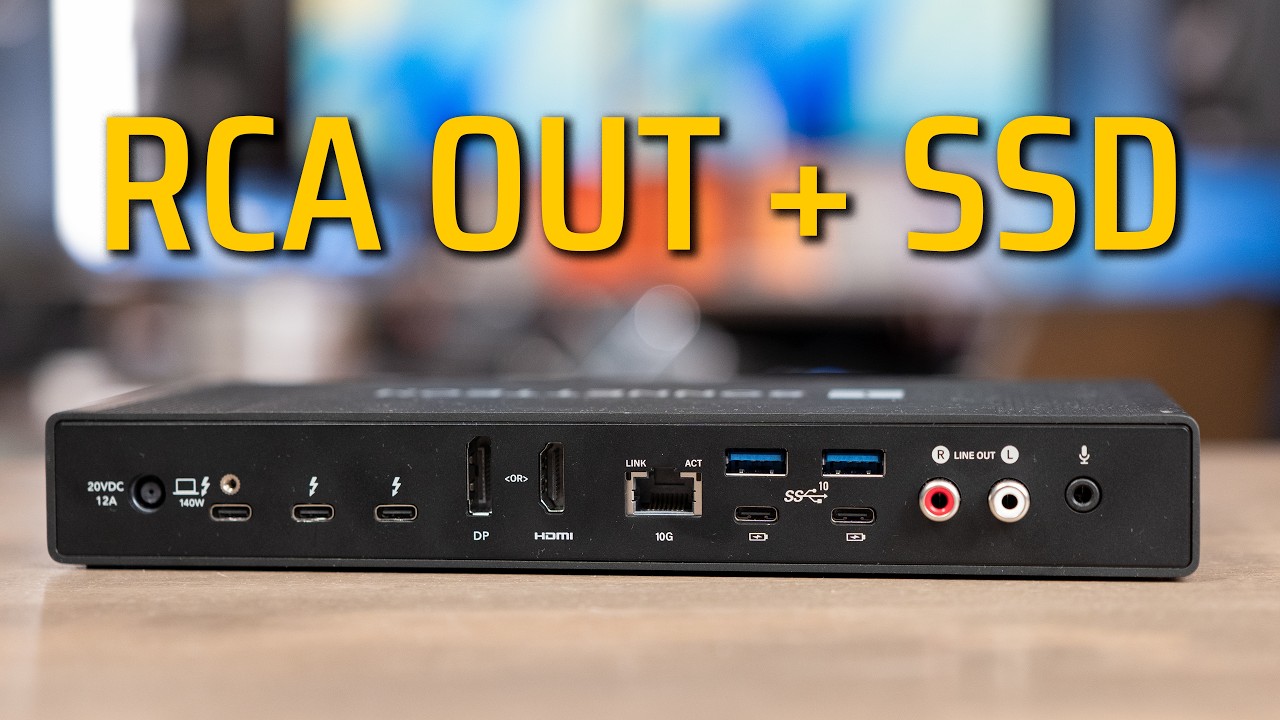
Ports are where the Studio pulls ahead. You get four Thunderbolt 5 ports, two USB-A ports that are surprisingly handy, HDMI, and 10 Gigabit ethernet as standard rather than a paid upgrade. On the front there is an SD card slot, which I reach for more than I expect to. It also drives up to five external displays.
The same $2,500, side by side
Both configurations cost exactly $2,500. The mini wins on one line, memory, and the Studio wins almost everywhere else. Here is the full picture in one place.
| Spec | M5 Pro Mac mini ($2,500) | M5 Max Mac Studio ($2,500) |
|---|---|---|
| Memory | 48GB | 36GB |
| Memory bandwidth | 307GB/s | 460GB/s |
| GPU cores | 20 | 32 |
| CPU | M5 Pro | M5 Max, 18-core |
| Video encode engines | 1 | 2 |
| ProRes engines | 1 | 2 |
| Thunderbolt 5 ports | 3 | 4 |
| USB-A ports | 0 | 2 |
| Ethernet | 2.5GbE (10GbE for $100 more) | 10GbE standard |
| Card slot | None | SD card slot |
| External displays | Up to 3 | Up to 5 |
| Price | $2,500 | $2,500 |
Where the 48GB headline starts to wobble
Most people are going to say the mini has 48GB versus 36GB and stop there. The problem is that almost every other spec points at the Studio. The mini tops out at 307GB/s of bandwidth against 460GB/s on the Studio, and you get 12 more GPU cores on the Studio, 32 versus 20. For anything that leans on the GPU or moves a lot of data, that gap does more for you than 12GB of extra capacity.

ProRes engines and export speed
This is the spec most people never scroll far enough to find, and it is the one that would decide it for me if I edit video. The M5 Pro in the mini has one video encode engine and one ProRes engine. The M5 Max in the Studio has two of each.
In my past tests comparing Pro and Max chips, the Max chip almost always exports video at close to double the speed, sometimes a little under double. On a long export that takes minutes off every single run, and time is money, so it buys back more of your time. Double the engines also means you can run more simultaneous video streams before the timeline starts stuttering. For video editing, the M5 Max is close to a no-brainer, and it is something almost nobody is even talking about.
Is 36GB enough for 4K editing and photos?
The 12GB memory deficit sounds worse than it plays. 36GB still handles multiple 4K raw streams across two displays without any drama, so the base Studio is not going to choke on a normal editing timeline.
Photo work lands even closer. On my tests with the M5 Pro and the M5 Max MacBook Pro, Lightroom Classic exports ran at the exact same speed, and adjusting raw photos did not feel any faster on one than the other. If photos are your main job, this is basically a wash, and you can pick on ports and size instead.
Gaming on both machines
Macs are not known for gaming, but if you do game, I would still take the Studio. Most Mac gaming is GPU bound, so the 32 GPU cores against 20 do real work here. Running a game across two displays at the same time is exactly the kind of load where you appreciate the extra cores.

Where the Mac mini wins
The mini is not without wins. The obvious one is portability. That machine is so small you can throw it in a bag and carry it anywhere, where the Studio is just going to be bulkier to move around.
The bigger one is raw capacity. Bandwidth does nothing for you once you hit the wall on how much memory you actually need. If you run large sample libraries, a Windows virtual machine in Parallels, Docker containers, or a larger local AI model, then 48GB versus 36GB can be the difference between working and not. If that is you, I think you already know it.
Local AI: capacity vs bandwidth
Local AI is the cleanest example of the tradeoff. The capacity of your RAM decides which models load at all, and the bandwidth decides how fast they generate tokens once loaded. So the mini fits larger models and runs them ever so slightly slower, while the Studio fits the smaller ones and runs them a bit faster.
There is no clean winner here. You have to decide whether you need the extra capacity to load a bigger model, or whether you would rather have a little more speed on the models that already fit.
Music production
For most music production this does not decide anything. 40 tracks with a stack of plug-ins will be just fine on 36GB or under, and the Studio’s cores handle the plug-in load better anyway. The one exception is film score templates. If you are loading those, that is where the extra RAM on the mini would earn its keep.

Cooling and sustained performance
Cooling is the piece people forget. The Studio has a bigger enclosure, a bigger heat sink, and it pulls more air through it at a lower fan speed. The mini does the same class of work in a fraction of the volume. I have never had a fan noise problem with either one, but in theory, under an extremely heavy load, the mini would run louder and hotter than the Studio doing the same job.
For short renders and exports this does not really matter, because the burst performance on both is excellent. It matters on a prolonged export, something that runs 30 minutes, or a machine that grinds over and over. The question there is how long it holds its speed, and the Studio holds it better over a long session. I do not have either machine yet, so I cannot give you exact numbers, but the Studio will be the better sustained performer.
What ages worse over six years, RAM or GPU?
These are both machines you keep for a long time, and memory, bandwidth, and GPU cores are all specs you cannot change later. So the real question is what ages worse: the RAM or the GPU.
If you edit or game, the memory bandwidth and the GPU age worse, because codecs keep getting heavier and the media engine has to carry more of that load every year. If you run local AI models or virtual machines, the total amount of RAM ages worse, because there are going to be models that simply will not fit in a 36GB Studio. Pick the spec you can least afford to run out of six years from now.
The $3,100 Mac Studio that ends the debate
I set out to compare the $2,500 mini and the $2,500 Studio, but there is one more machine you should consider if you are already spending $2,500. It is the 40-core GPU Mac Studio with 48GB of RAM, and it pushes memory bandwidth up to 614GB/s. It comes in at $3,100.
This is the one that handles both sides of the argument at once. Spend $600 more, spread it across six years, and the compromise disappears. You get the extra bandwidth, the extra GPU cores, the extra cooling, and the extra capacity to hold slightly larger models than 36GB allows. If that $600 is findable, this is the machine that makes the whole debate go away.

Which one I would buy
At $2,500 either way, if you are editing 4K or raw video, running multiple displays, or doing a little gaming, I would personally pick the Mac Studio every day of the week. You give up 12GB of RAM, and in return you get double the ProRes engines, more memory bandwidth, the additional GPU cores, and the extra cooling that holds its speed through a long render.
Pick the Mac mini instead if you are running virtual machines or large sample libraries, or if you just need that 48GB capacity for slightly larger local models. And if you can find $600 more, the $3,100 Mac Studio makes this whole argument go away. If you are still stuck on which one to buy, leave a comment or fill out the form at adamtalks.tech/mac and I will get back to you with personalized Mac buying advice.