Some of the links in this post are affiliate links, which means I may earn a small commission if you choose to make a purchase at no extra cost to you. As an Amazon Associate, I earn from qualifying purchases. Read my full Ethics & Affiliate Relationship Disclaimer.
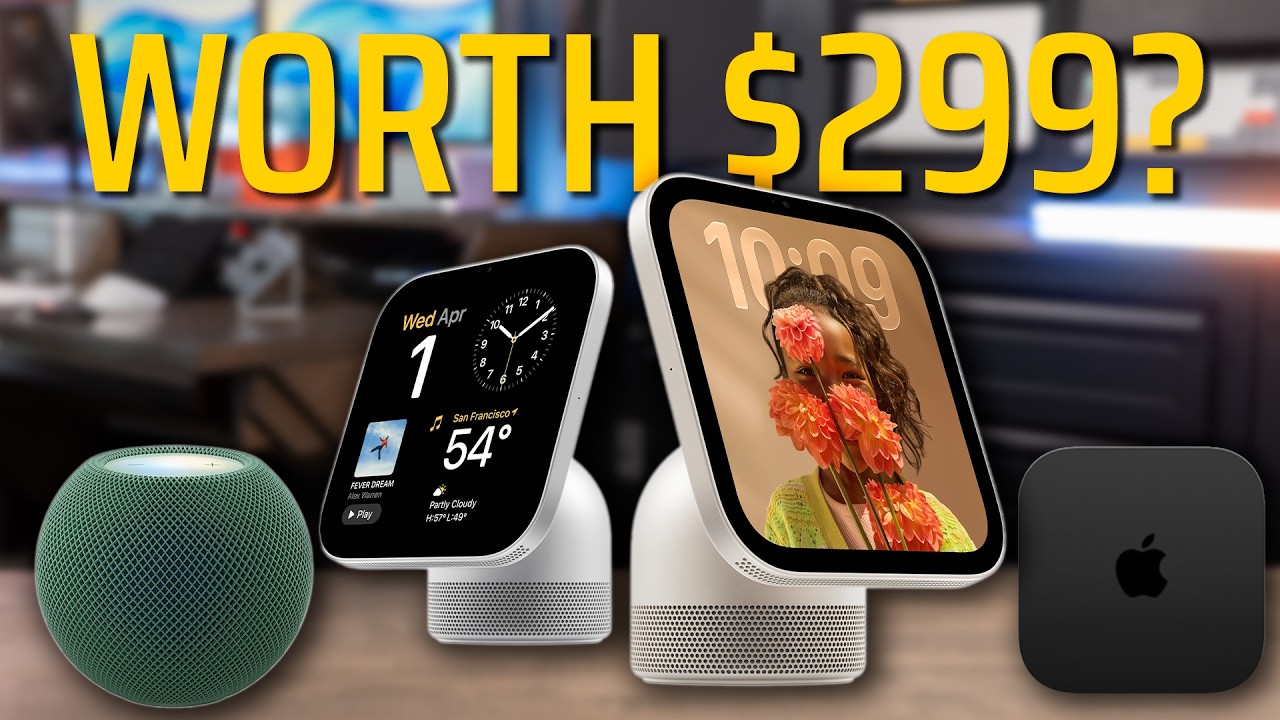
The new Apple TV 4K is $300. That’s more than I paid for my 55 inch 4K TV, and it’s the same price as a HomeView, which actually has a speaker and a display. I pre-ordered one anyway, and I already feel like I wasted $300.
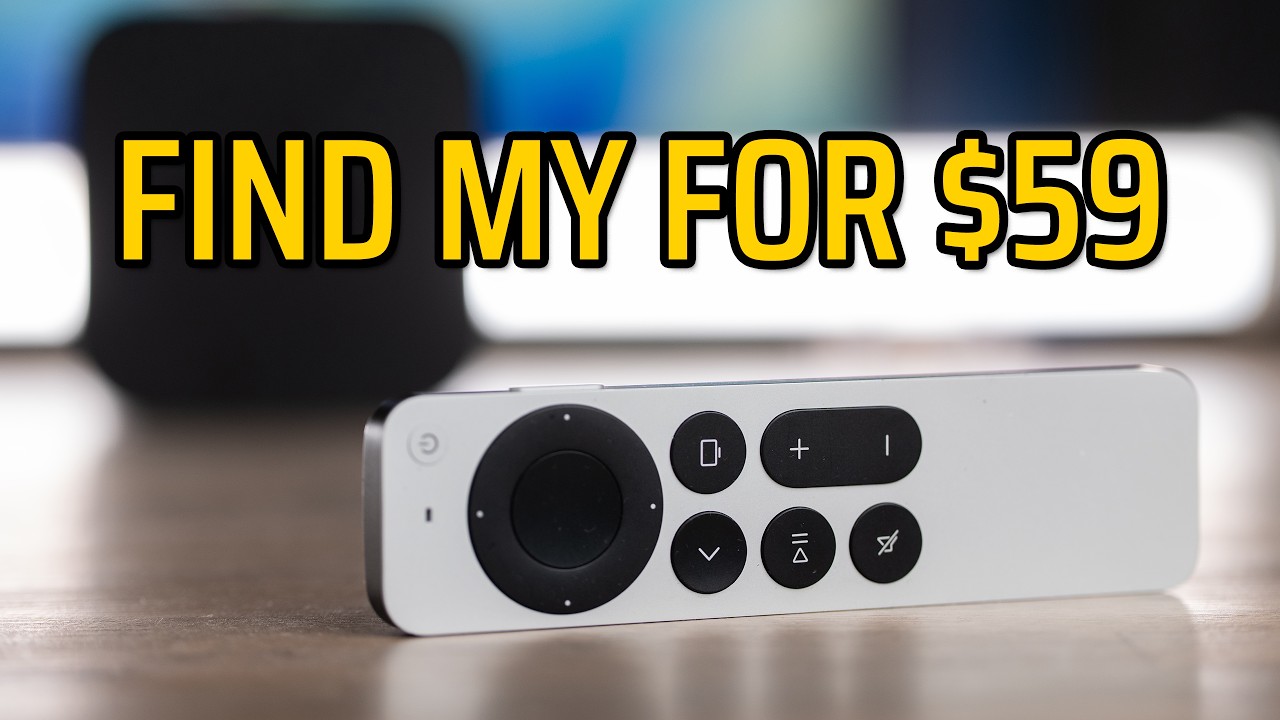
The best new feature, Siri AI, is coming to the Apple TV you already own. The other best feature is the new $60 Siri Remote, and you can pair it with your old Apple TV. Here’s what’s new, what works on older models, and who I think should actually buy this one.

If you’ve got a 2022 Apple TV 4K, keep it and grab the new $60 Siri Remote. If you’re buying your first Apple TV, $300 is only worth it if you’ll use something like Fitness+ or you really like AirPlay. The one thing you can’t get on an older model is the new 4-speaker HomePod surround sound.
- A19 chip, up to 50% faster CPU and 2x GPU (Apple’s claim)
- 3 far-field mics, so you can talk to Siri without the remote
- AV1, Wi-Fi 7, Ethernet and 128GB on every model
- Only Apple TV that does 4-speaker HomePod surround
- $300, more than I paid for my 55 inch 4K TV
- Siri AI also comes to Apple TV 4K from the 2nd gen on
- The new remote works with the Apple TV you already have
- No picture quality specs that stood out over the last couple versions
Specs and price
| Apple TV 4K (2026) | |
|---|---|
| Price | $299 at Apple |
| Chip | A19 |
| Apple’s speed claim | Up to 50% faster CPU, 2x faster GPU |
| Microphones | 3 far-field mics |
| Video | AV1 decoder |
| Networking | Wi-Fi 7 and Ethernet |
| Storage | 128GB on every model |
| Surround sound | 4 speakers: HomePod mini 2 or HomePod (2nd gen), matching pairs front and rear |
| New Siri Remote | $60, Find My speaker and Precision Finding, works with older Apple TVs |
Need help picking any Apple gear? Tell me how you’d use it and I’ll give you a personalized pick.
What’s new
In all the ads, Apple talks a lot about the picture quality of the new Apple TV 4K. But I didn’t see any specs on it that stood out over the last couple versions. The main takeaway is more processing power.
It’s got the A19 chip, and Apple’s claiming up to 50% faster CPU and 2 times faster GPU. That doesn’t mean much for most people, because most people just use an Apple TV as a glorified streaming stick.
They did add 3 far-field mics, so you don’t have to use the remote to talk to Siri. It’s also got the AV1 decoder, Wi-Fi 7, Ethernet and 128GB on every model.
The new Siri Remote is the real upgrade
The remote with Precision Finding is the standout feature. It has a Find My speaker built in, so it rings, and it has Precision Finding. What Apple didn’t say is that you can buy this remote by itself for $60 and pair it with the Apple TV you already have.
Then you could go sell your old remote on Facebook Marketplace or eBay and probably get 30 bucks out of it. So the remote is the best upgrade. My hack is to just get a new remote and keep your old Apple TV.
Find My already works on the 2nd and 3rd generation remotes. The only differences with the new one are the ringing speaker and Precision Finding.
What older Apple TVs still get
Siri AI comes to every Apple TV 4K from the 2nd gen on, including both of the 2022 models. To use Siri AI on one of those, you’ll need a Siri AI capable iPhone or iPad paired to it.
I still use the original Apple TV 4K that came out in 2017 for Apple Fitness+ and all the other apps. It connects to the watches just fine. Maybe it’s a little slower than some of the newer Apple TVs, but I’ve had no issues using it for Fitness+ workouts.
I also got the latest version a couple years ago, the one with Ethernet, and I use it with the Ethernet connection. It works great too.
Apple TV vs a smart TV
A friend recently asked me why you’d even need an Apple TV over a smart TV. A lot of new smart TVs have AirPlay built in. They have YouTube TV, you can watch Apple TV+ on them, and the other apps you need are already on there.
After all these price hikes, it’s hard for me to tell people to go buy an Apple TV unless there’s a feature you’re going to use.
FaceTime on the TV is one feature that’s kind of cool. It uses your iPhone as the camera. I also like using my iPhone as a remote for the Apple TV, but the Siri Remote is still a lot more enjoyable to use. You get tactile feedback, which makes it faster to pause and skip commercials.
Surround sound with HomePods
So the main upgrades with the 2026 Apple TV 4K are the faster processor, the built-in mics and surround sound. Apple added a 4-speaker surround setup that only works with the latest Apple TV 4K.
The speakers have to be HomePod mini 2 or HomePod 2nd generation, and you match a pair for the front and a pair for the rear. If you already have the original HomePod minis, those won’t work. You have to get the 2nd generation.
The cheapest way to get the 4-speaker setup is 4 HomePod mini 2s and the Apple TV, and that comes to about $900. That’s a pretty heavy investment in the Apple TV ecosystem.
I’m going to try it with 2 full-size HomePods in the front and 2 of the HomePod mini 2s I just pre-ordered for the rears. I’ll test that in the review.
My HomePod frustrations
My biggest frustration with HomePods on the Apple TV is when I pause or try to fast forward through a video. Sometimes the speakers lag, or the fast forward itself lags. I can’t figure out why, but as soon as I unpaired the HomePods, the Apple TV stopped doing it.
This has gotten on my nerves watching live sports, when you go back to skip commercials or replay a play you enjoyed. I’m hoping the better processing on the newest Apple TV makes this less of a deal.
Another weird thing: if the HomePods are paired to an Apple TV and you AirPlay music to them, it turns the TV on every single time. So if you want to use your HomePods separately from your Apple TV, you have to unpair them every time you shut the TV off.
I’m excited to see if the new Apple TV 4K fixes the starting and stopping and the speakers needing to catch up.
Who should buy it
| Buy the new Apple TV 4K if | Keep what you have if |
|---|---|
| You want the new 4-speaker HomePod surround setup | You’ve got a 2022 Apple TV 4K |
| You use Apple Fitness+ | Your smart TV already handles everything you watch |
| You really like the AirPlay features on Apple TV | Your smart TV already has AirPlay built in |
Where I land: if you’ve already got a 2022 Apple TV, I’d keep it. It’s not worth the extra money to upgrade to a new $300 Apple TV.
If you’re buying your first Apple TV, I’m not even sure $300 is worth it over your smart TV’s built-in apps. You need to be using something like Fitness+ or really like the AirPlay features.
Yeah, the interface is great. The remote’s really nice, AirPlay works fantastic, and there are lots of great apps. But if your smart TV already handles all the content you want to watch, and it has AirPlay built in, an extra $300 is hard to swallow.
The bottom line
For most people with a recent Apple TV 4K, the $60 Siri Remote is the upgrade to get. As soon as my new Apple TV shows up, I’m putting it to the test to see if Apple fixed the audio dropouts, the fast forward lag and the other small issues I’ve had. Then I’ll tell you if it’s worth $300 or if you should stick with the Apple TV you’ve already got.
Still deciding? Tell me how you’d use it and I’ll give you a personalized pick.